41
Presets tab
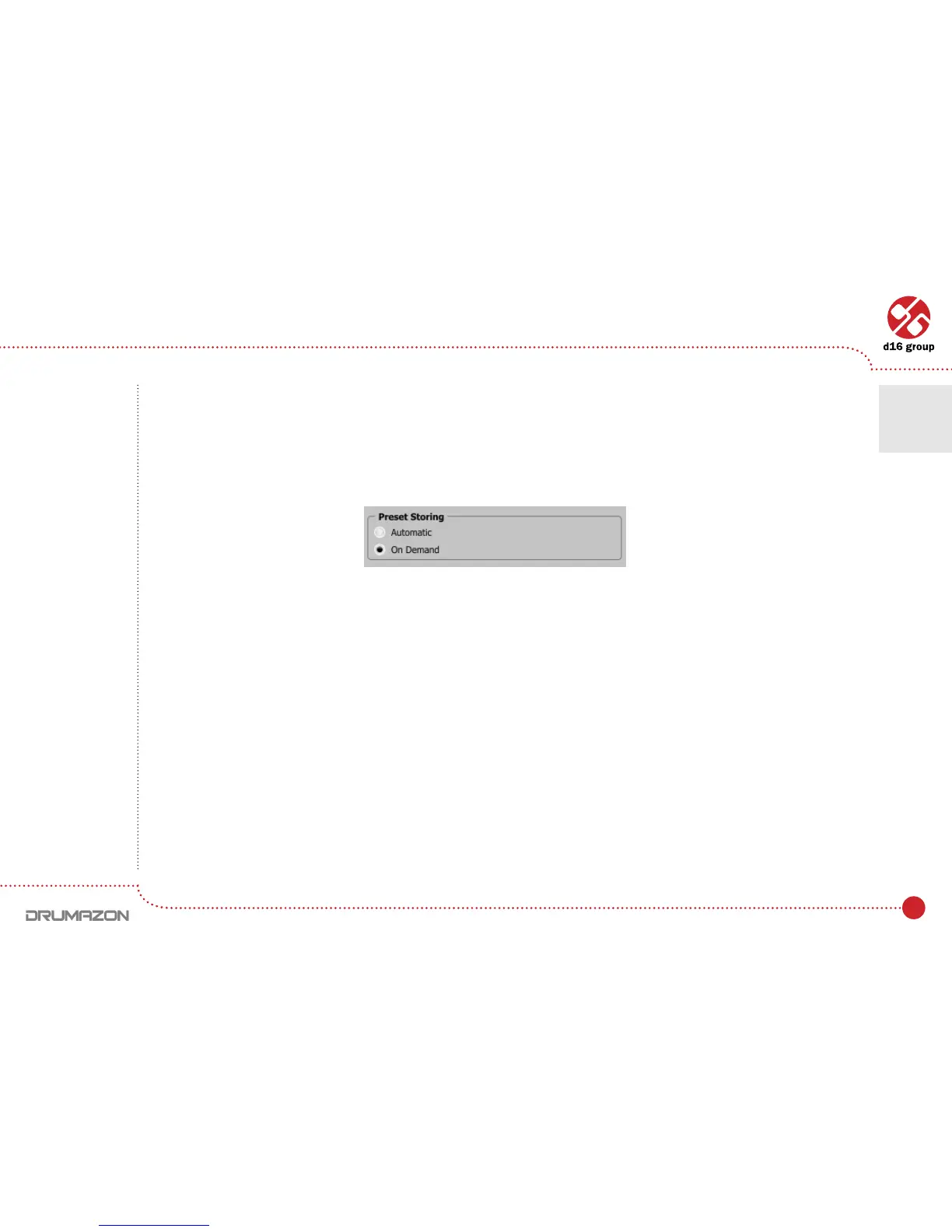
Preset Storing
Using Prev, Next buttons or the Preset Browser navigates through the preset bank. Any change in the current preset
can be stored automatically or on demand. Depending on the selection one of the two options is active:
• Automatic – Any change of a parameter in the current preset is automatically stored.
• On Demand – If any parameter is changed, the change is not saved in the current preset until the Store option
is used (CTRL + Browse).Selectingadifferentpresetfromthebankcausesirreversiblelosstochangesapplied
to the parameters, unless the Store option is used.
The Preset StoringagissavedintheDrumazoncongurationleandappliestoallnewinstancesoftheplug-in.
Whenremovinganyinstanceoftheplug-infromthehostapplicationthecongurationleissaved.
Preset Storing ag
Conguration • Presets tab
7



 To Next Page