6
Howeverfromthehostapplication,Wearen’tabletodecideabout,whichonenotewillbeplayedaccentedandwhich
one won’t. It depends on the velocity value of each midi note. As the result of it, We obtain smooth transition between
notaccentedandaccentedinstruments(127levels).
Internal Sequencer mode
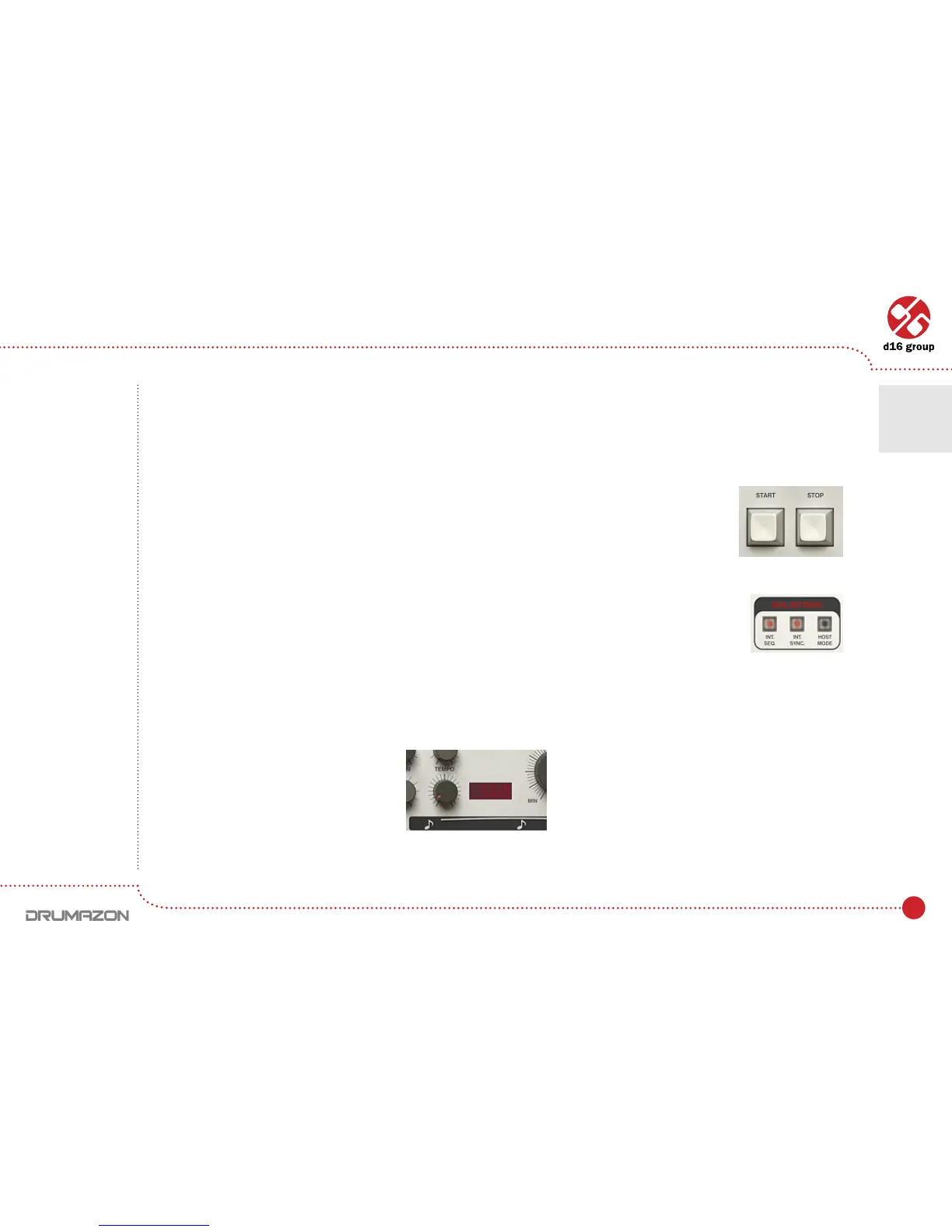
Internal Sequencer (Int.SeqLEDturnedon)modeallowsDrumazontoactasafullyfunctioning
drum machine within the host sequencer. Pressing Play on the host sequencer, or Start
on Drumazon, will start play back of the default internal patterns.
Drumazon can be set to synchronise perfectly to the host tempo (by setting the Int.Sync. led
tooff)ortoplaytoitsowntempo(setbyturningtheInt.Sync.ledon).
With internal synchronization turned on, each of the internal patterns has its own Tempovalue,whichcanbeadjusted
bytweakingtheTempodial(OnlyinthePattern writemode,describedlater):
Start, stop buttons
Note: If a pattern
is started using
the Drumazon’s
Start button
and the host
sequencer has not
been started then,
playback can only
be stopped using
the Stop button
on Drumazon.
Play mode settings
Tempo dial and lcd display
Play modes • External sequencer mode • Internal Sequencer mode
2



 To Next Page