29
Changesinthepresetbankarenotpermanent.Afterremovingandreloadingtheplug-in,thedefaultpresetbankwill
beloaded.However,savingtheprojectwithinthehostapplicationwillalsosavethestatusoftheplug-inincluding
changesinthepresetbank.Afterreloadingtheproject,allchangesinthecurrentparametersettingsandinthepreset
bank will be restored.
Preset Browser
As it was mentioned, the preset bank in the plug-in has a hierarchical structure i.e. presets are organized in groups.
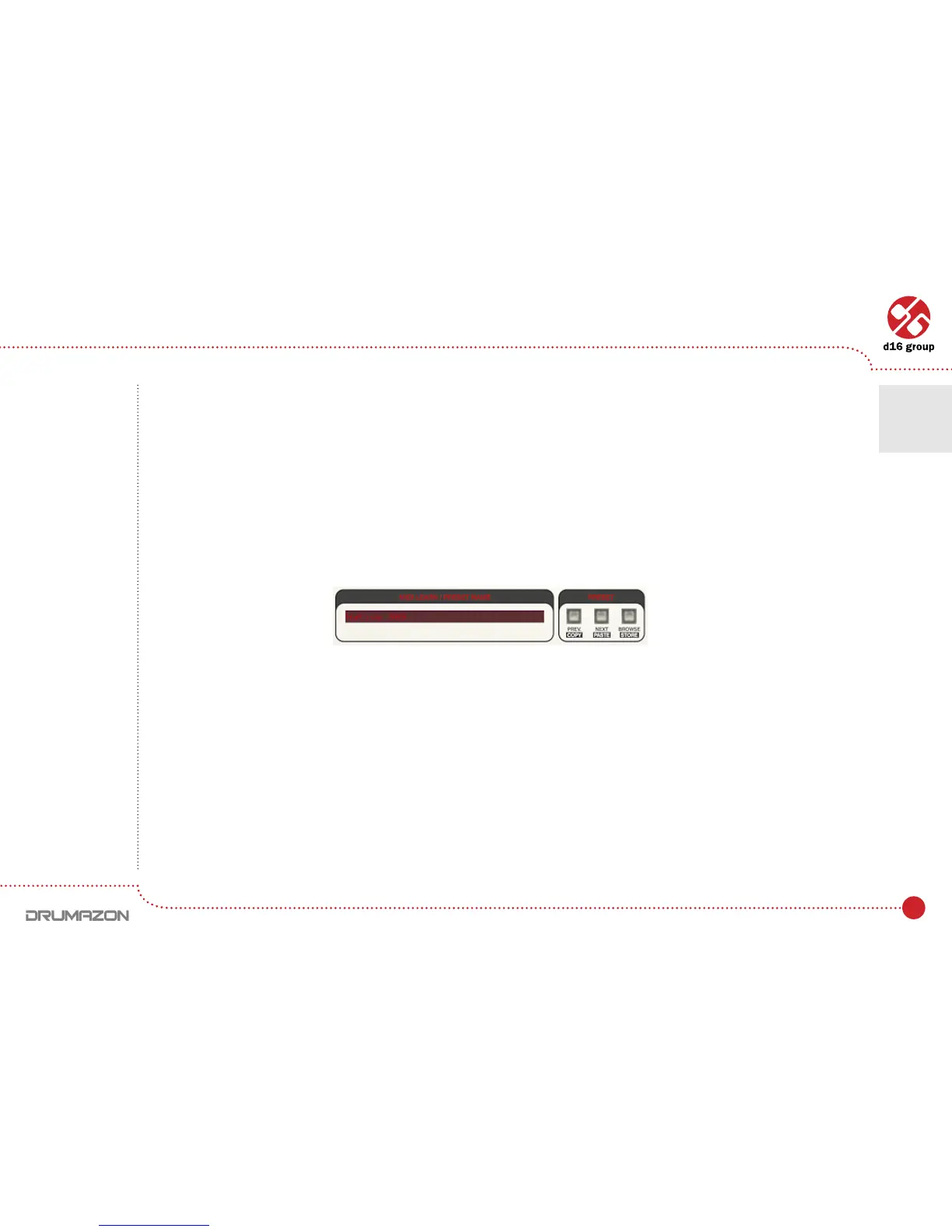
Presets can be selected by Next/Prev buttons, which navigate through the structure in a linear way or by using
the Preset Browser. The Preset Browser is a tool which allows to easily manage the preset structure. To open it, click
Browse in the preset selection section:
Preset management section
Preset Management • Browsing presets • Preset Browser
6



 To Next Page