45
Default Drum map
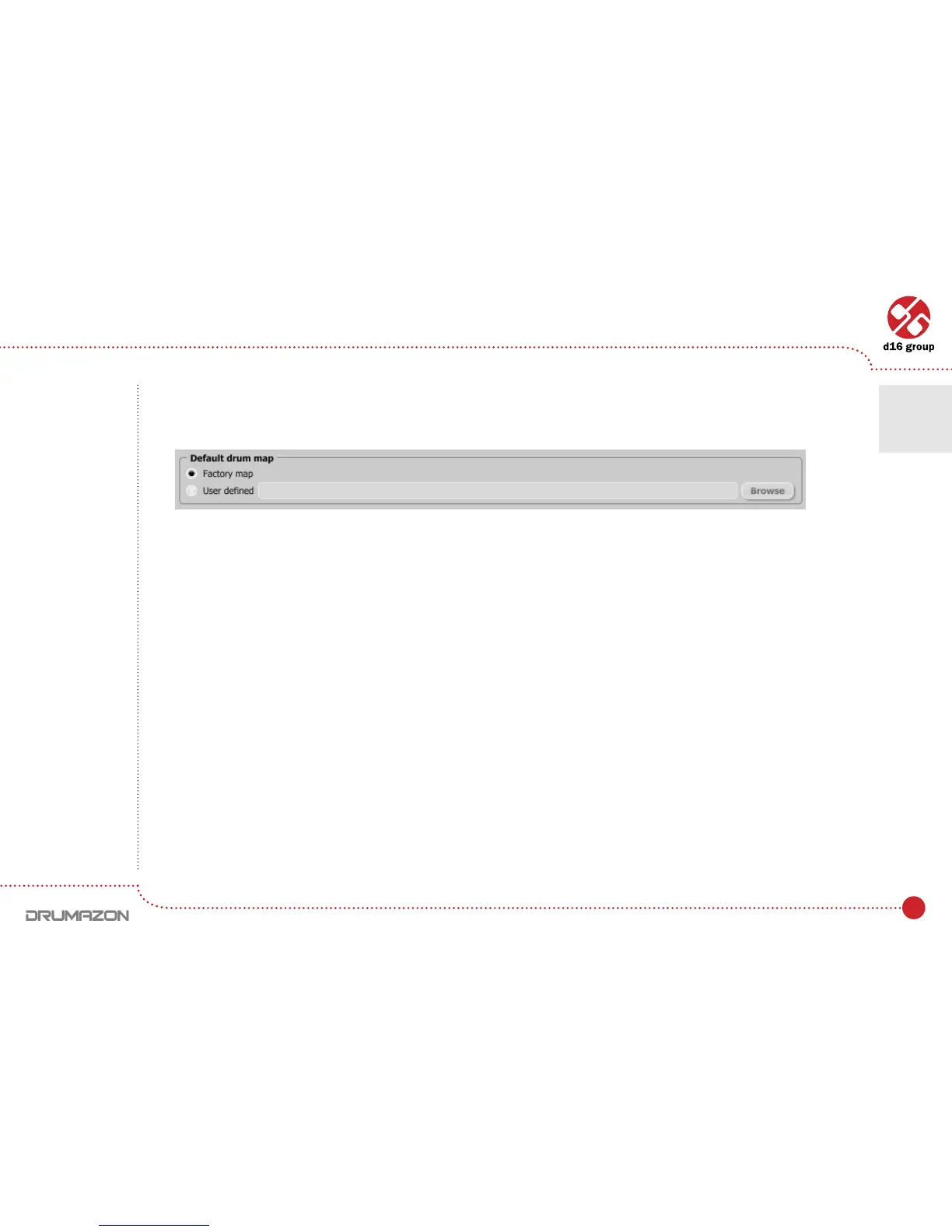
To set Default Drum map, choose options available in this group.
We can choose one of following options:
• Factory map – It means the default factory mapping (General midicompatible)isappliedtotheExternal mode
available after loading Drumazon into the host application.
• User dened – This option is used to set the new default Drum Map, which will be loaded every time we load
Drumazoninthehostapplication.WhenchoosingUserDenedoption,theBrowse button on the right side
isactivated.Usingthisbuttonopensadialogboxinordertoselectapathtotheuser’sdrummap.Conrming
thepathsavesitintheDrumazoncongurationle.Theselecteddrummapwillbeloadedasdefault.
The text box on the left from the Browse button shows the path to the user’s preset bank.
Default drum map
Conguration • Drum map tab
7



 To Next Page