10
The pattern will play back at the tempo of the host sequencer (if internal sync turned off – Int.Sync.)oratthetempo
which Drumazon’s Tempofunctionissetto(ifusinginternalsync).Thishappenswhileakeyispressedandheld.
This is a very creative mode which, by recording the notes into the host sequencer, can allow very complex percussion
structures to be created using patterns in Drumazon’s internal pattern memory.
It should be noted that in Host mode the Start, Stop and Step buttons on Drumazon’s don’t function. Patterns are only
playedbackwhileakeyonaconnectedMIDIkeyboardispressed(andheld).
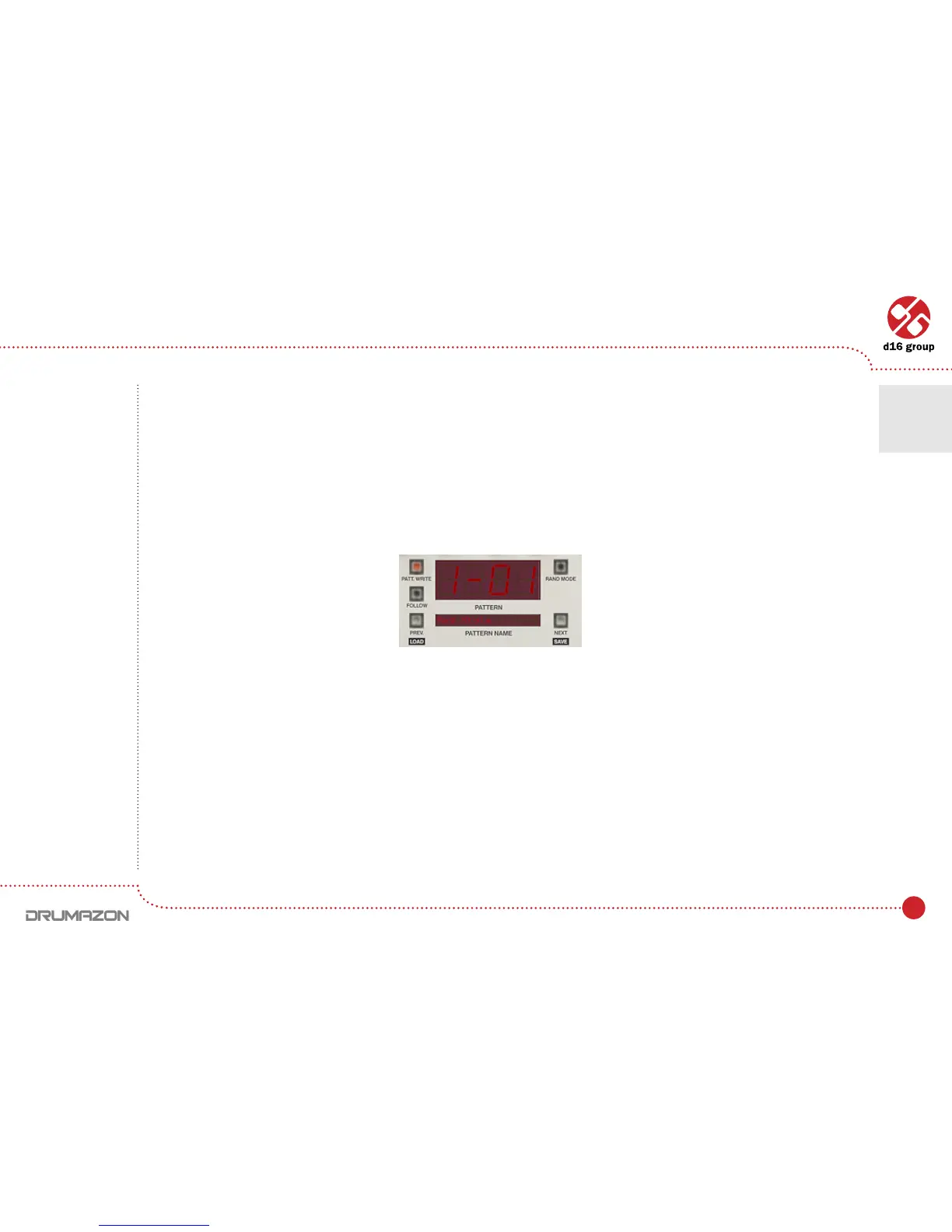
In this mode, currently playing pattern is indicated by display unit:
In format:
[TONENAME][–or#][OCTAVENUMBER]
Midi output
DrumazonhaspermanentlyactiveMIDIoutput,whichallowstocontrolexternalinstrument(virtualorhardware)
by Drumazon’s internal sequencer. It works either in Native or Host mode. Plug-in sends a midi note codes accordingly
tothecurrentdrummapcongurationtoitsMidioutput.VelocityvaluesofMidinotessentbyDrumazonare
calculated on a basis of Step attributes(accentedornon-accented)andvalueofGlobal accent.
When you set the Drumazon into Externalmode,itjustpassesMIDInotesthroughitselfunchanged.Sobasically
the same notes you redirect into a plug-in you will get on the MIDI output.
Note: In this
mode the pattern
structure is
the same as it is
in Native Mode.
96 patterns
mapped to midi
keyboard as
notes: C-1 to B-7.
Pattern display and navigation
Play modes • Internal Pattern Storage
2



 To Next Page