5
Play modes
External sequencer mode
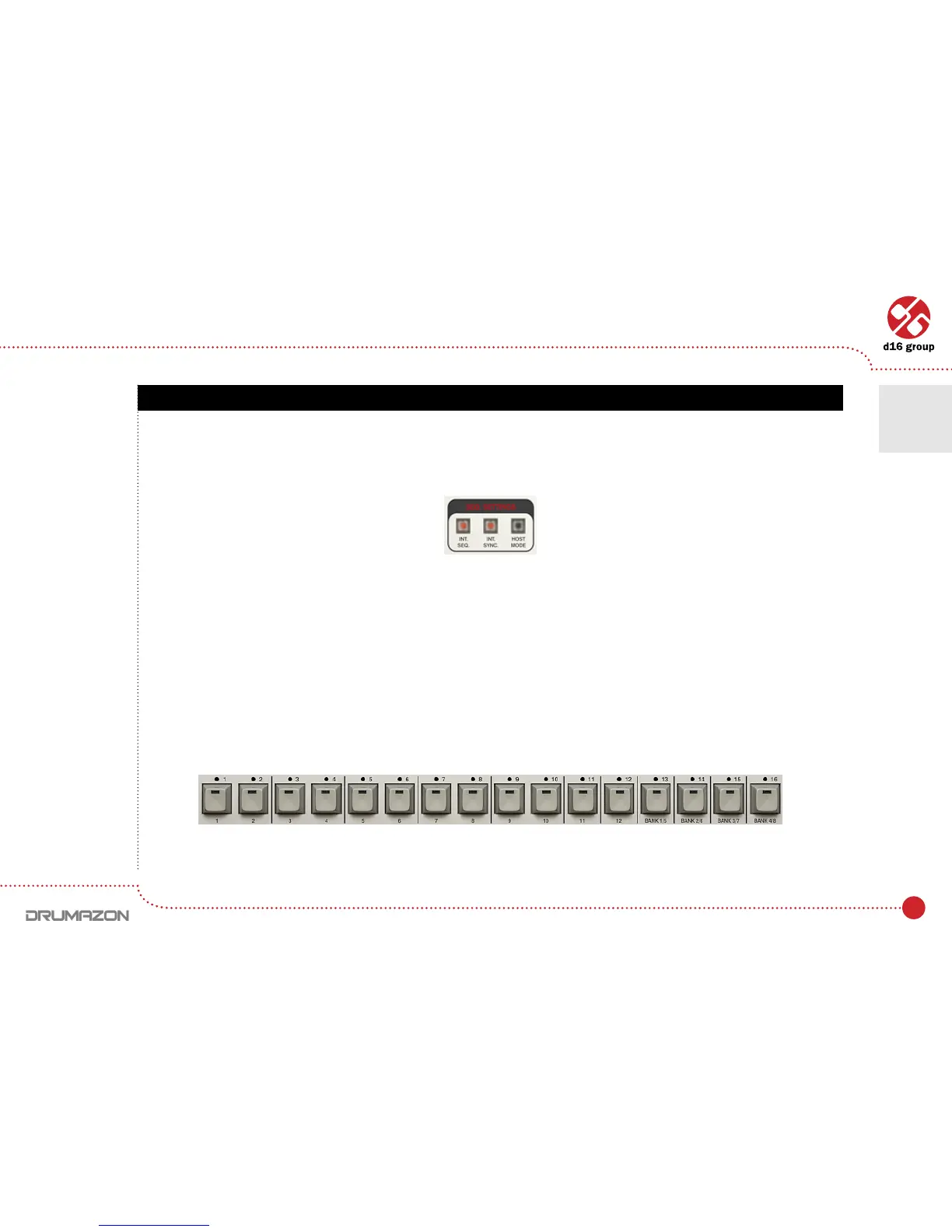
ClickingtheInt.Seq diode in the Seq box will switch it off:
Drumazon will now act as a sound module. MIDI Notes corresponding to the Instrument(drumsound)notenumbers
are sent from the host sequencer to play drum patterns. The mapping follows the General Midi standard, the same as
the original 909.
Note velocity is used to determine how loud notes are played. To play back accented notes in this way, set the velocity
to127.Fornormalparts,setthevelocitytoalowervalue(e.g.100).Although,notescanbeplayedbackwithany
velocity from 0 to 127.
In External mode, only the controls from Synthesis section and Control module functions work.
Step buttons located on Drumazon’s GUI serve only to trigger individual sounds in this mode.
Play mode settings
Step buttons
Play modes • External sequencer mode
2



 To Next Page