34
Loading and Saving presets
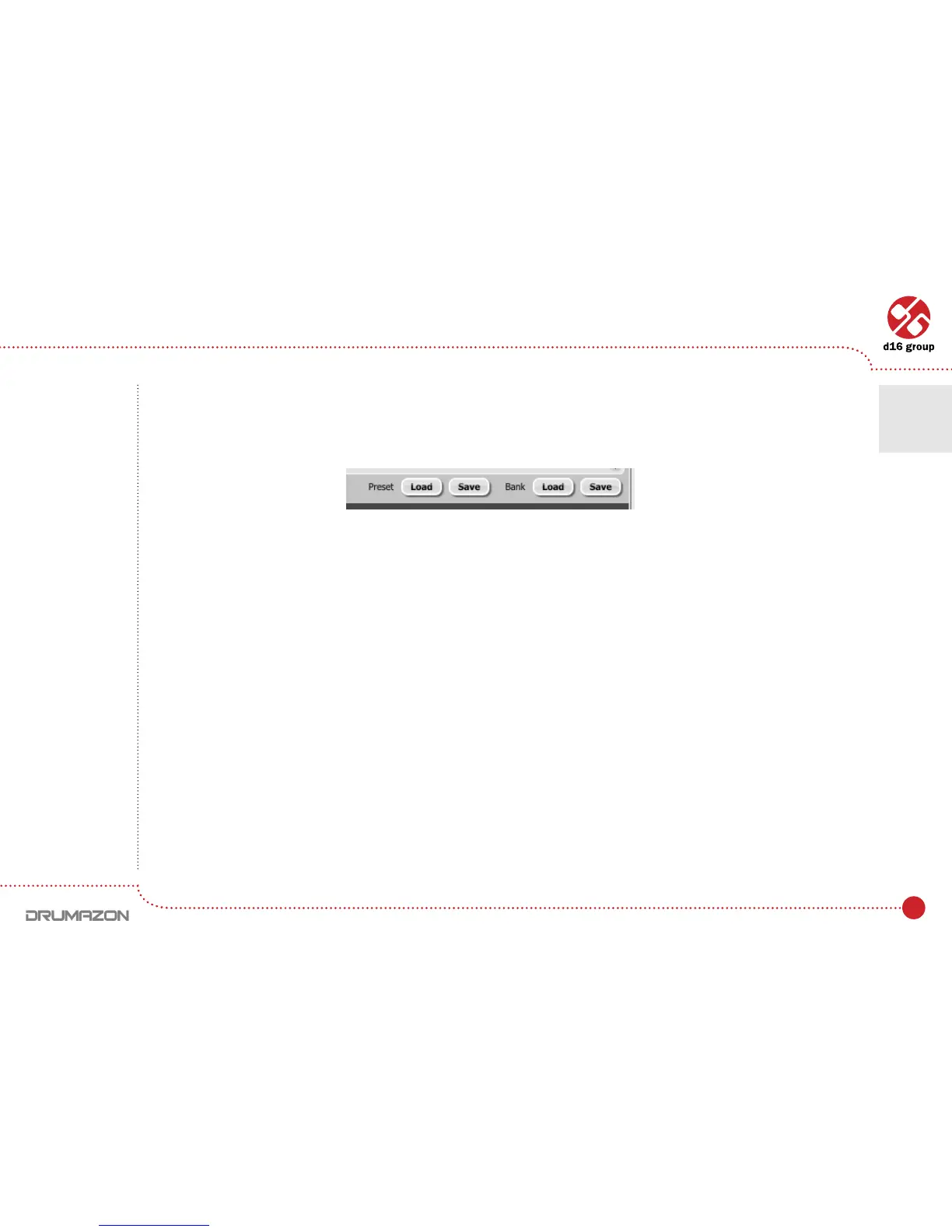
At the bottom of the Preset Browser there are function buttons which allow to save/load presets on/from the hard
drive.
Fourbuttonsareavailable:
• PresetLoad–loadsasinglepresetfromale(le.drprs–Drumazonpreset).
• PresetSave–savesthecurrentpresettoale.
• BankLoad–loadstheentirebankofpresetsfromale(le.drprb–Drumazonbank).
• BankSave–savestheentirebankofpresetstoale.
Loading and Saving presets from the hard drive functions
Note: Before
saving the preset
to a le, save it in
Drumazon using
CTRL + Browse
when On demand
function
is selected
in the plug-in
conguration.
Note: Files saved
by Drumazon
are compatible
with XML format,
which enables
their edition in
any text editor.
Preset Management • Loading and Saving presets
6



 To Next Page