17
Flam mode
In addition to the 3 states mentioned above, every step can also have another state
is a Flam. A Flam is a double triggering of a sound with a short delay between each trigger.
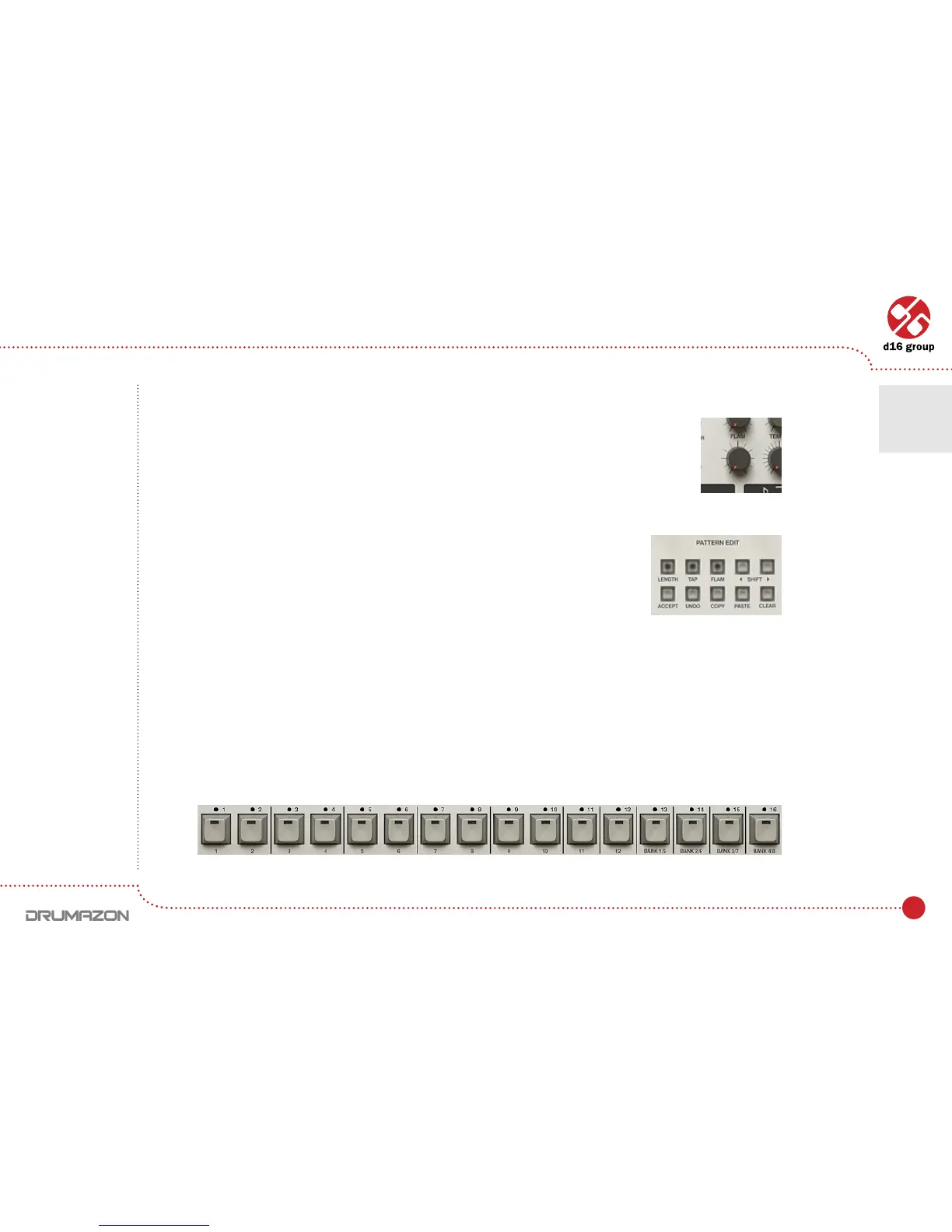
The delay value can be set using the Flam knob.
To enter Flam edit mode, press the Flam button whilst in Patt.Write mode.
The steps are entered as for normal parts mentioned above (with values Accented, On, Off).Alsonote,anysound
playing on a step as a normal sound will be overwritten if a Flamissetforthatmeasure(andviceversa).Forexample,
having a snare playing on step 5 and then putting a Flam on that step would delete the normal snare hit at that point.
Flam parts can be mixed with normal parts for a given instrument as long as they don’t occur on the same step.
Tap mode
Tap mode allows patterns to be TAPped in using the Step buttons.
Flam parameter
Note: The delay
is always shorter
than the duration
time of the whole
single step.
Pattern editing functions
Step buttons
Drumline editing • Pattern editing
4



 To Next Page