18
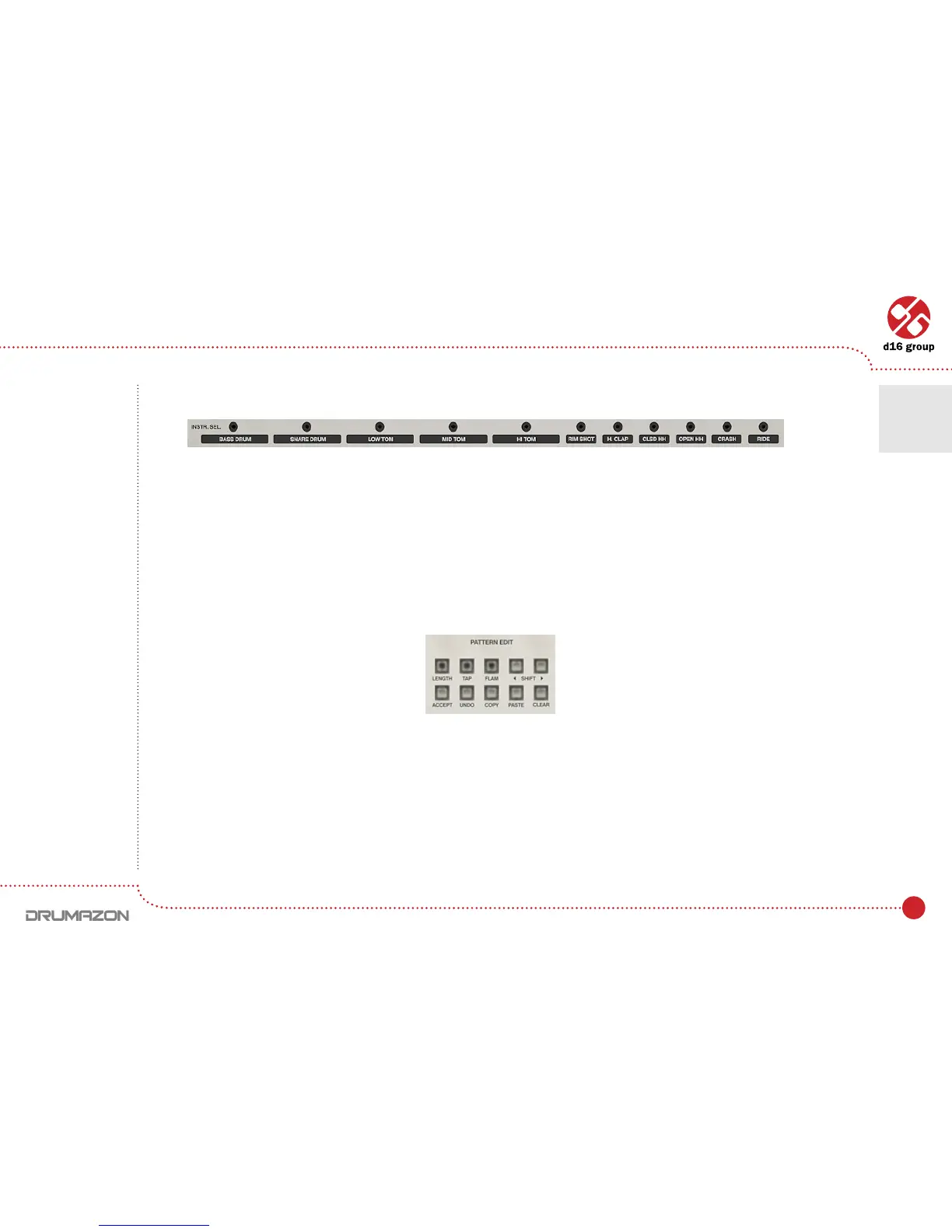
Each of Step buttons corresponds to particular instrument from a Instr.Sel. The bar below Step buttons:
E.g. Steps 1 and 2 correspond to Bass drumtrack.Firstveinstrumentsarerepresentedbytwobuttonseach(paired),
if you press the left one of pair, the tapped instrument is entered as non-accented, if you tap using the right button
of the pair, the sound will be entered as accented. The remaining six instruments have only two states (on or off),
so they’re represented by a single buttons.
The notes are quantized to the nearest step.
1. To enter Tap mode, press the Tap button whilst in Patt.Write mode.
2. Press Start button.
3. Pressing the Step buttons will trigger the Instrument listed below them.
Instrument LED selector
Pattern editing functions
Drumline editing • Pattern editing
4



 To Next Page