23
Loading and saving patterns
It is possible to save or load a single pattern or a complete bank of patterns.
Saving patterns
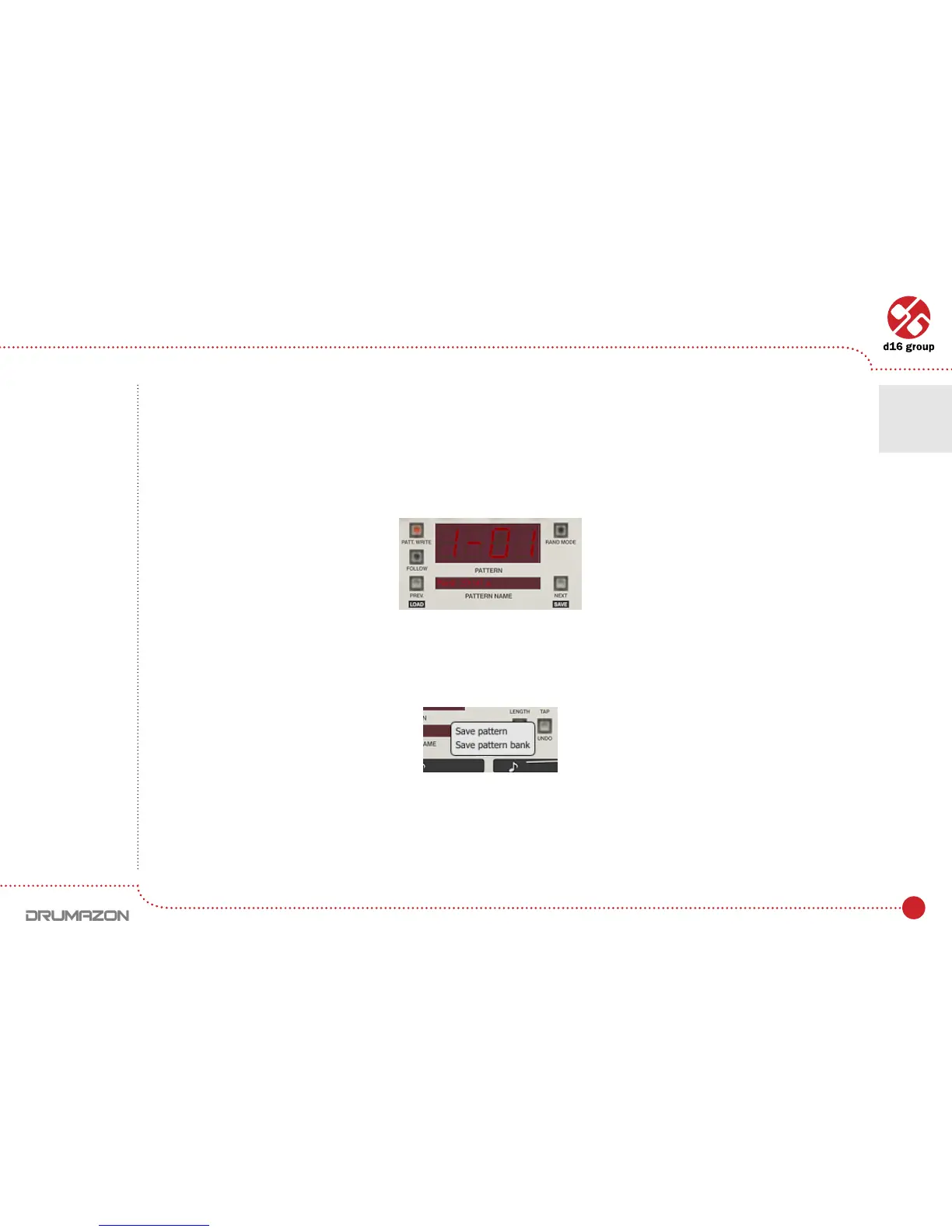
1. Before saving, the pattern should be named (click on Pattern namedisplay):
Just click on it and enter the name for the newly created pattern. Pressing enter ends the editing process.
2. TosavepatternjustclickNext button with CTRL key pressed on keyboard. The menu should appear.
ChoosetheSave patternoptiontoshowlesavedialog.TosaveallpatternscurrentlystoredinDrumazon,
choose Save pattern bank option.
Note: On MacOS
use Apple CMD
key instead
of CTRL key.
Pattern display and navigation
Saving pattern
Drumline editing • Loading and saving patterns
4



 To Next Page