49
3. When all the needed links are created, uncheck the Midi Learn Mode checkbox or press the Midi Learn button
in the Midi section on GUI again.
In order to create new links, it is possible to reactivate the Midi Learn Mode at any time.
ThelinksarealwayssortedinanascendingmannerinrelationtotheCCcolumnaccordingtotheMIDICCcode.
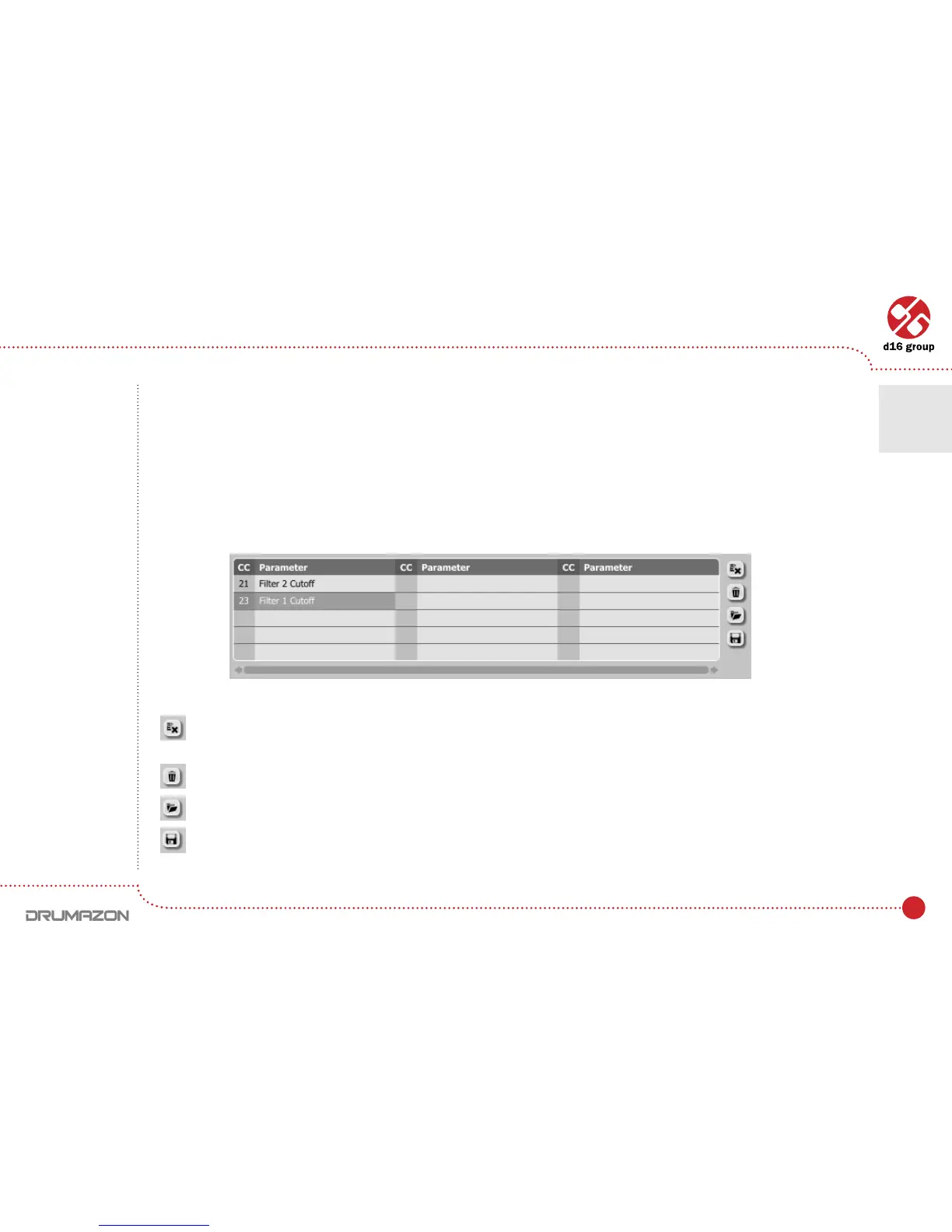
Unlinking and midi link management
Ontherightsideofthelinklistthereare4functionbuttonslocated:
– Removes a selected link; choosing any link from the list and clicking on it highlights the selected link. Using
this button removes the selected link.
–RemovesallMIDICClinks.
–Loadslinklists/MIDImapsfromle(.drccmap–DrumazonMIDICCMap).
–Saveslinklists/MIDImapstole.
MIDI CC link list and function buttons
Note: MIDI map
les are saved
in XML format,
which enables
their edition
in any text editor.
Conguration • Midi control tab
7



 To Next Page