35
Conguration
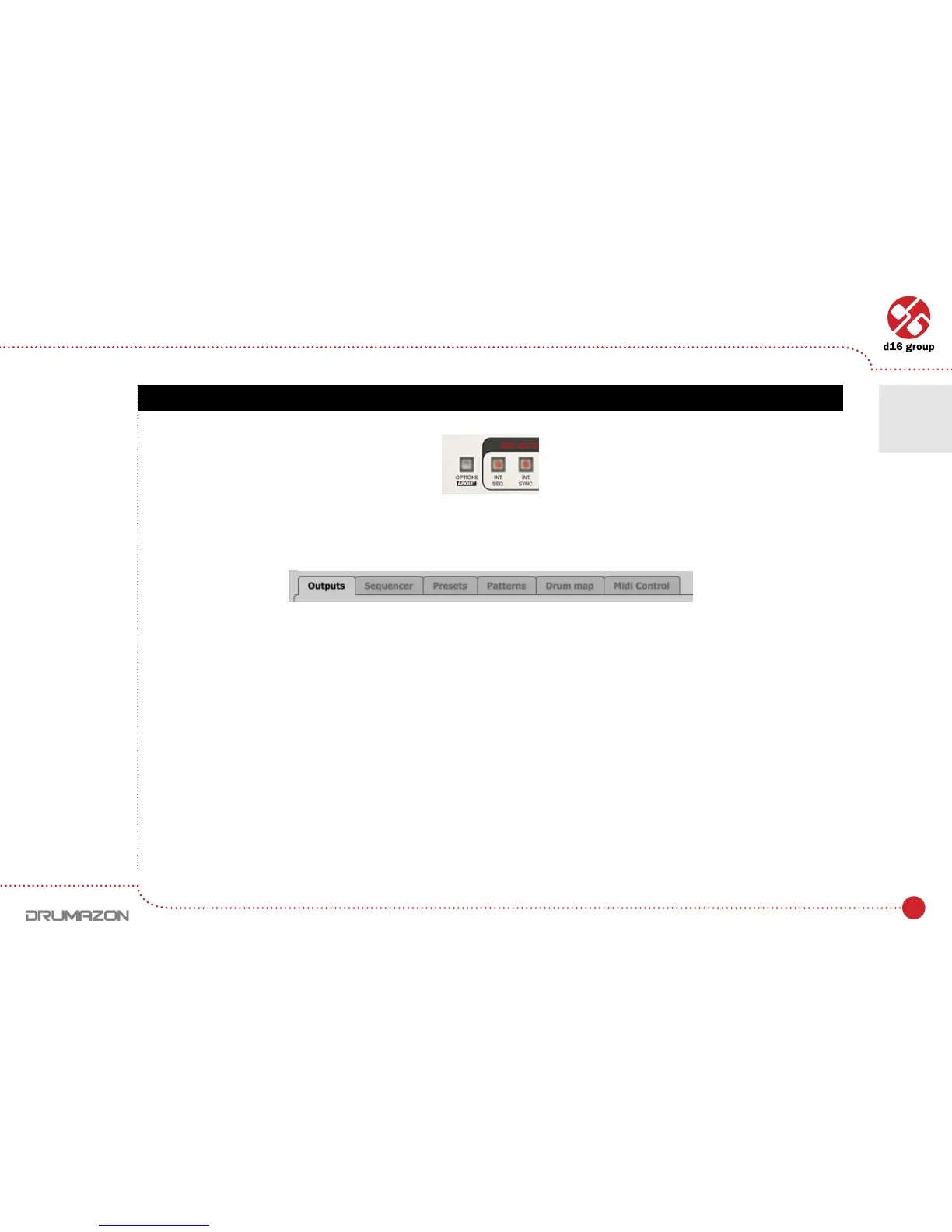
After clicking on Optionsintheupper-leftcornerofGUI,acongurationpanelunfolds.Thepanelhasseveraltabs:
• Outputs–conguresaudiooutputs.
• Sequencer–conguressequencer’sworkmode.
• Presets – indicates personal resources loaded instead of default presets.
• Patterns – indicates personal pattern banks loaded with every new instance of the plug-in in the host application.
• Drum map–conguresthedrummapforExternal mode.
• Midi control–conguresMIDIcommunicationswiththeplug-in.
ClickingonOptions while holding CTRL opens a window with information about the version and the license owner.
Options button
Conguration panel tabs
Conguration
7



 To Next Page