50
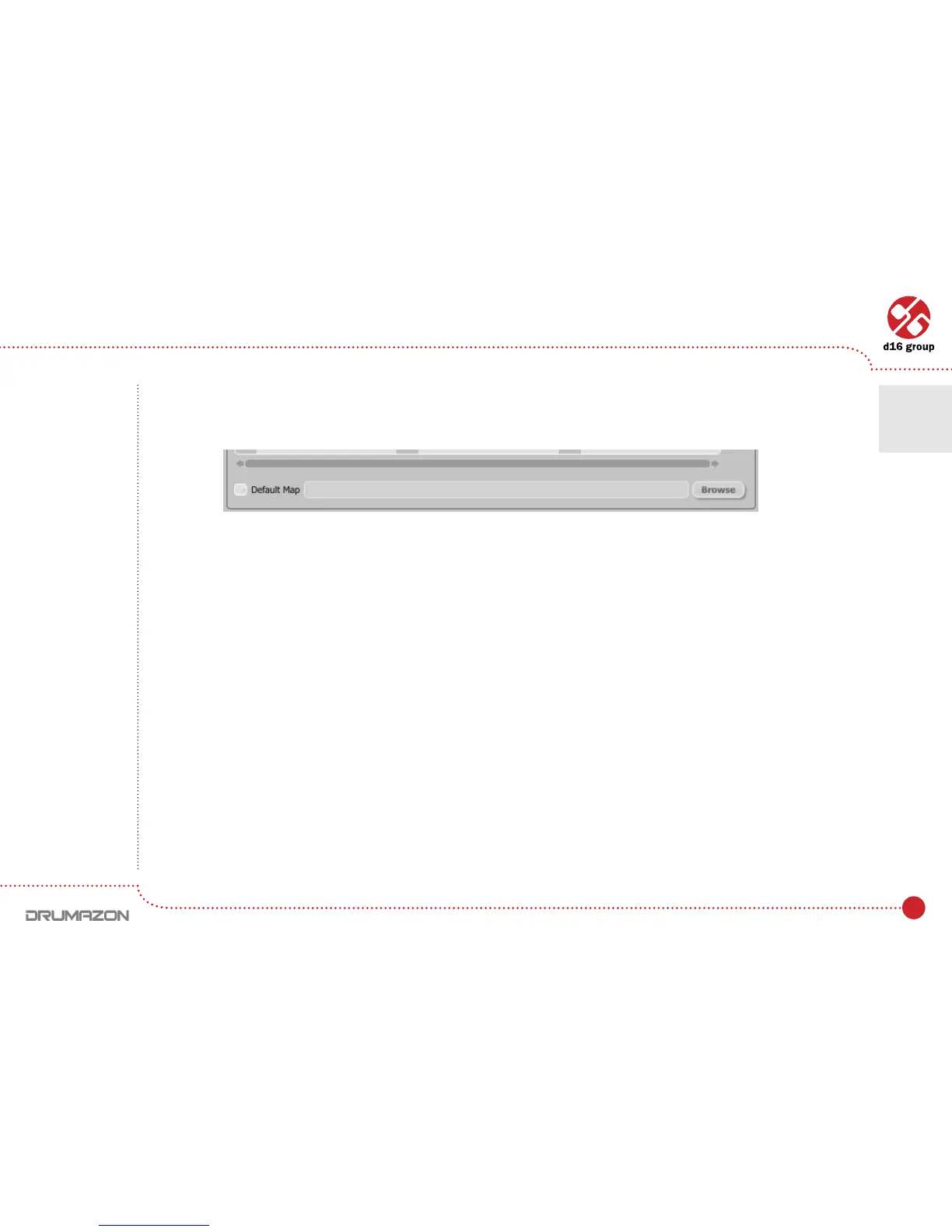
Default MIDI Map
Selecting a default MIDI Map:
1. ChecktheDefault Map checkbox, which activates the Browse button on the right.
2. ClickBrowseandselectalewithasavedMIDIMap.
After selecting the MIDI map the text box on the left from the Browsebuttonshowsthepathtotheactivemaple.
A default MIDI map is loaded each time when the plug-in is loaded.
Default MIDI Map selection
Conguration • Midi control tab
7



 To Next Page