26
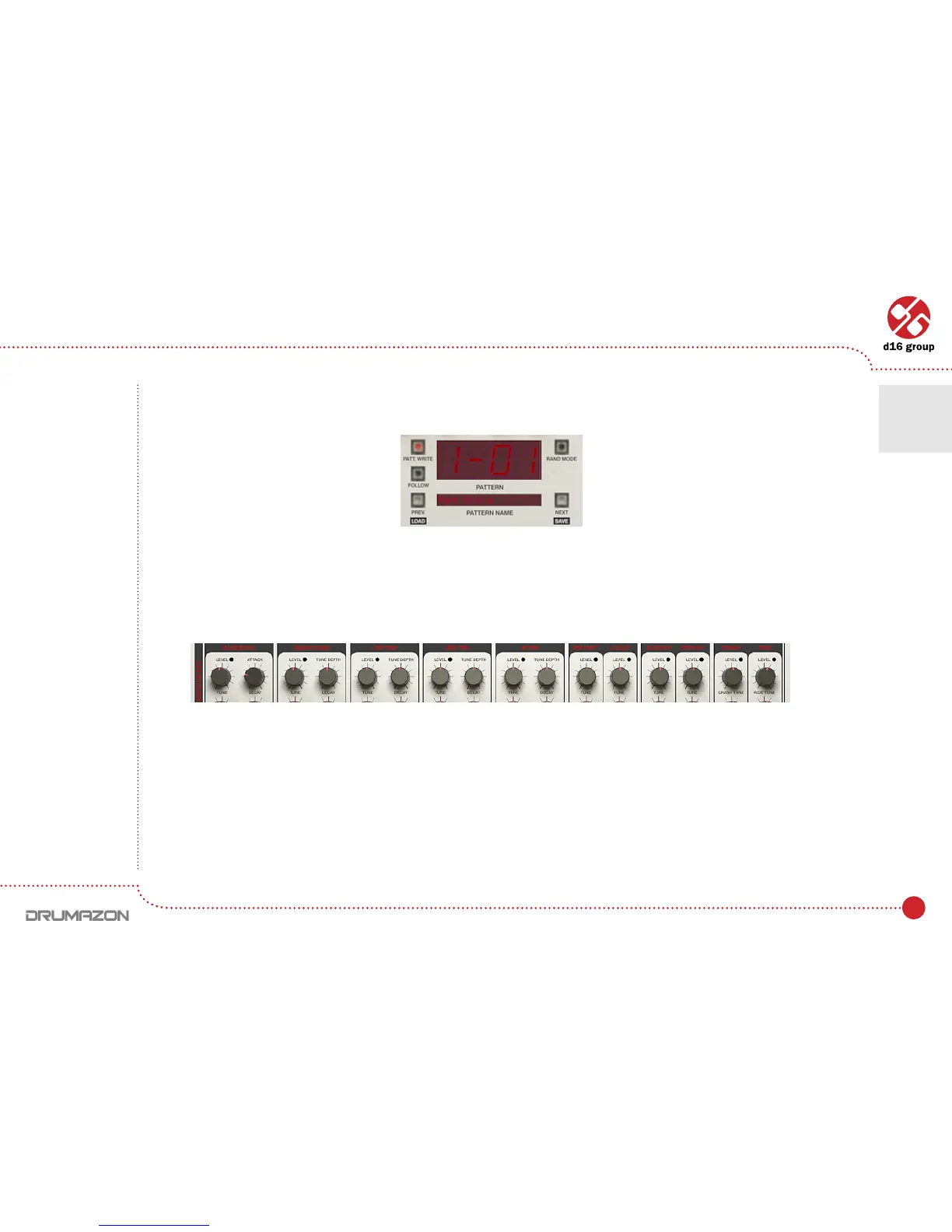
To randomize the pattern, press the Next button. Prev will function when we have randomized a few patterns and wish
to go back to a previous randomization.
TheLEDsnearbytheLevelknobforeachselectedinstrumentwillash.Thisindicatesthattheyarenowassigned
to Rand.Mode. They are used to determine the intensity of the randomization for that instrument. That is, how much
randomization will occur across the selected steps.
Pattern display and navigation
Level knobs in instruments’ parameters
Randomizing drum lines • Randomize
5



 To Next Page