20
4.2.3 Setting the microscope
Place a work holder and sample on the machine (see section 6.3).
Fit an appropriate cartridge and set the tool just above the sample (see section 6.1).
Set the zoom to its minimum (smallest number)
Angle the microscope to the tool tip and test point in the Y-axis
Angle the microscope to the tool tip and test point in the X-axis
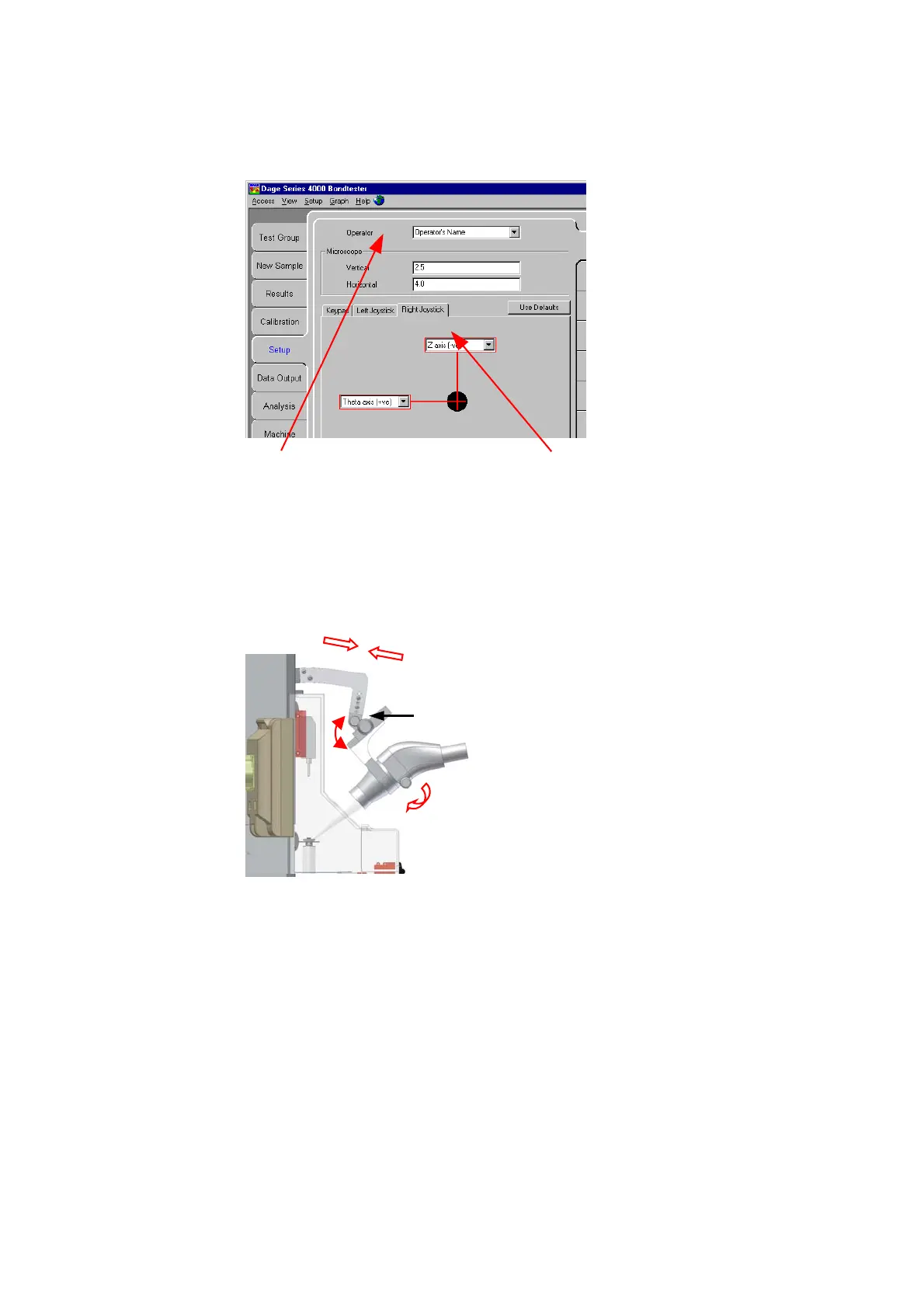
Ask your engineer to add your name to the list of operators and re-
configure the controls if the defaults are not suitable.
Zoom Control knob
Raise and lower microscope as
required using the black knob on
the left-hand side of the machine
Angle adjustment centre. Loosen
screws



 To Next Page