24
5.2 TURNING OFF
Using the tool save button or the joystick raise the load cell to the top of its travel
so as to avoid any potential collisions when the machine is being powered up next
time.
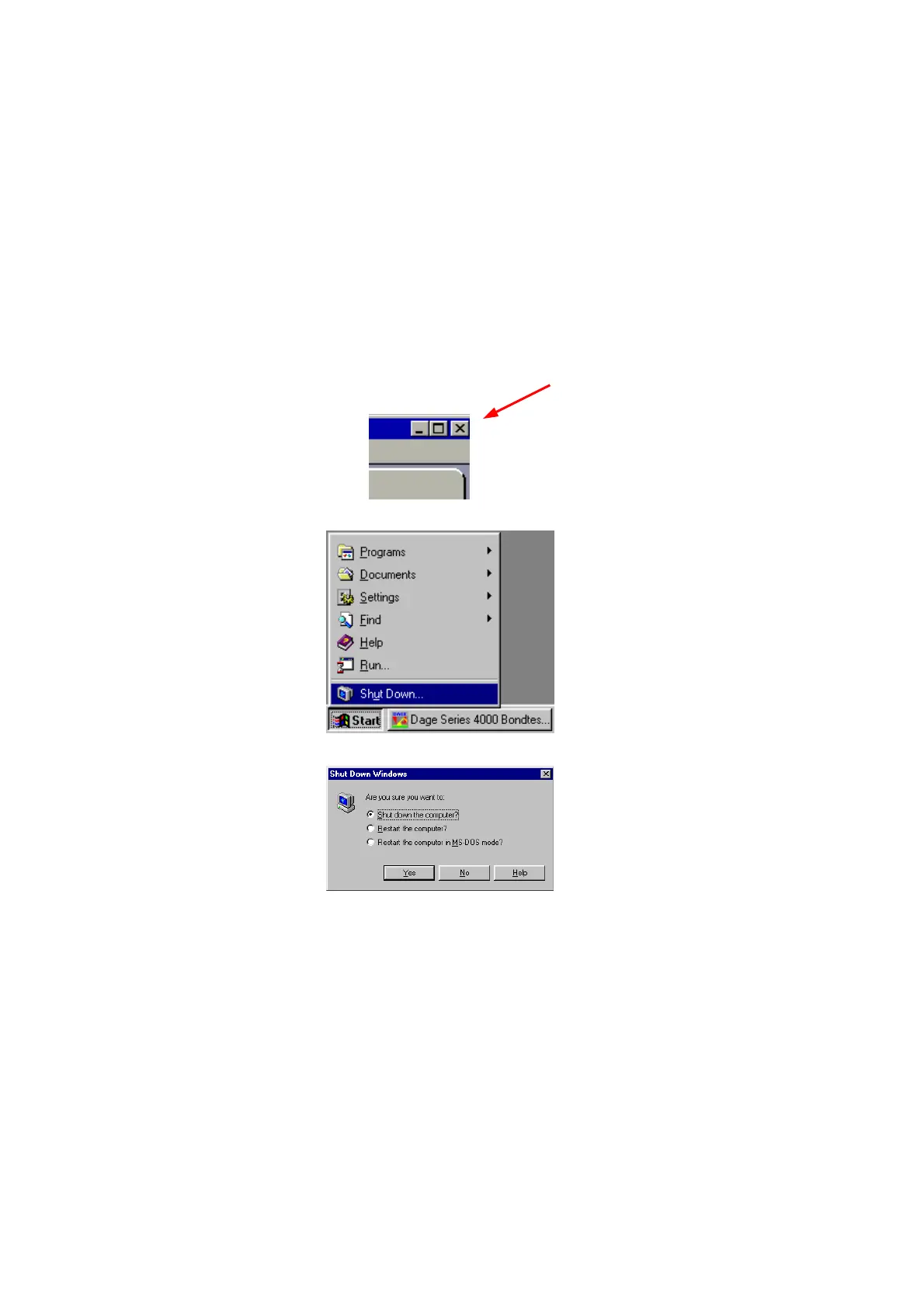
Close down the Dage screen by pressing the close button in the top right of the
screen.
Select <Start> <Shutdown> from the Windows taskbar at the bottom of the
screen.
Select <Shut down the computer> and press <Yes>
Wait for the message
It's now safe to turn off
Your computer
Turn off the machine using the switch on the left-hand side.



 To Next Page