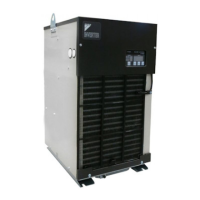
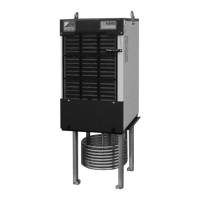
●Control Panel
59
5
Control Panel
Control
Panel
Nine operation modes listed in Table below are available on the control panel.
For normal operation, use only 6 modes (1-4,8,9).
Other modes 5, 6, and 7 may interfere with the operation of the Oil Cooling Unit. Therefore, before using, be sure to
thoroughly understand the functions of these modes.
Mode Function LED status
1 Normal mode
Used to display the current “operation mode” and “target
temperature”.
“NORMAL” lamp ON
2 Operation setting mode
Used to change the setting of “operation mode” and “target temperature”
“SETTING” lamp ON
3 Monitor mode Used to display values detected by each sensor.
“MONITOR” lamp ON
4 Time setting mode Used to make ON timer setting.
“TIMER” lamp ON
5
Operation lock mode (factory setting)
Used to stop the operation of Oil Cooling Unit regardless of setting conditions.
All lamps except for “POWER” OFF
6
Parameter setting mode
Used to make settings shown below.
①
To make setting of combination of signals output to
external contact when a malfunction or warning occurs.
②
To make manual setting of controlled variables for PI control.
③
To make warning setting for the protection of devices.
“SETTING” lamp blinking
7 Auto tuning mode
Used to automatically compute controlled variables for PI control and set them with parameters.
“NORMAL” lamp blinking
8 Special monitor mode Used to check for a variety of current data.
“NORMAL” lamp blinking
9 Service monitor mode
Used to check for the history of alarm and warning codes
and a variety of data when alarm or warning occurs.
“MONITOR” lamp blinking
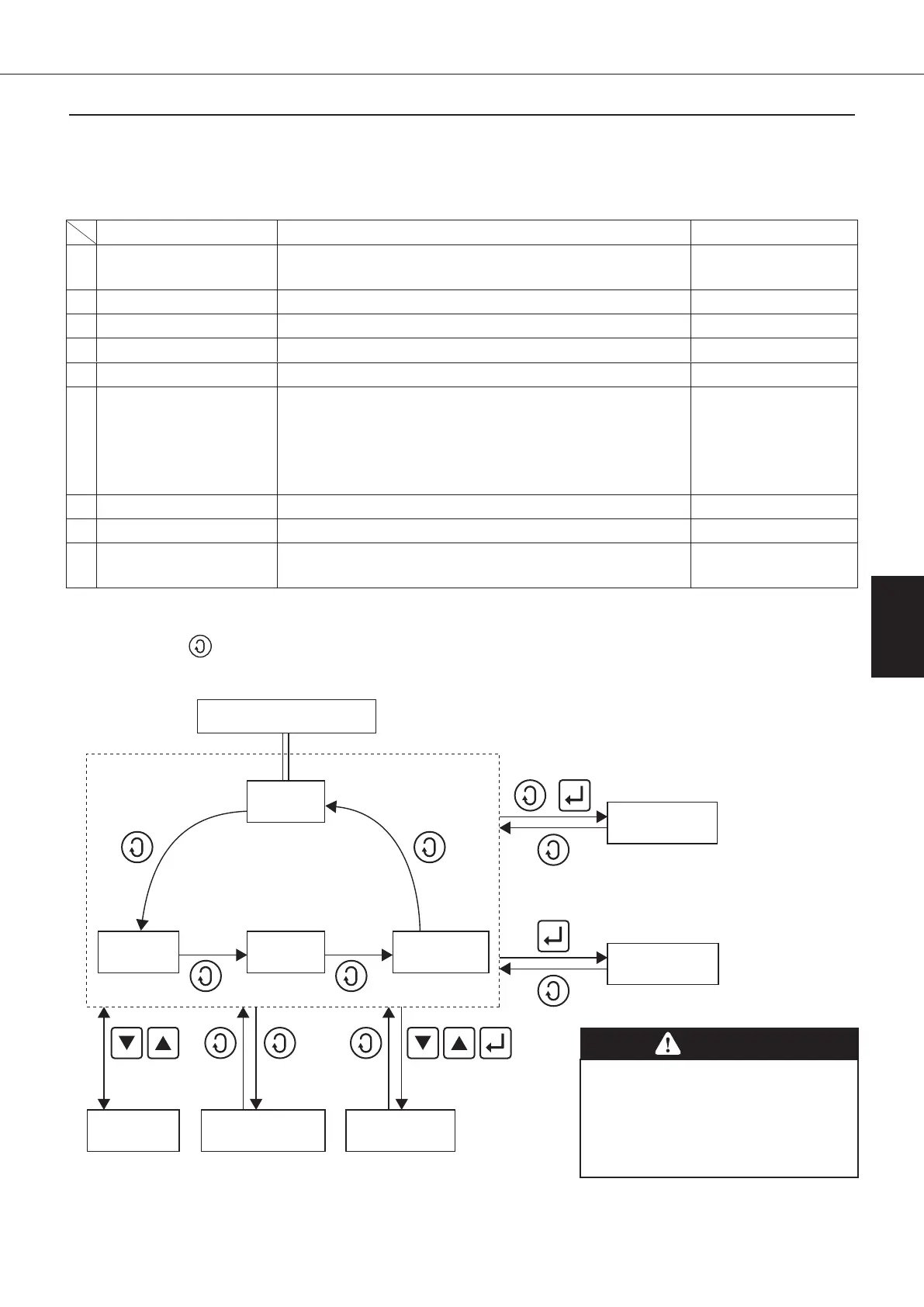
(1) Mode shifting operation
Normally, use the button to shift mode.
In order to shift to special mode, press and hold multiple buttons in combination for a period of five seconds.
Press and hold
for five seconds
9. Service
monitor mode
8. Special
monitor mode
Press and hold
for five seconds
6. Parameter
setting mode
7. Auto tuning
mode
5. Operation
lock mode
3. Monitor
mode
4.
Timer setting
mode
2.
Operation
setting mode
Press and hold
for five seconds
Press and hold
for five seconds
Press and hold
for five seconds
Turn ON the power supply.
1. Normal
mode
* For details of checking procedure for
“special monitor mode” and “service
monitor mode”, refer to information
on pages 60–62.
(*)
(*)
CAUTION
●The system is set to “operation lock mode”
at factory. To start operation, release the
operation lock mode.
●If the protect switch on the main board
turns ON, no operation settings will be
made. If so, turn OFF this switch.
00_PB00540A_M10.indb 59 2023/08/09 12:59:00


 To Next Page
 Loading...