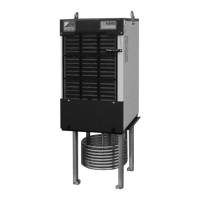
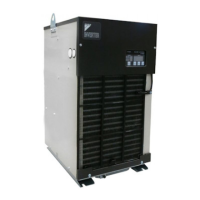
●Control Panel
61
5
Control Panel
Control
Panel
2-2. Operation Setting Mode
This mode is used to make settings of operation mode and target temperature.
Furthermore, if the malfunction prevention switch on the main board turns ON, no operation mode settings will be
made. In this case, turn OFF this switch to make these settings.
[Setting procedure]
(1) Turn ON the power supply.
When the power supply turns ON, the system will be automatically brought to
“
normal mode
”
to display the
current operation mode and target control value.
To enter the
“
Operation lock
”
mode when the power is supplied, press and hold the keys
“
”
for five
seconds for release.
(2) Shift to
“
operation setting mode
”
.
While in normal mode, press the
button to shift to
“
operation setting mode
”
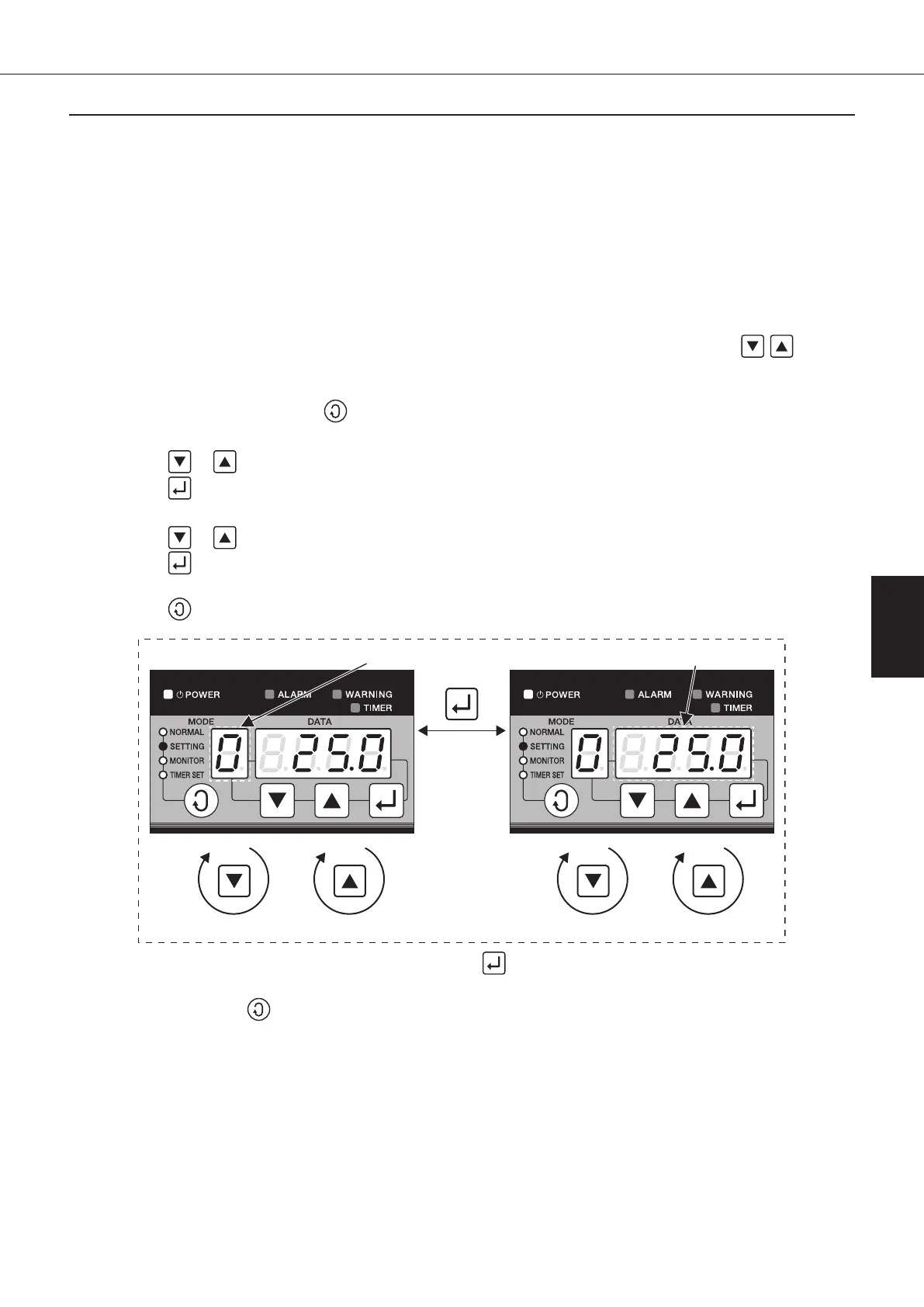
. (The MODE display will blink.)
(3) Setting of operation mode.
Press the
or button to select a desired mode No. (The MODE display will remain blinking.)
Press the
button to save the mode No. (The MODE display will light up and the DATA display will blink.)
(4) Setting of target temperature.
Press the
or button to set to a desired target temperature. (The DATA display will remain blinking.)
Press the
button to save the target temperature. (The DATA display will light up.)
(5) Return to normal mode.
Press the
button three times to return to normal mode.
Decrease mode No. by 1. Increase mode No. by 1. Decrease data No. by 1. Increase data No. by 1.
[Operation mode setting] [
Target temperature setting
]
Blink Blink
(For reference) Mode and data will be saved when the button is pressed with the data block blinking and
displayed.
If the
button is pressed before saving, the mode and data in process of changing will be
discarded, and the system will keep running under the previous setting.
00_PB00540A_M10.indb 61 2023/08/09 12:59:01


 To Next Page