Test Operation Si33-105
110 Test Operation R407C PLUS Series Heat Recovery System
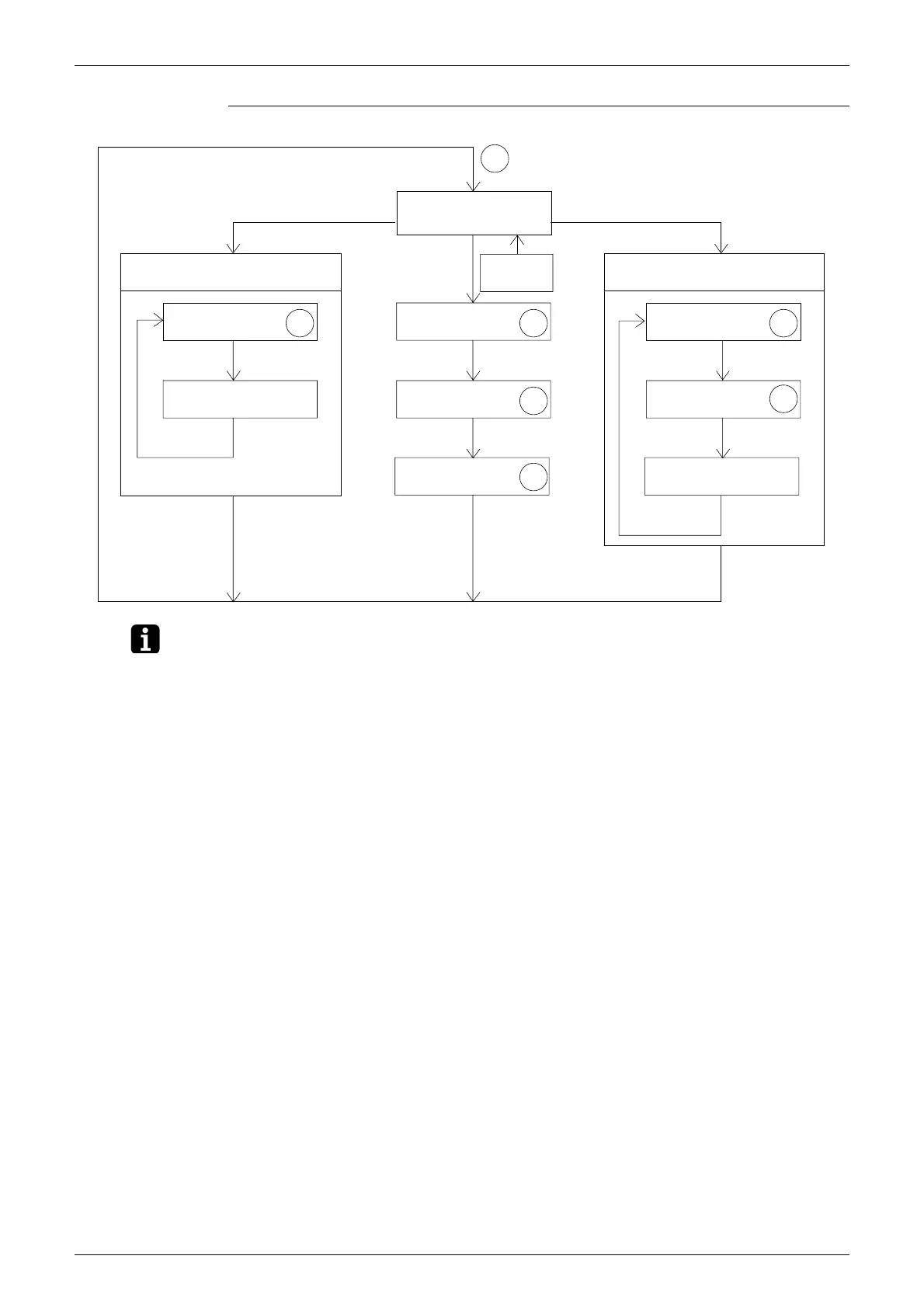
Mode Changing Procedure
Note: 1. If you become unsure of how to proceed, push the MODE button (BS1) and return to setting
mode 1.
2. Power reset is not necessary after setting of setting mode 1 (including C/H select SS1) and
setting mode 2.
3 Monitor mode
Select check items with
the operation button.
Contents displayed
Press the
RETURN button.
Press the
RETURN button.
2 Setting mode 2
Select items with the
operation button.
Select setting items
with the operation button.
Press the
RETURN button.
Press the
RETURN button.
Press the
RETURN button.
Contents displayed
Select cool/heat run
with the operation button
.
Select low-noise run with
the operation button.
Press the
RETURN button.
Press the
SET button.
Press the
RETURN button.
Press the
RETURN button.
Select sequential start
with the operation button.
Press the
MODE button.
Press the MODE button.
Press the MODE
button.
1 Setting mode 1
(initial status)
Hold down the MODE
button for 5 seconds.
: Use the SET button to make settings.
Set Set
Set
Set
Set
Set
Set
Note. 1
(VF131)



 To Next Page