106 • Troubleshooting Genie Monochrome Series-GigE Vision Camera
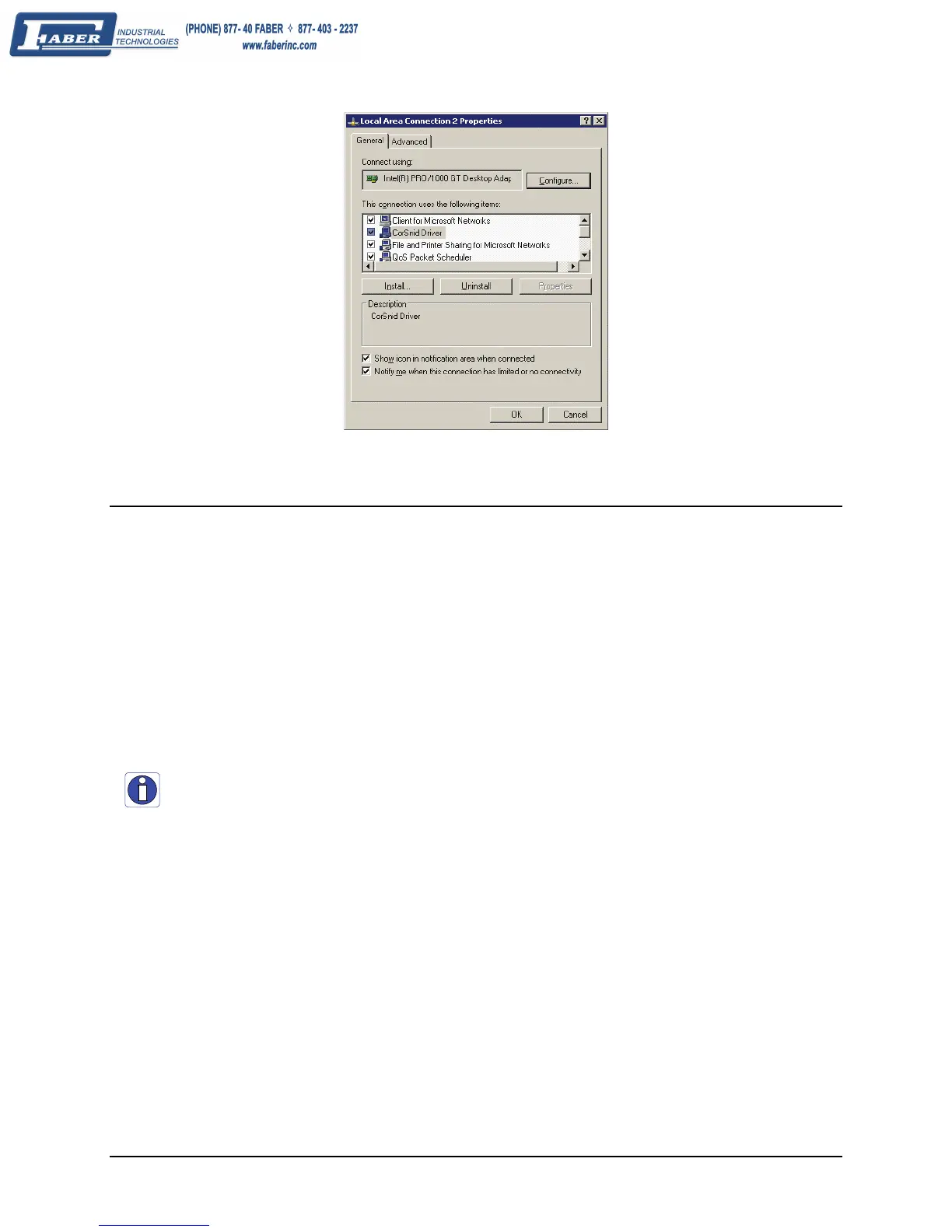
• Information about the CorSnid driver is also available from Network Configuration tool.
Device Available with Operational Issues
This section considers issues with cabling, Ethernet switches, multiple cameras, and camera exposure.
Firmware Updates
As a general rule any Genie installation must include the firmware update procedure (see "Updating Genie
Firmware" on page 27). Genie camera firmware that does not match a newer version of installed Genie Framework
software is likely to have unpredictable behavior. Problems might be:
• Genie is not found by the device discovery process.
• Genie is found by the Sapera GigE Server but an application such as CamExpert does not see the camera.
Important: New Genie cameras installed in previously deployed systems are fully backward compatible with the
older vision application. New Genie cameras must not be programmed with older firmware.



 To Next Page