DKM-411 User Manual Rev_01 Firmware V-1.0
K46D03-EN - 54 -
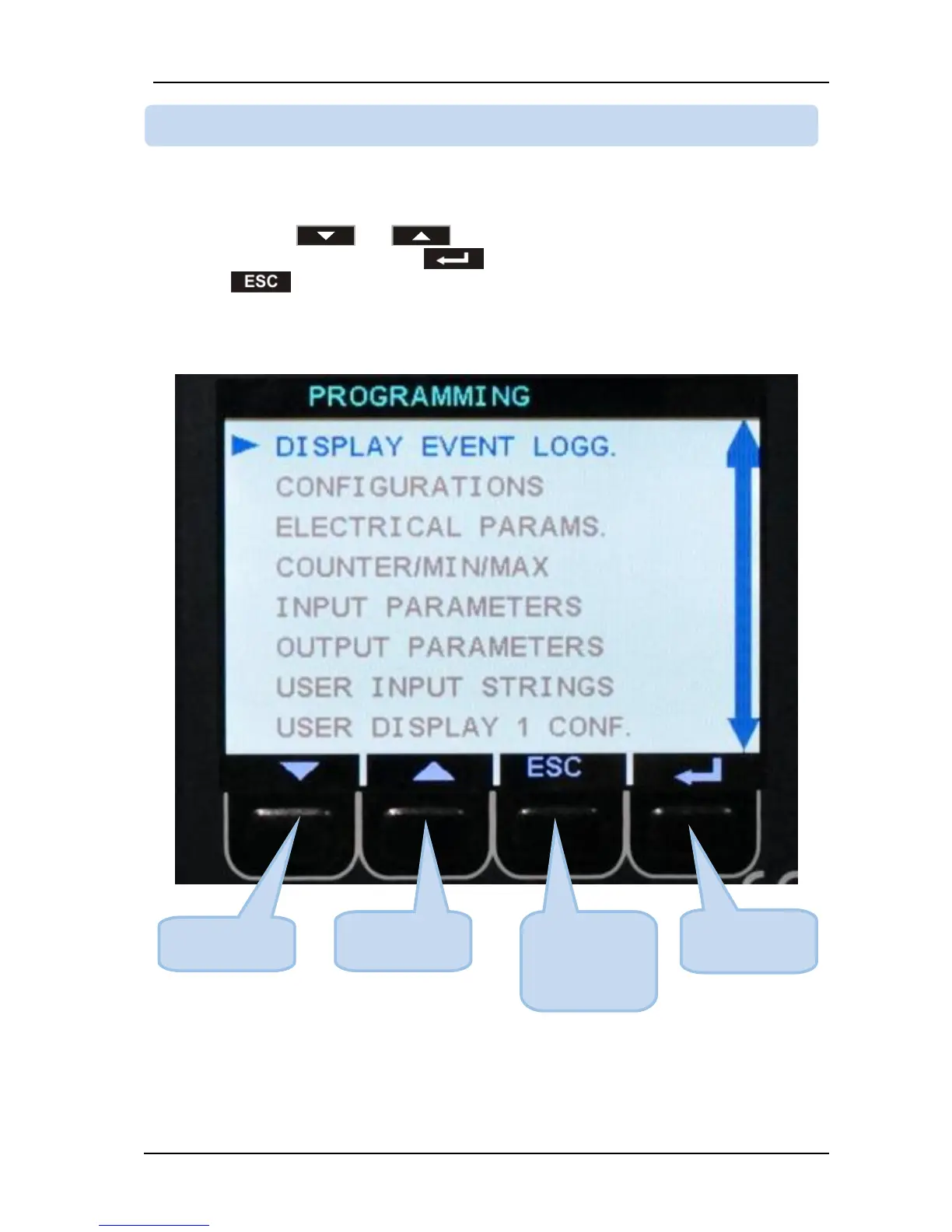
The program mode is driven with a two level menu system. The top menu consists on program groups
and each group consists on various program parameters.
When program mode is entered, a list of available groups will be displayed. Navigation between different
groups are made with and buttons. Selected group is shown in a different color. In
order to enter inside a group, please press button. In order to exit from the group to the main list
please press button.



 To Next Page