DKM-411 User Manual Rev_01 Firmware V-1.0
K46D03-EN - 56 -
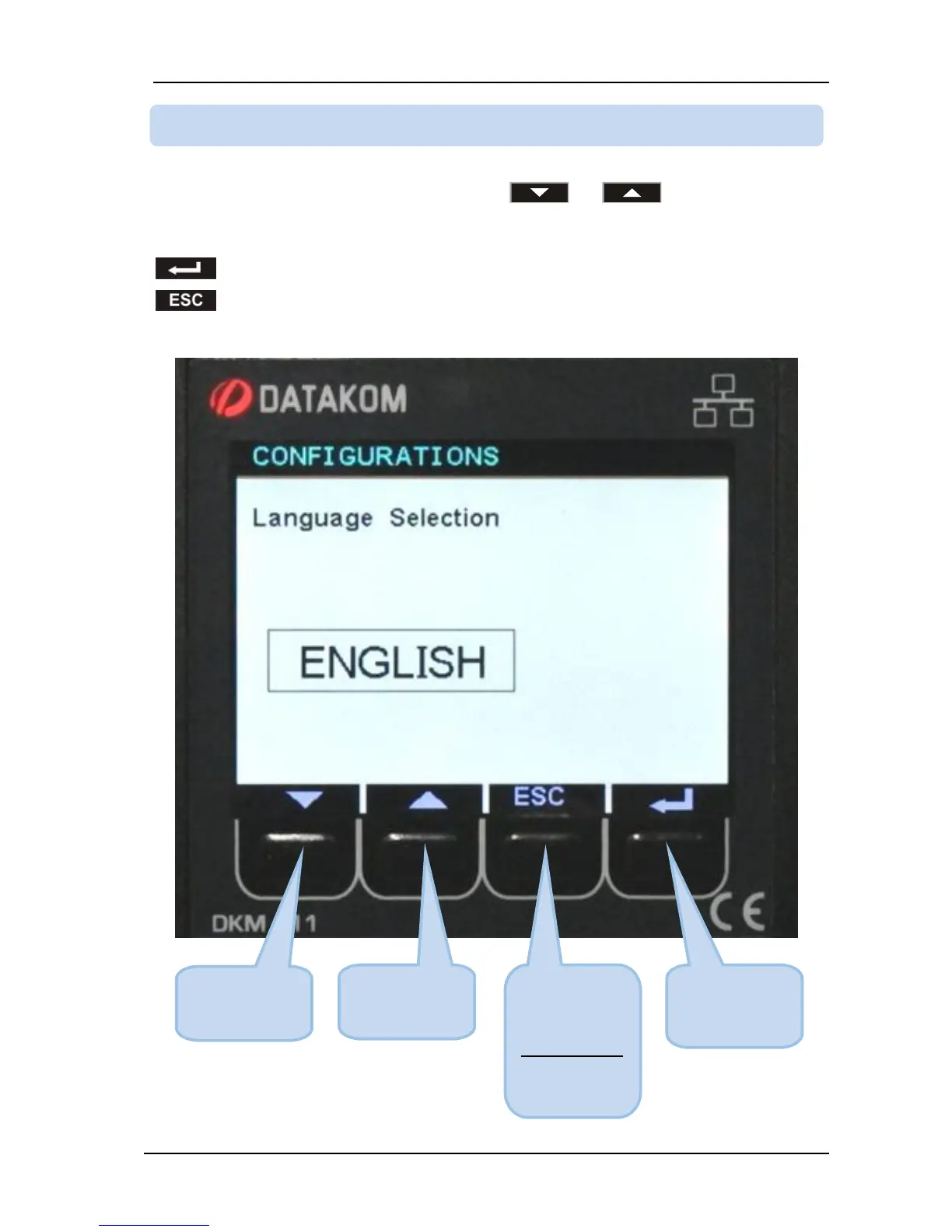
Parameter value may be increased and decreased with and buttons. If these keys are
held pressed, the program value will increase/decrease at a faster speed.
When a program parameter is modified, it is automatically saved in memory.
If button is pressed, next parameter will be displayed.
If button is pressed, then the list of parameters in this group will be displayed.



 To Next Page