DKM-411 User Manual Rev_01 Firmware V-1.0
K46D03-EN - 58 -
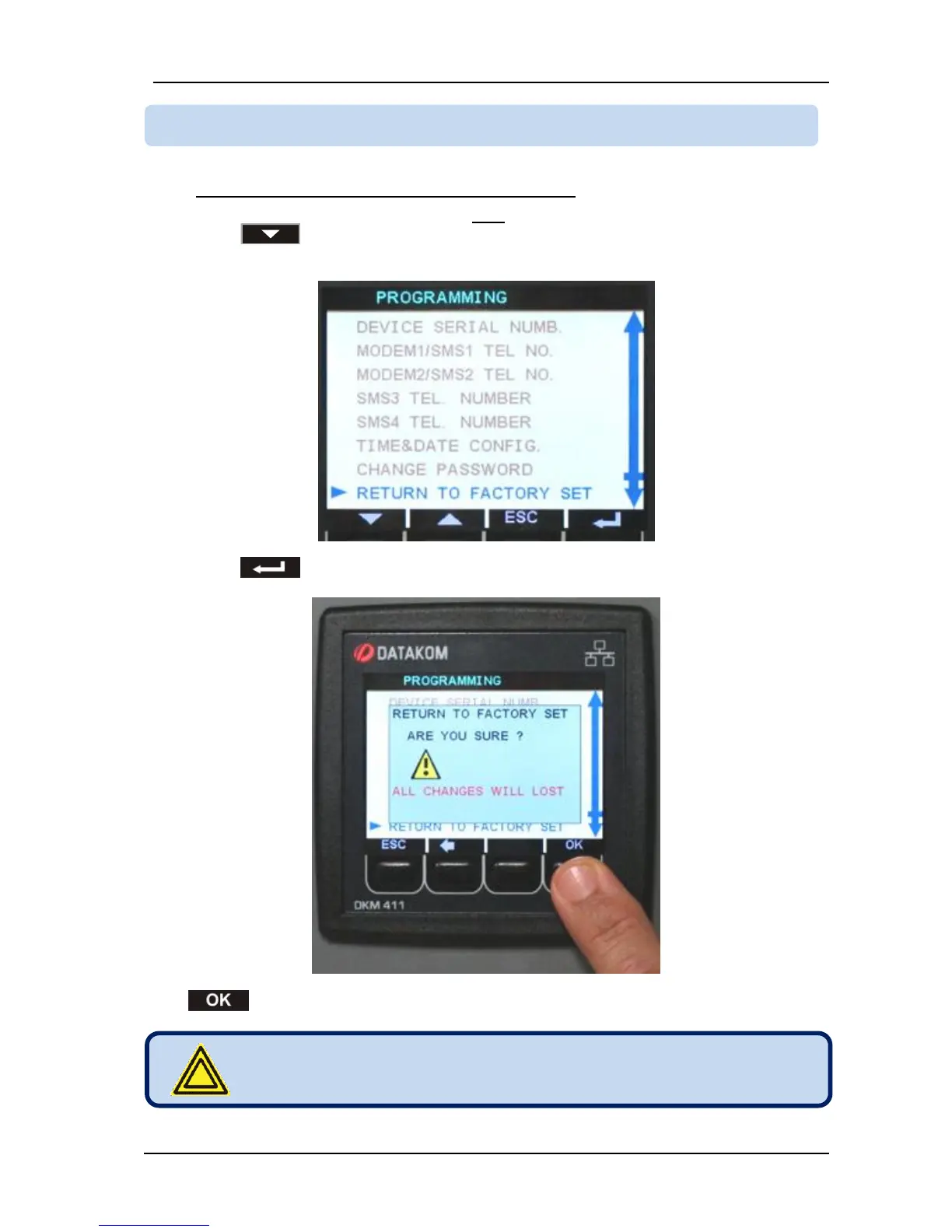
In order to resume to the factory set parameter values:
-Enter programming mode with password “9876”,
-press button until displaying the “RETURN TO FACTORY SET” menu.
-press button. The factory set dialog box will appear.
-press BUTTON. Factory set values will be reprogrammed to the parameter memory.



 To Next Page