The unit is factory calibrated but it is possible
to recalibrate it in order to obtain equal display
values on different measuring instruments.
The calibration is done through the
PROGRAMMING menu. A special password is
required for calibration.
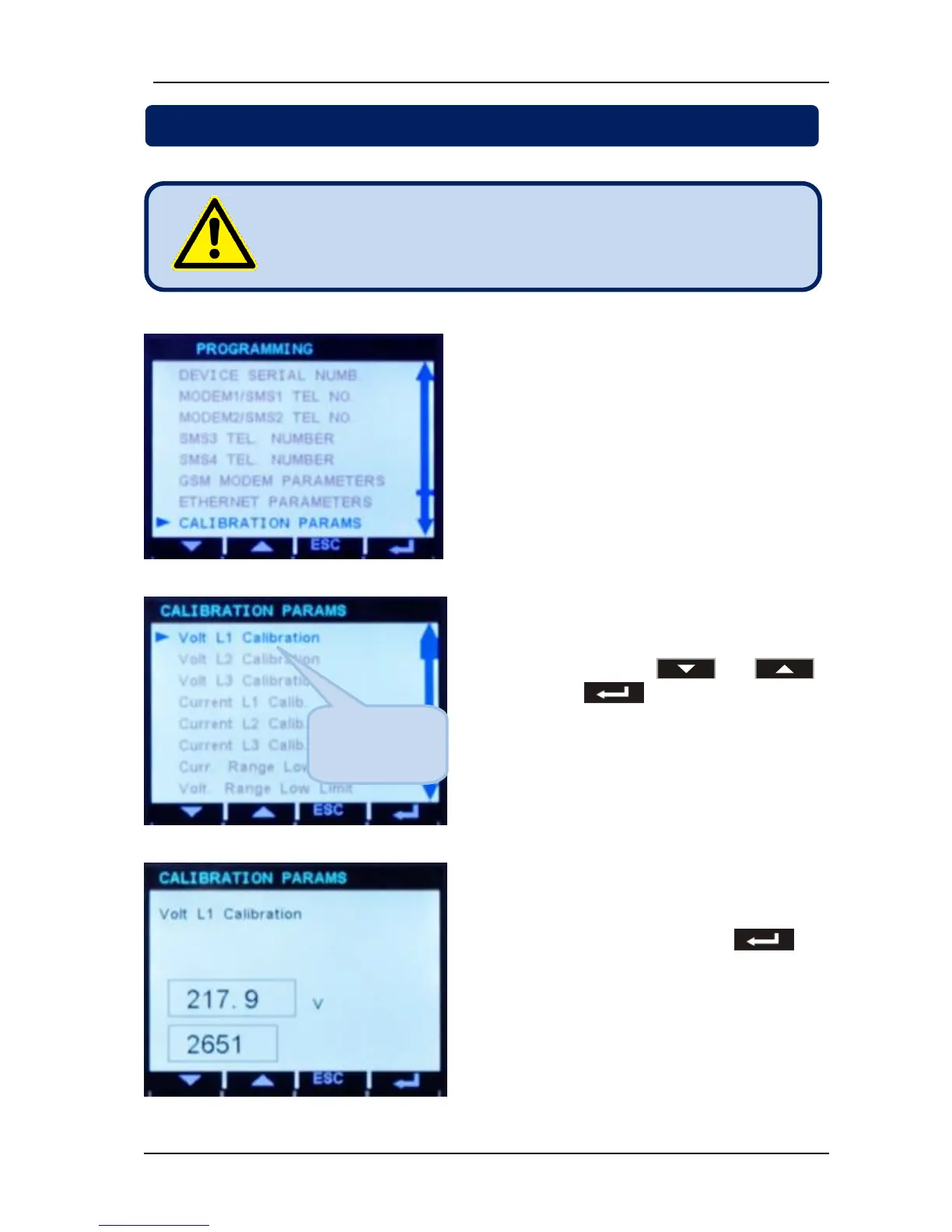
Select “CALIBRATION PARAMS” on
“CONFIGURATION MENU”. Then select the
channel to calibrate with and ,
and then press .
Then adjust the coefficient until required
measured value is displayed on the bottom
right of the screen then long-press to
save the new calibration coefficient and return
to “CONFIGURATION MENU”.



 To Next Page