Enter/Exit Programming Mode
116
Gryphon™ I GD44XX/GBT4400/GM440X
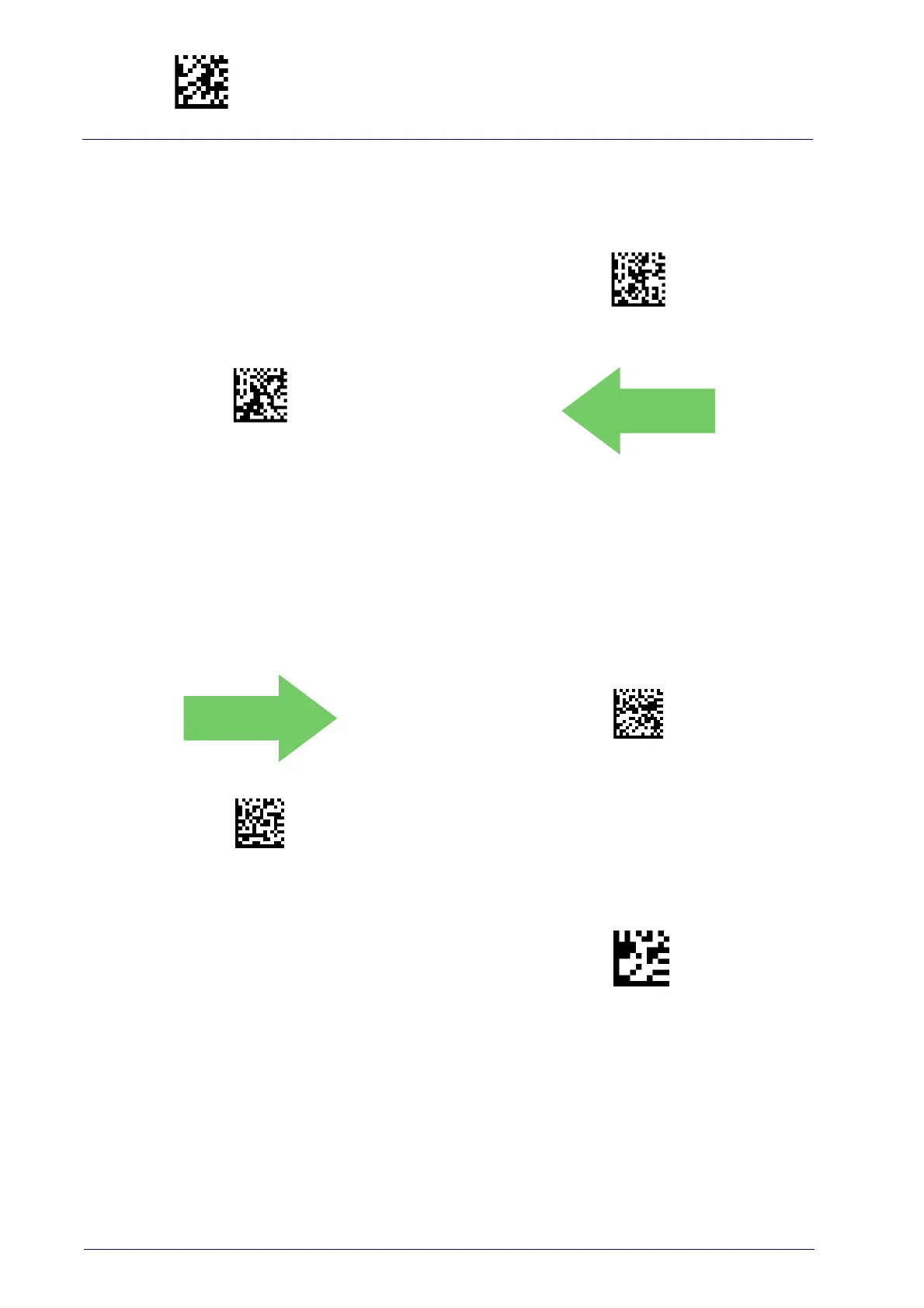
Aiming Pointer
Enables/disables the aiming pointer for all symbologies.
Aiming Pointer = Disable
Aiming Pointer = Enable
DEFAULT
Aiming Duration Timer
Specifies the frame of time the aiming pointer remains on after decoding a
label, when in trigger single mode.The range for this setting is from 1 to
255 seconds in 1-second increments. See page 297 in “References” for a
description of this feature.
Aiming Off After Decoding
Set Aiming Duration Timer
To configure, scan the ENTER/EXIT PROGRAMMING
MODE bar code above, then the bar code at left fol-
lowed by the digits from the Alphanumeric characters
in
Appendix D, Keypad
representing your desired
character(s). End by scanning the
ENTER/EXIT bar
code.
Make a mistake? Scan the CANCEL
bar code to abort
and not save the entry string. You can then start again
at the beginning.
CANCEL



 To Next Page
 Loading...