EasyManua.ls Logo

DaVinci Resolve Advanced Panel - Page 30

Default Icon
62 pages
Print Icon
To Next Page IconTo Next Page
To Previous Page IconTo Previous Page
Loading...
Key Shift Up Primary Function Shift Down
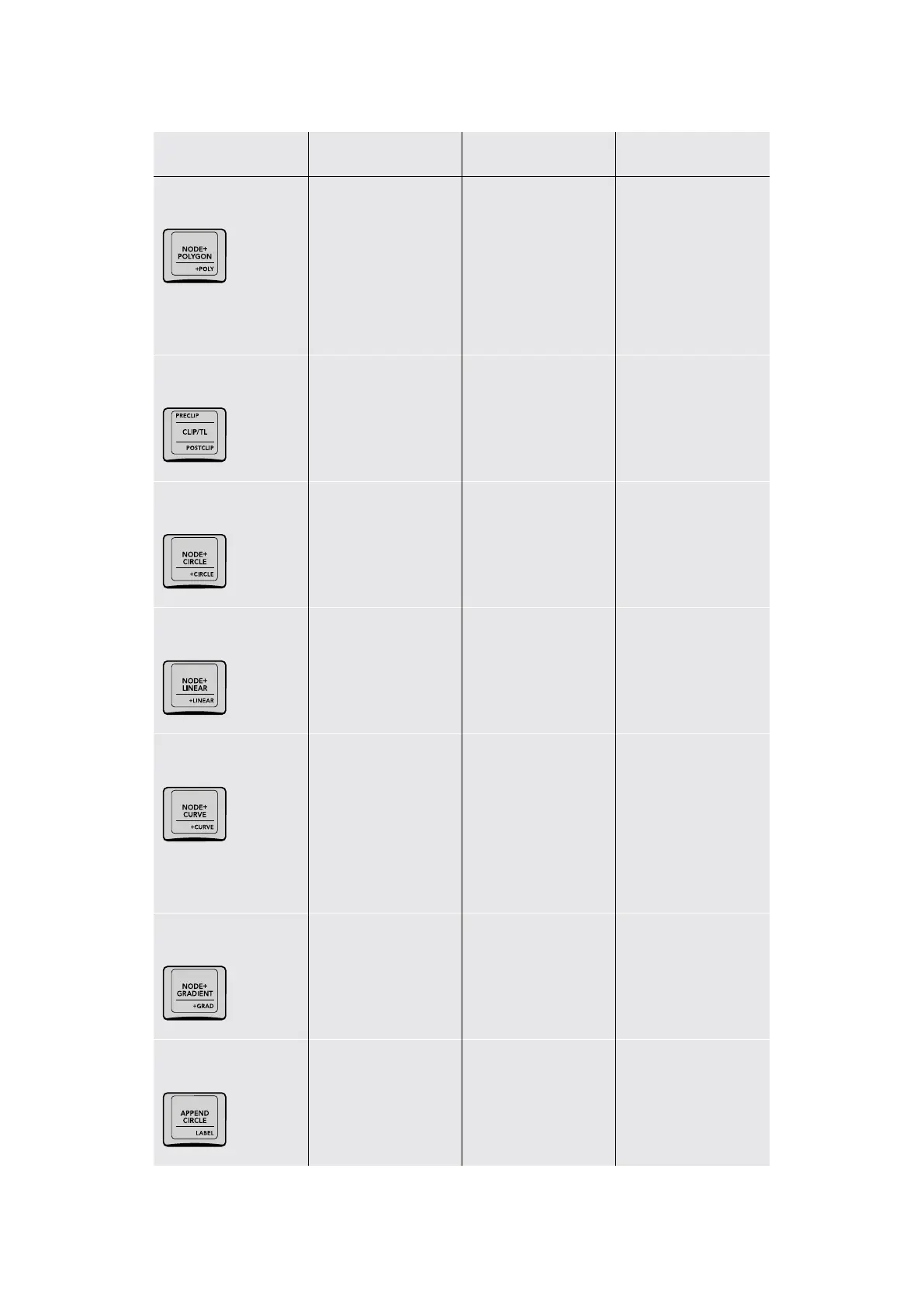
–/NODE+POLYGON/
+P OLY
(NODE+POLYGON)
Adds a Corrector
node in serial with
a polygon window
automatically enabled
for fast isolation; you
can begin drawing a
polygon immediately
in the Viewer.
(+POLY) Turns on the
polygon window for the
currently selected node.
PRECLIP/CLIP/TL/
POSTCLIP
(PRECLIP) Opens the
Pre‑Clip group grade
mode of the Node
Editor; only works when
a clip is part of a group
(CLIP/TL) Toggles
between the Clip and
Timeline grade modes
of the Node Editor
(POSTCLIP) Opens the
Post‑Clip group grade
mode of the Node
Editor; only works when
a clip is part of a group
NODE+CIRCLE/
+CIRCLE
(NODE+CIRCLE) Adds a
Corrector node in serial
with a circular window
automatically enabled
for fast isolation
(+CIRCLE) Turns on the
circular window for the
currently selected node
NODE+LINEAR
/+LINEAR
(NODE+LINEAR) Adds a
Corrector node in serial
with a linear window
automatically enabled
for fast isolation
(+LINEAR) Turns on the
linear window for the
currently selected node
NODE+CURVE/
+CURVE
(NODE+CURVE) Adds
a Corrector node in
serial with a circular
window automatically
enabled for fast
isolation. You can begin
drawing a custom curve
shape immediately
in the Viewer.
(+CURVE) Turns on the
curve window for the
currently selected node
NODE+GRADIENT/
+GRAD
(NODE+GRADIENT)
Adds a Corrector node
in serial with a gradient
window automatically
enabled for fast isolation
(+GRAD) Turns on the
gradient window for the
currently selected node
–/APPEND CIRCLE/
LABEL
(APPEND CIRCLE)
Appends a Corrector
node in serial with
a circular window
enabled at the end of
your node tree
(LABEL) Lets you
type a label above
the selected node to
identify what it does
30The T-bar Panel

Table of Contents