EasyManua.ls Logo

DaVinci Resolve Advanced Panel - Page 31

Default Icon
62 pages
Print Icon
To Next Page IconTo Next Page
To Previous Page IconTo Previous Page
Loading...
Key Shift Up Primary Function Shift Down
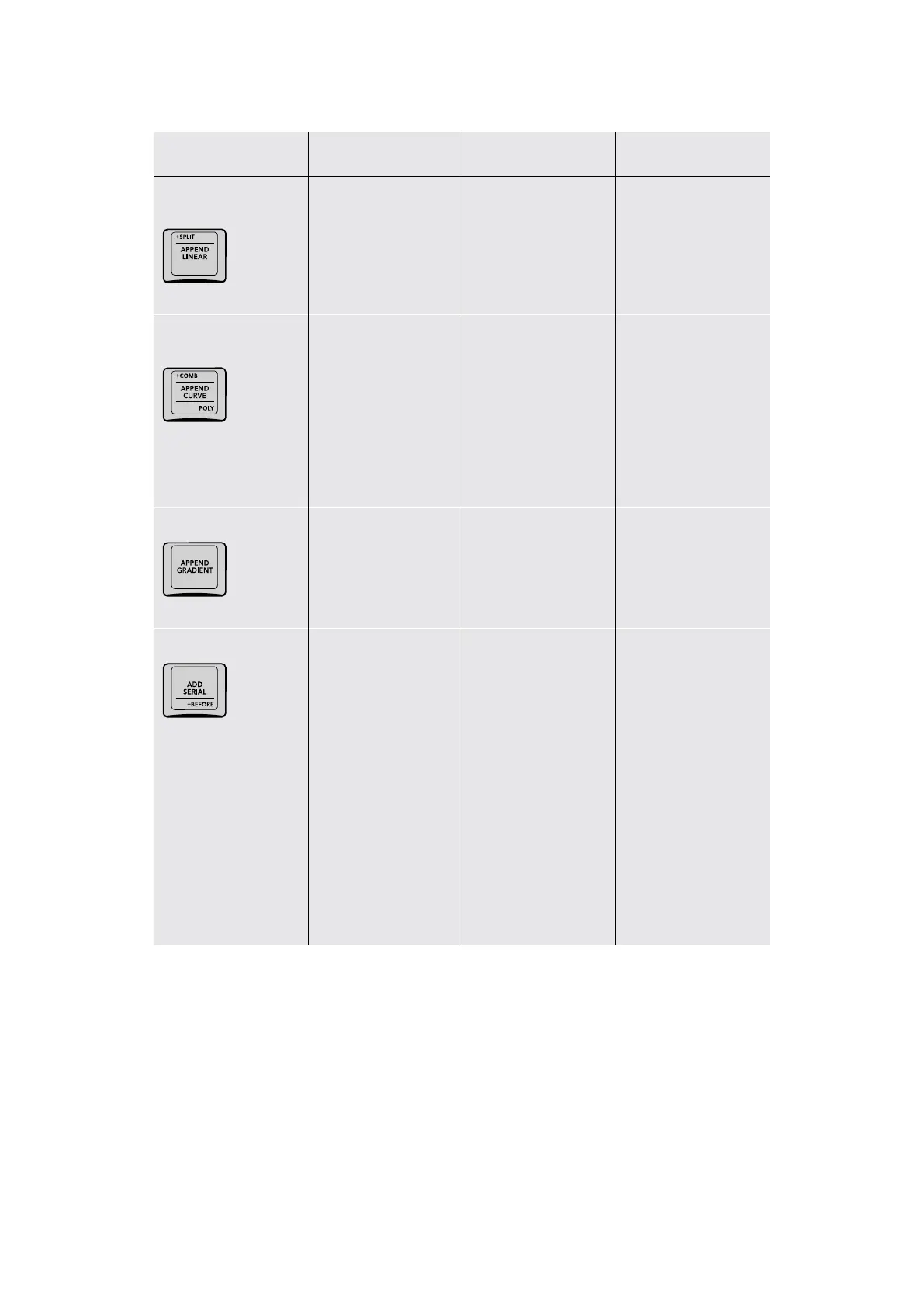
+SPLIT/APPEND
LINEAR/
(+SPLIT) Adds a Splitter
node to your node
tree, which splits the
red, green, and blue
image channels into
separate outputs for
separate processing
(APPEND LINEAR)
Appends a Corrector
node in serial with a
linear window enabled
at the end of your
node tree
+COMB/APPEND
CURVE/POLY
(+COMB) Adds a
Combiner node to
your node tree, which
combines red, green,
and blue image
channels that have
been split back into a
single image
(APPEND CURVE)
Appends a Corrector
node in serial with a
Custom Curve window
enabled at the end of
your node tree. You
can begin drawing
a custom curve
shape immediately
in the Viewer.
(POLY) Appends a
Corrector node in serial
with a custom curve
window enabled at
the end of your node
tree. You can begin
drawing a polygon
shape immediately
in the Viewer.
APPEND GRADIENT
(APPEND GRADIENT)
Appends a Corrector
node in serial with
a gradient window
enabled at the end of
your node tree
ADD SERIAL/+BEFORE
(ADD SERIAL) The
most common way
of adding Corrector
nodes is in serial,
where each new node’s
input is connected to
the previous node’s
output, one after
another. Adjustments
in preceding nodes will
be the starting point for
subsequent nodes, so
they all work together to
combine different sets
of adjustments in serial
order, similar to layers in
a layer‑oriented system.
(+BEFORE) Adds a
corrector node in serial
prior to (before) the
currently selected node
31The T-bar Panel

Table of Contents