EasyManua.ls Logo

DaVinci Resolve Advanced Panel - Page 40

Default Icon
62 pages
Print Icon
To Next Page IconTo Next Page
To Previous Page IconTo Previous Page
Loading...
Key Shift Up Primary Function Shift Down
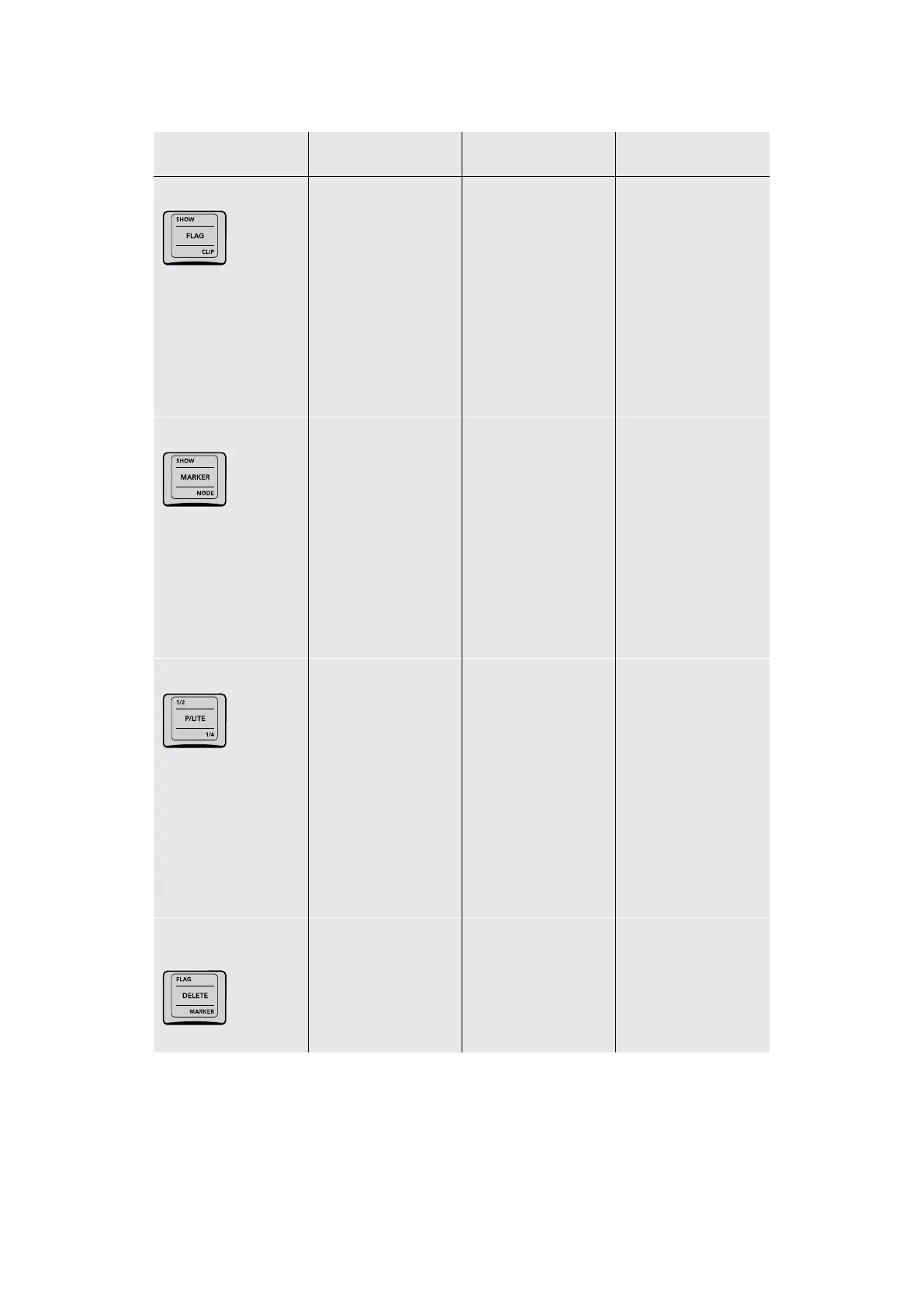
SHOW/FLAG/CLIP
(SHOW) Press to show
a row of flag colors in
the Trackball panel soft
buttons with which to
filter the Thumbnail
Timeline by. < and >
buttons let you page
among all 16 colors,
and EXIT lets you finish.
Press SHOW ALL CLIPS
in the soft menu to
stop filtering.
(FLAG) Press to show a
row of colors with which
to flag the current clip in
the Trackball panel soft
buttons. < and > buttons
let you page among all
16 colors, and EXIT lets
you finish.
"(CLIP) Press to show a
row of colors with which
to color code the current
clip in the Trackball
panel soft buttons.
SHOW/MARKER/NODE
(SHOW) Press to show
a row of marker colors
in the Trackball panel
soft buttons with which
to filter the Thumbnail
Timeline by. < and >
buttons let you page
among all 16 colors,
and EXIT lets you finish.
Press SHOW ALL CLIPS
in the soft menu to
stop filtering.
(MARKER) Press to
show a row of colors
with which to mark the
current frame in the
Trackball panel soft
buttons. < and > buttons
let you page among all
16 colors, and EXIT lets
you finish.
(NODE) Press to show
a row of colors with
which to color code
the current node in the
Node Editor using the
Trackball panel soft
buttons. < and > buttons
let you page among all
16 colors, and EXIT lets
you finish.
1/2/P/LITE/1/4
(1/2) Sets printer
points adjustments
to be made in
“half‑point” increments
(P/LITE) Toggles
Printer Lights” on
or off. When on, the
Jog/Shuttle panel’s
number keys are used
to make printer point
adjustments in “whole
points” increments
(shown on each
number key’s “shift
up” position). This key
remains highlighted
while P/LITE is on.
(1/4) Sets printer points
adjustments to be
made in “quarter‑point
increments
FLAG/DELETE/
MARKER
(FLAG) Deletes all flags
on the current clip
(DELETE) Deletes the
currently selected node
in the Node Editor
(MARKER) Deletes any
marker at the position
of the playhead
40The Search Dial Panel

Table of Contents