EasyManua.ls Logo

DaVinci Resolve Advanced Panel - Page 41

Default Icon
62 pages
Print Icon
To Next Page IconTo Next Page
To Previous Page IconTo Previous Page
Loading...
Key Shift Up Primary Function Shift Down
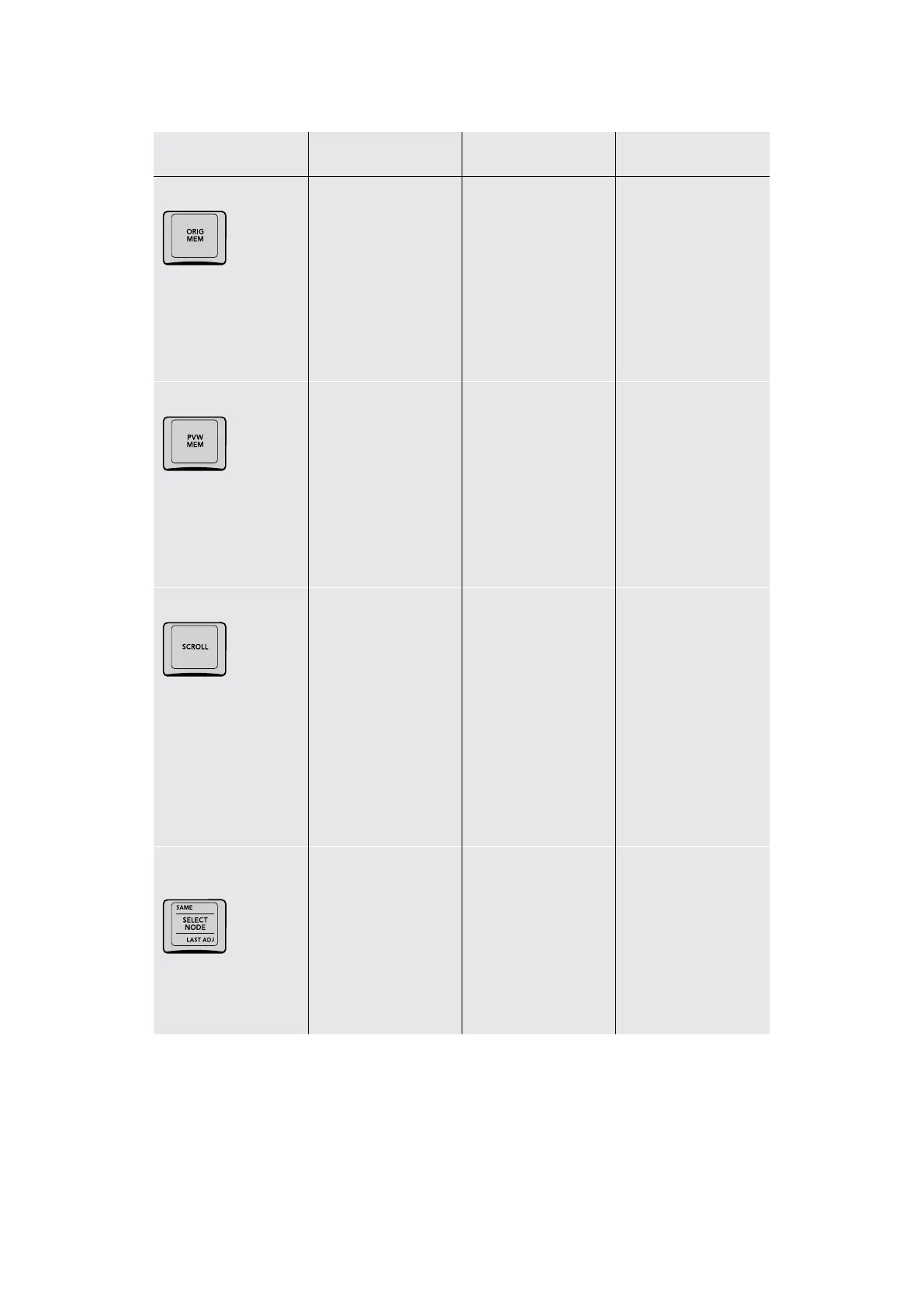
ORIG MEM
(ORIG MEM) If you
select a graded clip,
then change the
grade and decide you
don’t like the change,
press ORIG MEM to
return to original state
(or memory) of that
clip when you first
selected it.
PVW MEM
(PVW MEM) To preview
how a saved memory
looks when applied to
the current clip, press
PVW MEM and then
any memory key. If you
don’t like the result,
press PVW MEM again
to toggle the grade to
how it was before.
SCROLL
(SCROLL) The Scroll
key opens a row
of controls on the
Trackball panel soft
buttons that lets you
preview how grades on
neighboring clips would
look on the current
clip, with the option
to then copy a grade
(EXIT AS IS) or cancel
without doing anything
(EXIT AS WAS).
SAME/SELECT NODE/
LASTADJ
(SAME) Changes
the “Switching Clips
Selects” option to
“Same Node” so that
moving to another clip
selects the same node
in the Node Editor that
was selected in the
previous clip
(SELECT NODE) Press
after typing a node
number to change the
currently selected node
(LAST ADJ) Changes
the “Switching Clips
Selects” option to “Last
Adjusted Node” so that
moving to another clip
selects whichever node
in the Node Editor was
previously adjusted for
that clip
41The Search Dial Panel

Table of Contents