Key Shift Up Primary Function Shift Down
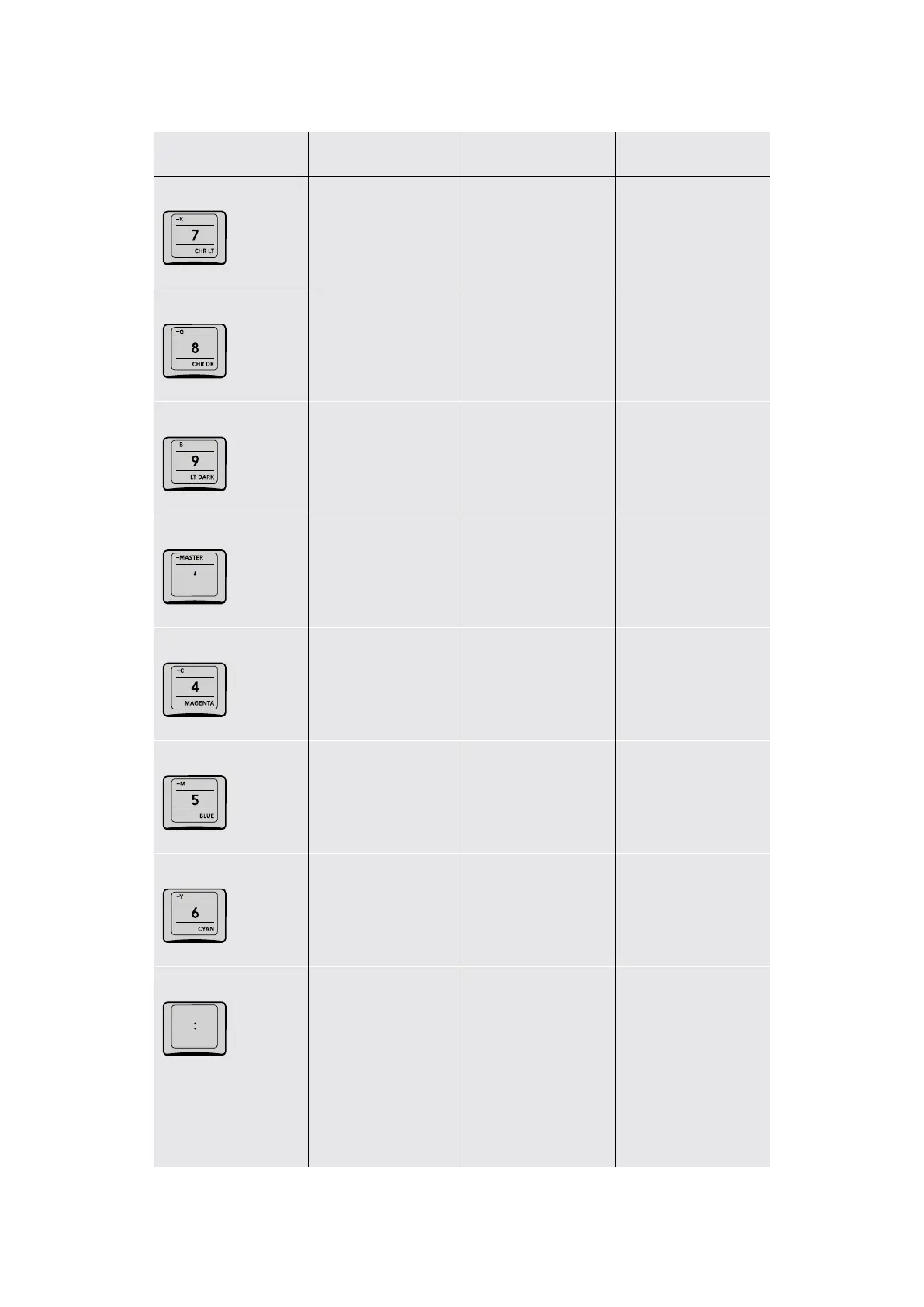
–R/ 7/CHR LT
–R (Minus Red in
P/LITE mode)
(7) The seven key (CHR LT) Loads
the Chroma Light
Qualifier preset
–G/8/CHR DK
–G (Minus Green in
P/LITE mode)
(8) The eight key (CHR DK) Loads
the Chroma Dark
Qualifier preset
–B/9/LT DARK
–B (Minus Blue
in P/LITE mode)
(9) The nine key (LT DARK) Loads the
Chroma Light and
Dark Qualifier preset
–MASTER/ ‘
–MASTER (Minus Master
RGB in P/LITE mode)
(‘) The Apostrophe.
When pressed by itself,
copies the grade from
one clip to the left to the
current clip
–
+C/4/MAGENTA
+C (Plus Cyan or
Green+Blue in
P/LITE mode)
(4) The four key (MAGENTA) Loads the
Magenta Qualifier preset
+M/5/BLUE
+M (Plus Magenta
or Red+Blue in
P/LITE mode)
(5) The five key (BLUE) Loads the Blue
Qualifier preset
+Y/6/CYAN
+Y (Plus Yellow
or Red+Green in
P/LITE mode)
(6) The six key (CYAN) Loads the Cyan
Qualifier preset
:
– (:) The Apostrophe
key. When pressed
by itself, copies the
grade from two clips to
the left to the current
clip. When used after
typing numbers,
delineates timecode
number positions
(hr:min:sec:frm).
–
46The Search Dial Panel



 To Next Page