62
Online Software
Users
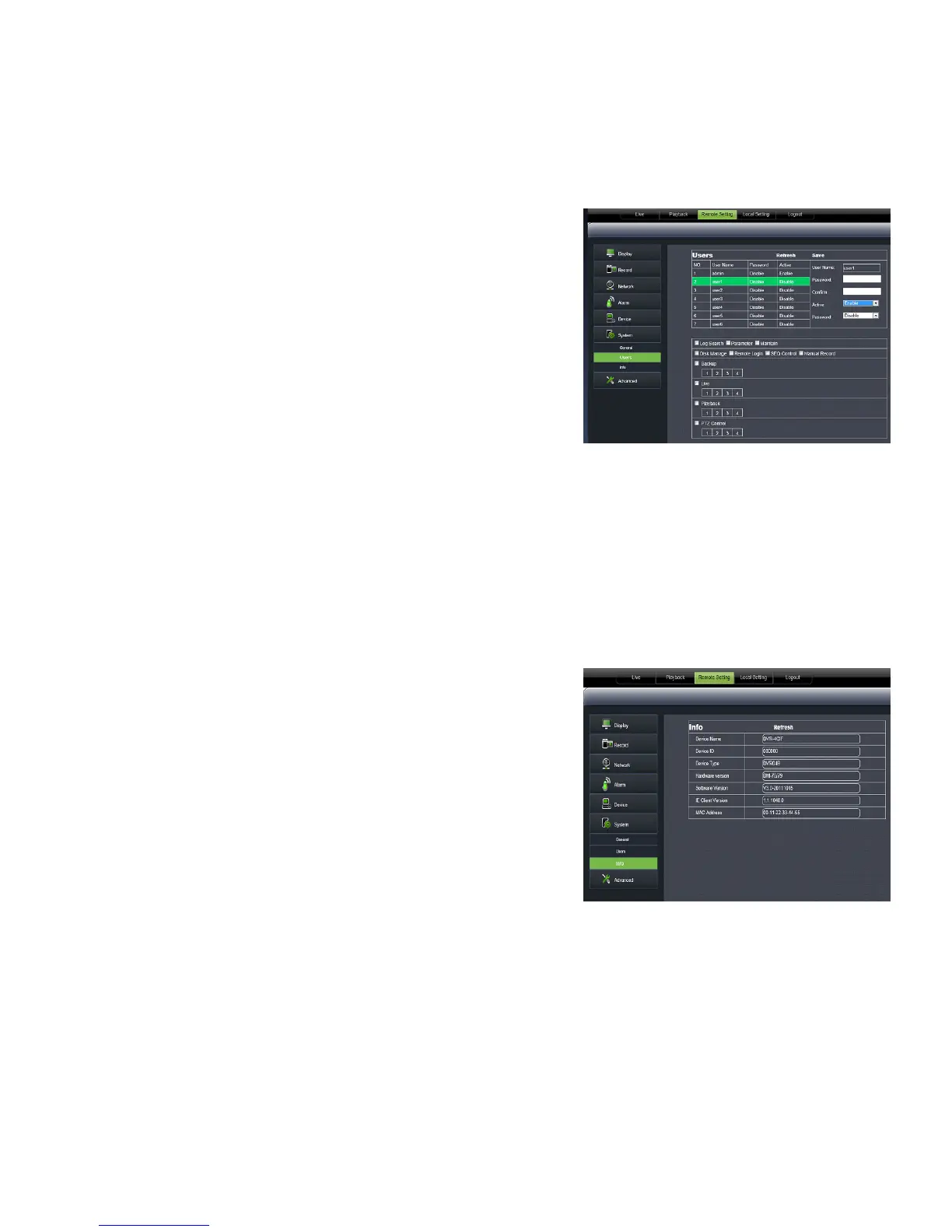
The USERS tab allows you to customize passwords and set different authority levels for other users.
Authority settings:
1. Select the USERNAME you wish to change settings for.
2. The password status and information will come up in the list.
3. Here you can enable users and customize the type of authority
they are allowed to access.
Changing the password:
You have the option to change the password for the user and the
administrator. A USER will only be able to access the search menu to
view saved footage, while the administrator has unlimited access.
BOTH DEFAULT PASSWORDS ARE 123456.
1. Highlight and click the USER you wish to change the password for.
2. Make sure PASSWORD ENABLE is set to ENABLE.
3. Type the password you would like in the box next to PASSWORD.
4. Type in the same password again next to CONFIRM to confirm the password.
5. Click SAVE in the upper right corner to save your changes.
Info
The INFO tab allows you to view information about
your DVR such as:
• Device Name
• Device ID
• Device Type
• MAC Address
• Currently installed software version
• IE Version
• Hardware Version
• Keyboard Version



 To Next Page