67
Mobile Viewing
From your computer:
1. Connect your BlackBerry
®
to your computer and open up the BlackBerry
®
desktop manager.
2. Select the APPLICATION LOADER option from the main menu. From there,
select the START button for adding/removing any applications to your
BlackBerry
®
.
3. Browse and select the ASEE.ALX file from the Blackberry
®
folder on the
software CD and click NEXT.
4. Once installed on your BlackBerry
®
, select the FINISH button to complete
the installation.
From your BlackBerry
®
:
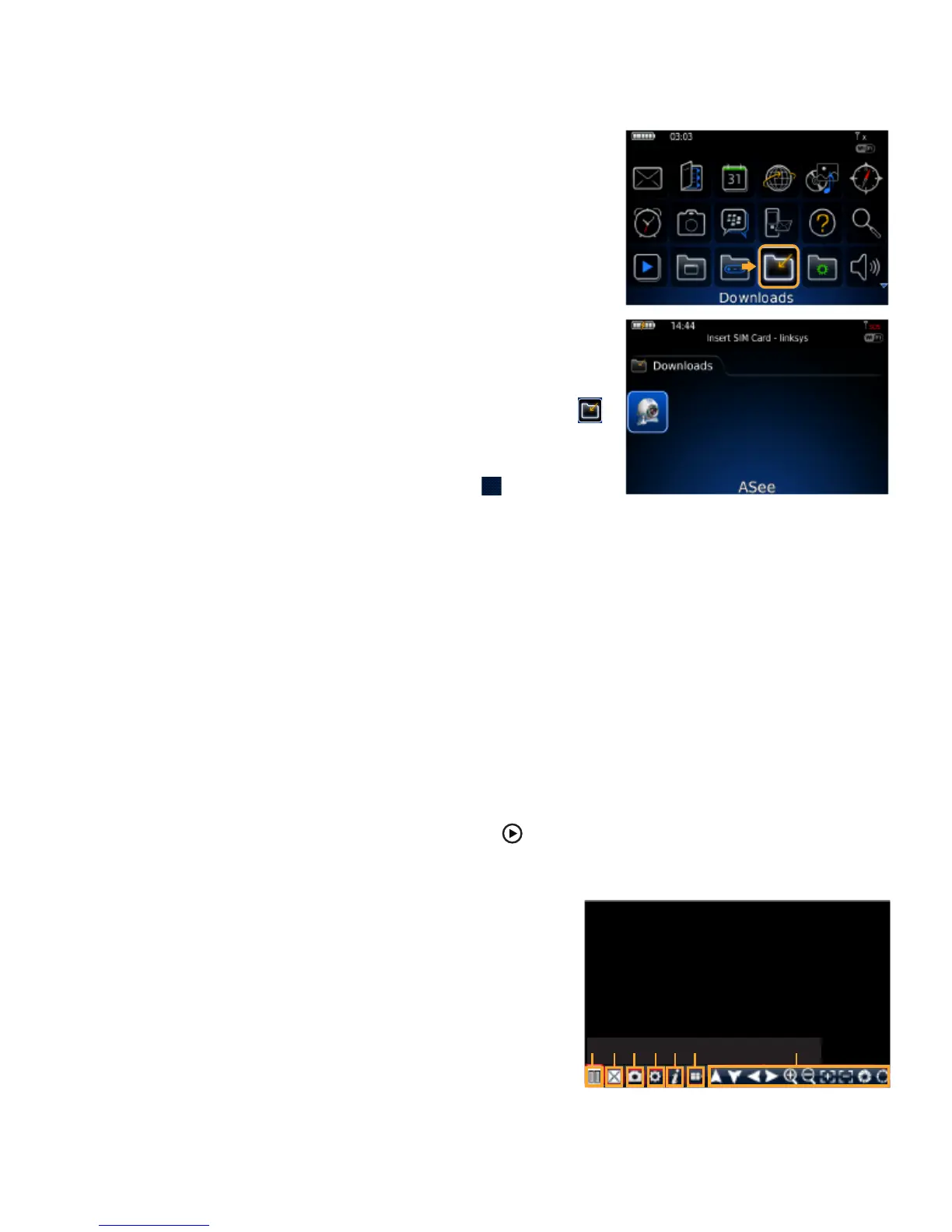
1. The installed software will be located in the DOWNLOADS directory.
From the downloads menu, select the ASee software icon to start the
application.
2. Once the program has started, select the settings icon , from the settings
screen and input the following information:
Host: Input your DVR’s IP address.
Port: Input the port you forwarded for your mobile setup. Ensure that this port is also listed under
mobile settings on your DVR.
User: Input the user ID that you have set under the mobile settings on your DVR.
Password: Input the password that you have set under the mobile settings on your DVR.
Default: Input the channel you would like to start watching - the program allows you to change channels
once the footage has loaded.
Wi-Fi: If connecting with mobile network select NO for this option. If connecting through a wireless
network, select YES for this option.
3. Once you have input all the proper information, select SAVE to save the information and close the settings
screen.
4. Once the settings screen is closed, select the PLAY button to begin playing the footage.
5. For more information on Asee, see the buttons and their functions below.
A- Connect/disconnect
B- Full screen
C- Snapshot
D- Setup
E- Help
F- Next page
G- PTZ Control
A B C D E F G



 To Next Page