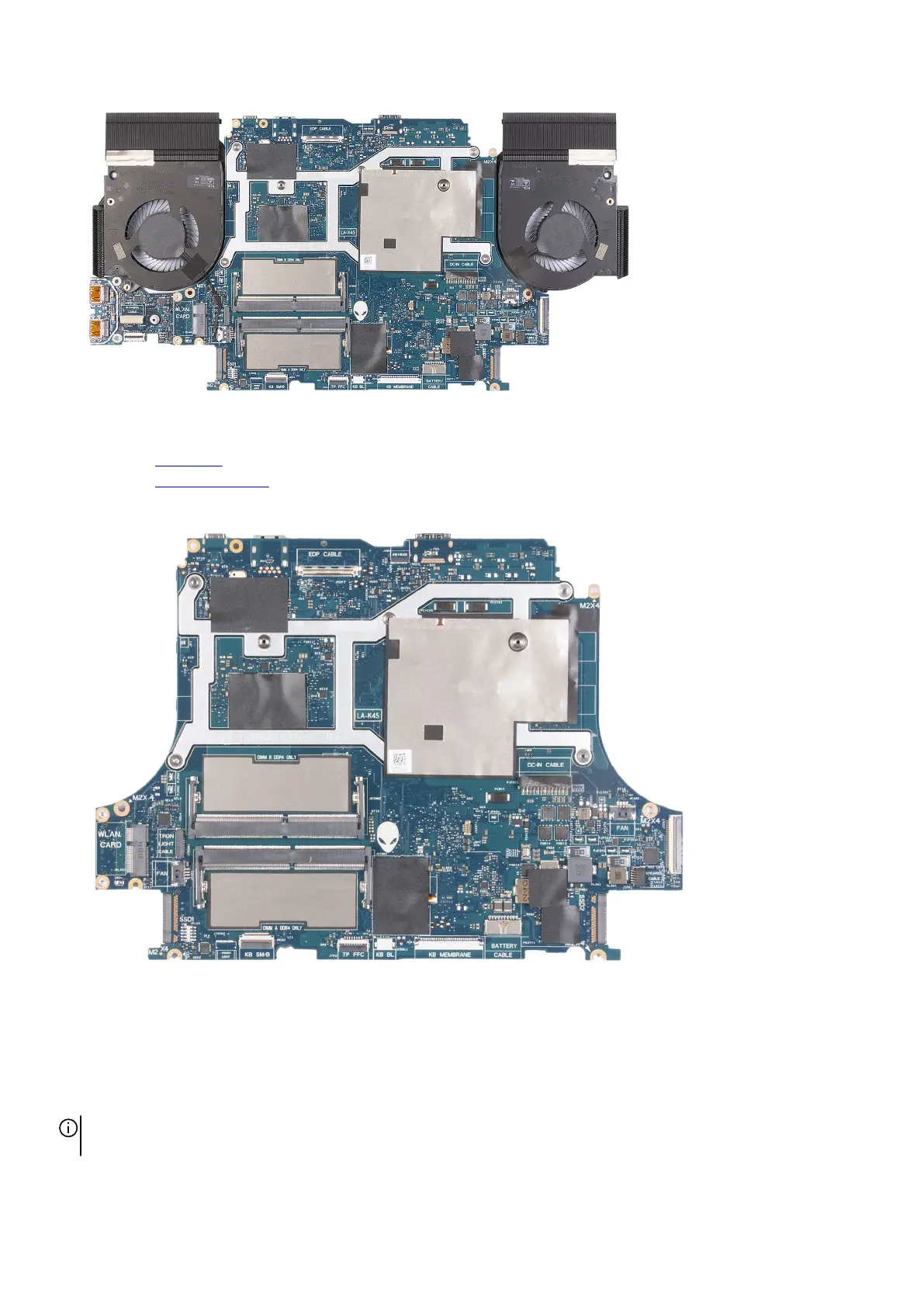
18.Place the system-board assembly on a clean and flat surface.
19.Turn the system-board assembly over.
20.Remove the
USB board.
21. Remove the heat-sink assembly.
22.After performing all the above steps, you are left with the system board.
Installing the system board
Prerequisites
If you are replacing a component, remove the existing component before performing the installation procedure.
NOTE: When replacing/accessing other parts, the system board can be installed with the heat sink attached in order to simplify
the procedure and preserve the thermal bond between the system board and heat-sink.
61













 To Next Page