Faxing
231
7
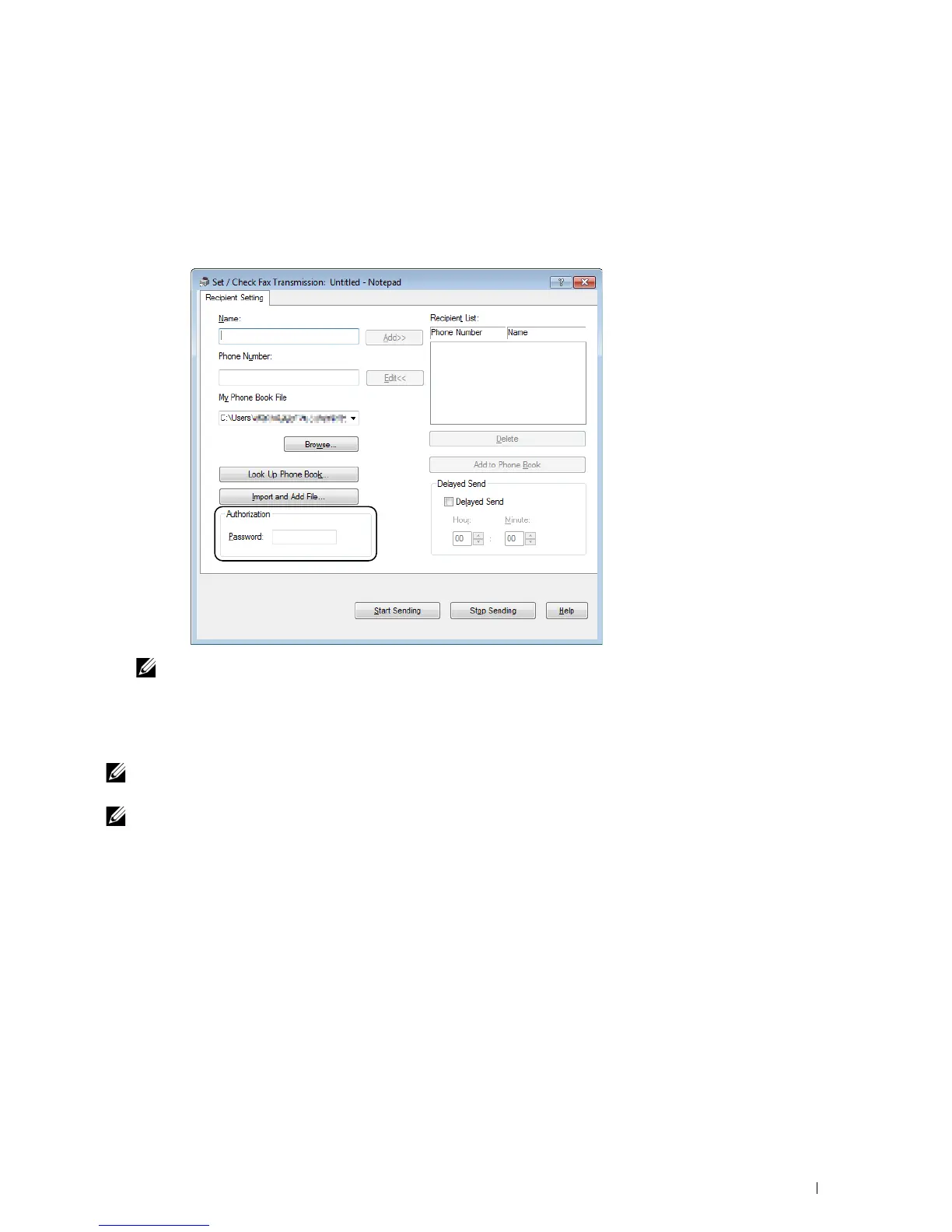
Specify the destination for the recipient in one of the following ways:
• Enter a name and phone number directly.
• Select a recipient from the Phone Book saved on your computer.
• Select a recipient from a database other than the Phone Book.
For more information on how to specify the destination, click
Help
of the driver.
NOTE:
Enter the password in the Password field in the Authorization area before sending a fax if the Fax service is locked
with a password.
8
Click
Start Sending
.
For Macintosh
NOTE:
The names of the windows and the buttons may be different from those given in the following procedure depending on
the application you are using.
NOTE:
To use this feature, you must install the fax driver.












 To Next Page