Back to Contents Page
Battery Slice
Dell™Latitude™E4200ServiceManual
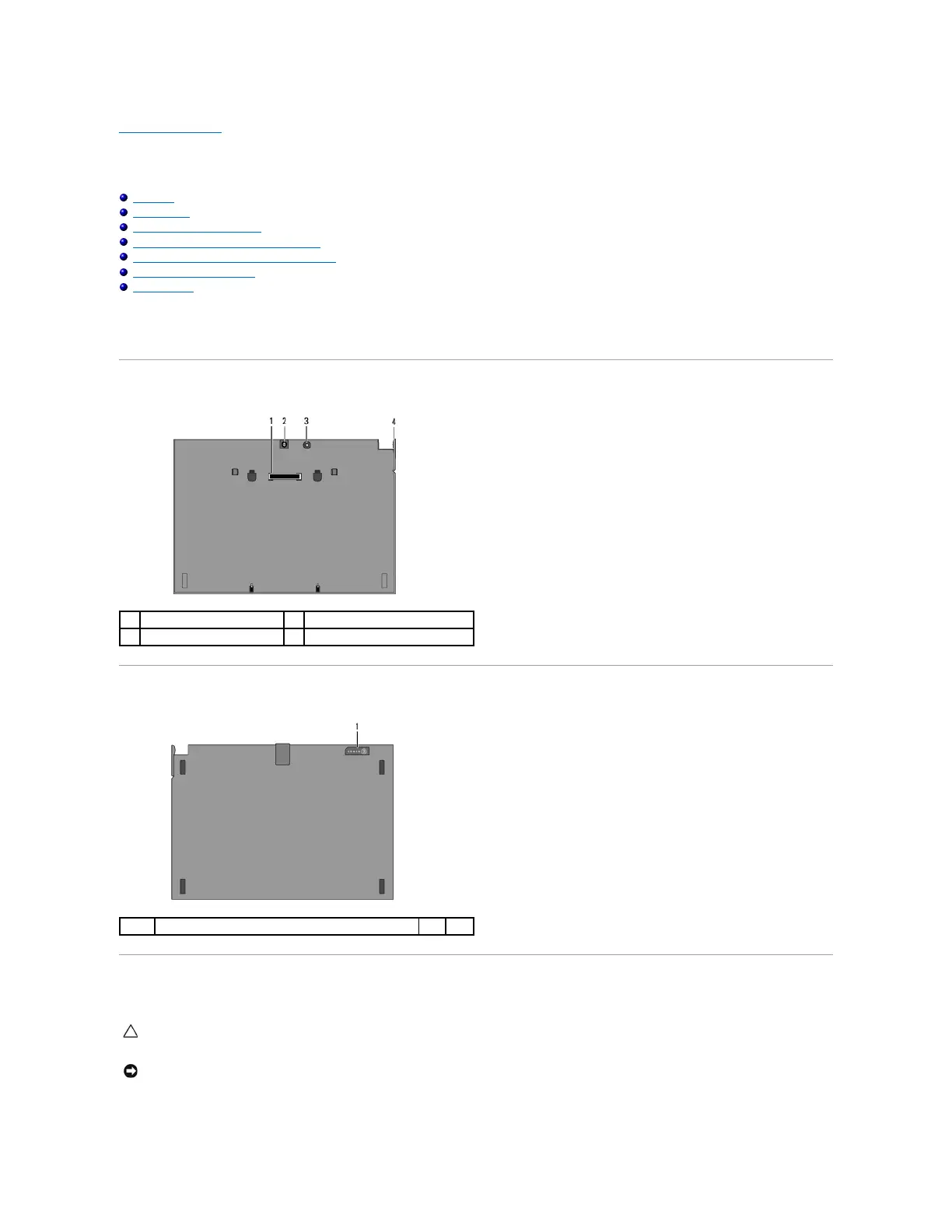
Top View
Bottom View
Setting Up Your Battery Slice
Attaching the Battery Slice to Your Laptop
Detaching the Battery Slice From Your Laptop
Charging Your Battery Slice
Specifications
ThebatterysliceprovidesextendedpoweringcapacitytoyourDell™Latitude™E4200orE4300laptop.
The battery slice attaches to the bottom of the laptop, and can be charged while attached to your laptop or separately.
Top View
Bottom View
Setting Up Your Battery Slice
CAUTION: The AC adapter works with electrical outlets worldwide. However, power connectors and power strips vary among countries. Using an
incompatible cable or improperly connecting the cable to the power strip or electrical outlet may cause fire or equipment damage.
NOTICE: Always use the Dell AC adapter that came with your laptop. If you use any other commercially available AC adapter—or the AC adapter
from earlier models of Dell computers—you can damage the battery slice or the laptop.

















 To Next Page