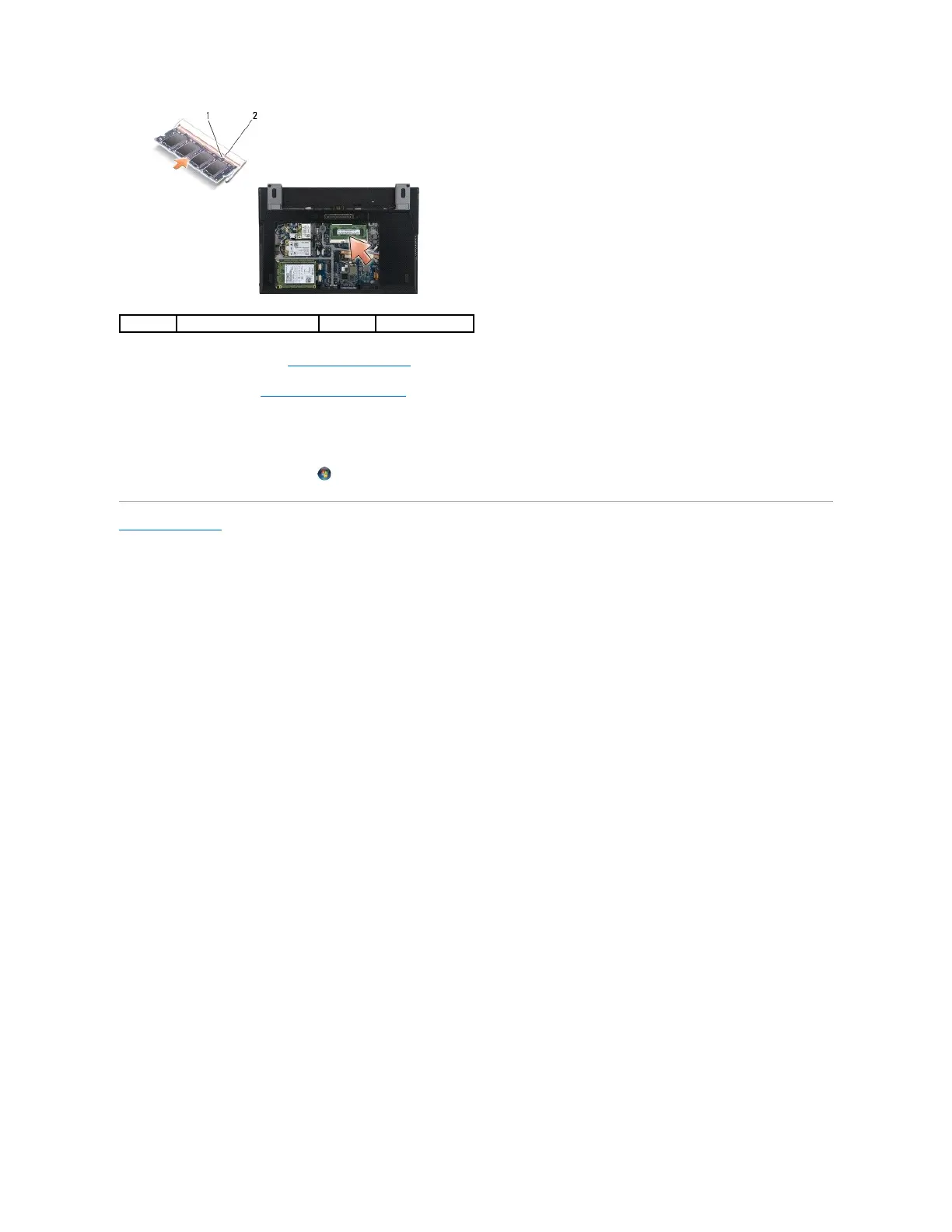
3. Replace the service panel (see Replacing the Service Panel).
4. Follow the procedures in After Working on Your Computer.
As the computer boots, it detects the additional memory and automatically updates the system configuration information. To confirm the amount of
memory installed in the computer:
l In Windows
®
XP, right-click the My Computer icon on your desktop. Click Properties® General.
l In Windows Vista
®
, click Start ® Help and Support® Dell System Information.
Back to Contents Page

















 To Next Page