Mini Tower Computer Parts 165
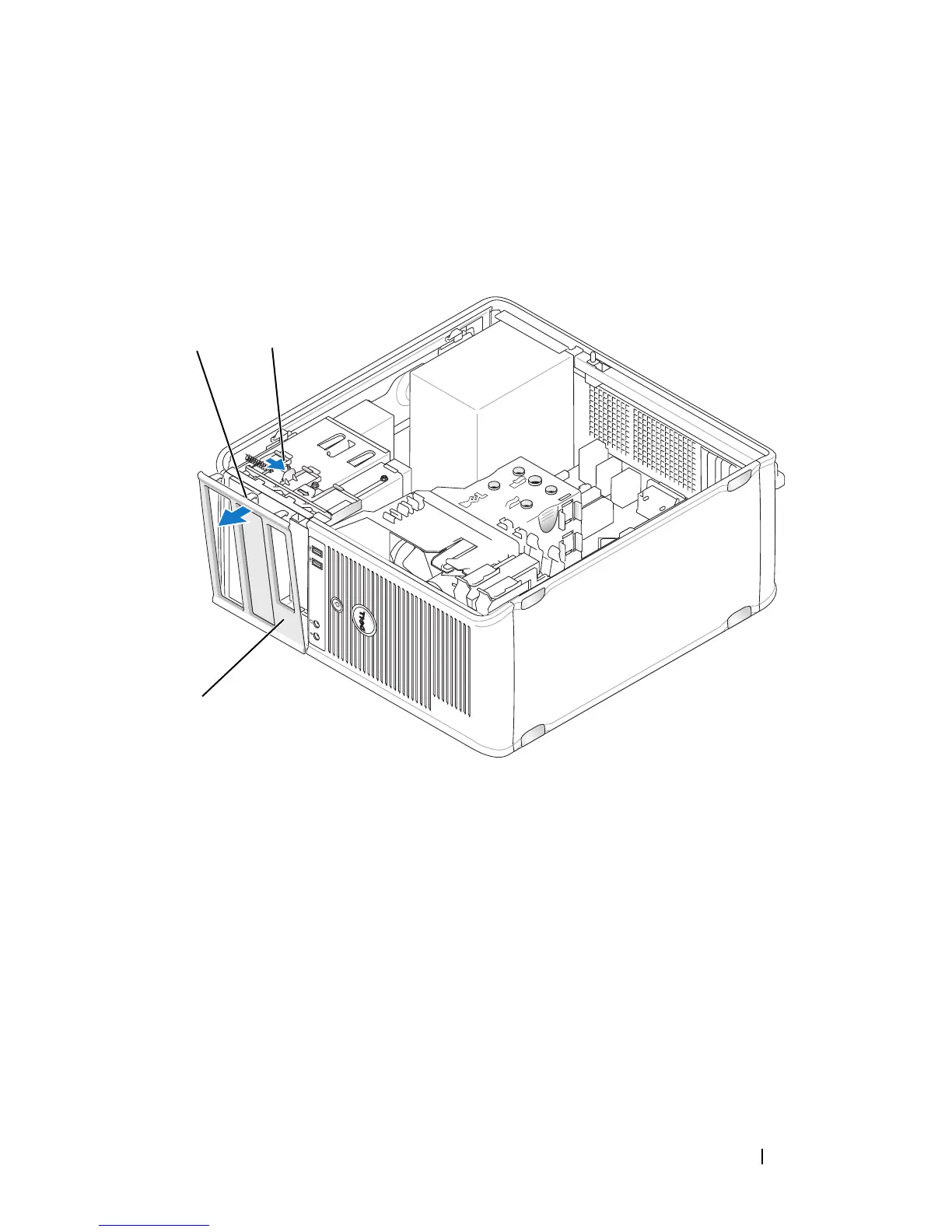
Removing the Bezel
1
Follow the procedures in "Before You Begin" on page 143.
2
Remove the computer cover (see "Removing the Computer Cover" on
page 147).
3
Push down on the clamp release tab to release the bezel clamps from the
front panel.
4
Rotate and pull the bezel away from the front of the computer to release
bezel clamps from bezel clamp slot.
5
Set aside the bezel in a secure location.
1 bezel clamps (3) 2 clamp release tab
3 bezel
1
3
2














 To Next Page