Advanced Features 69
Using Multimedia
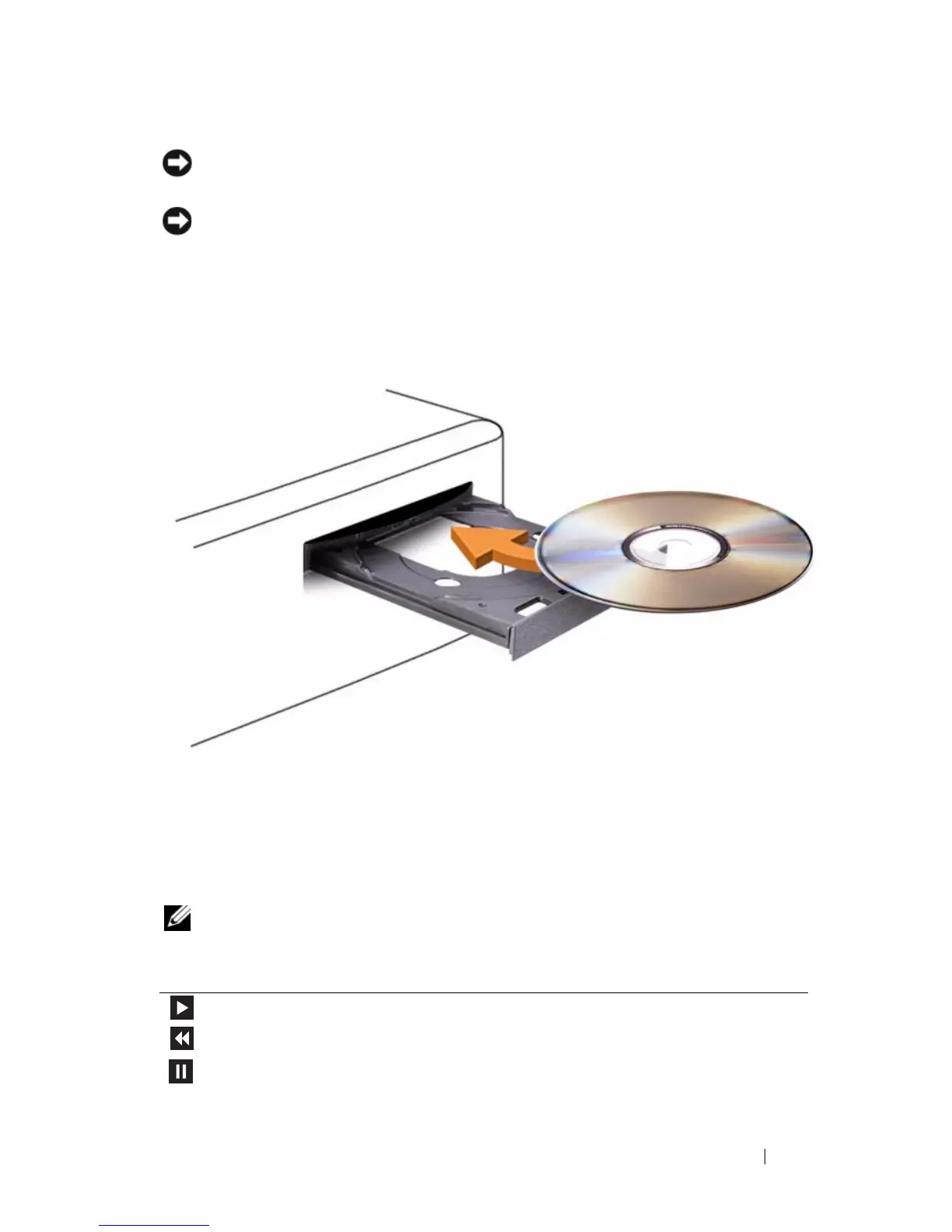
Playing CDs or DVDs
NOTICE: Do not press down on the CD/DVD tray when you open or close it. Keep
the tray closed when you are not using the drive.
NOTICE: Do not move the computer while playing CDs or DVDs.
1
Press the eject button on the front of the drive.
2
Place the disc, label side up, in the center of the tray.
3
Press the eject button or gently push in the tray.
To format CDs for storing data, to create music CDs, or to copy CDs, see the
CD software that came with your computer.
NOTE: Ensure that you follow all copyright laws when you create CDs.
A CD player includes the following basic buttons:
Play.
Move backward within the current track.
Pause.














 To Next Page