50 Setting Up Your Computer
Network Setup
Windows XP
The Microsoft
®
Windows
®
XP operating system provides a Network Setup
Wizard to guide you through the process of sharing files, printers, or an
Internet connection between computers in a home or small office.
1
Click the
Start
button, point to
All Programs
→
Accessories
→
Communications
, and then click
Network Setup Wizard
.
2
On the
Network Setup Wizard
welcome screen, click
Next
.
3
Click
Checklist for creating a network
.
NOTE: Selecting the connection method This computer connects directly to the
Internet enables the integrated firewall provided with Windows XP Service Pack 1
(SP1) or later.
4
Complete the checklist and required preparations.
5
Return to the Network Setup Wizard and follow the instructions on the
screen.
Windows Vista
To make changes to your network setup in Microsoft
®
Windows Vista™:
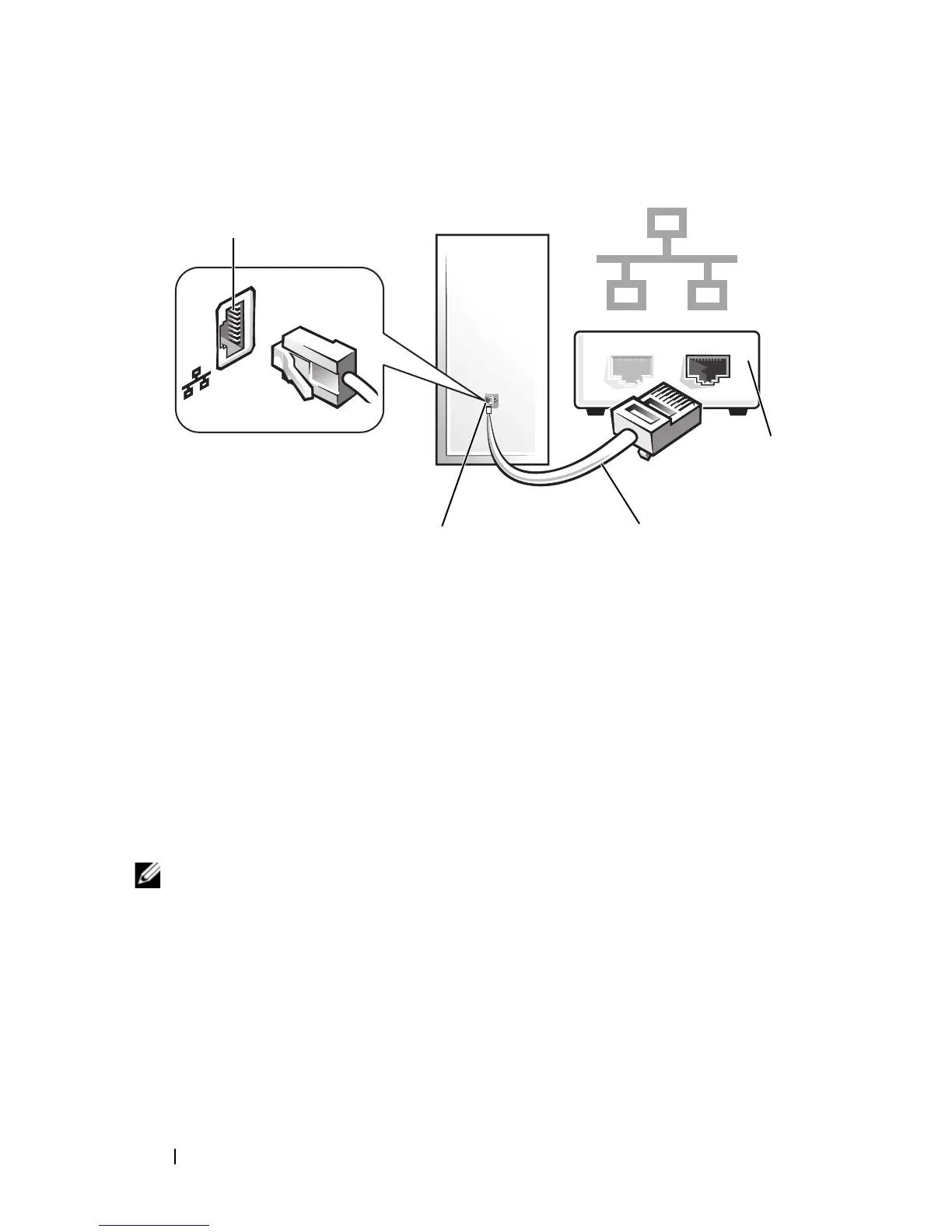
network
device
network adapter connector on computer
network cable
network
adapter
connector














 To Next Page