Setting Up Your Computer 49
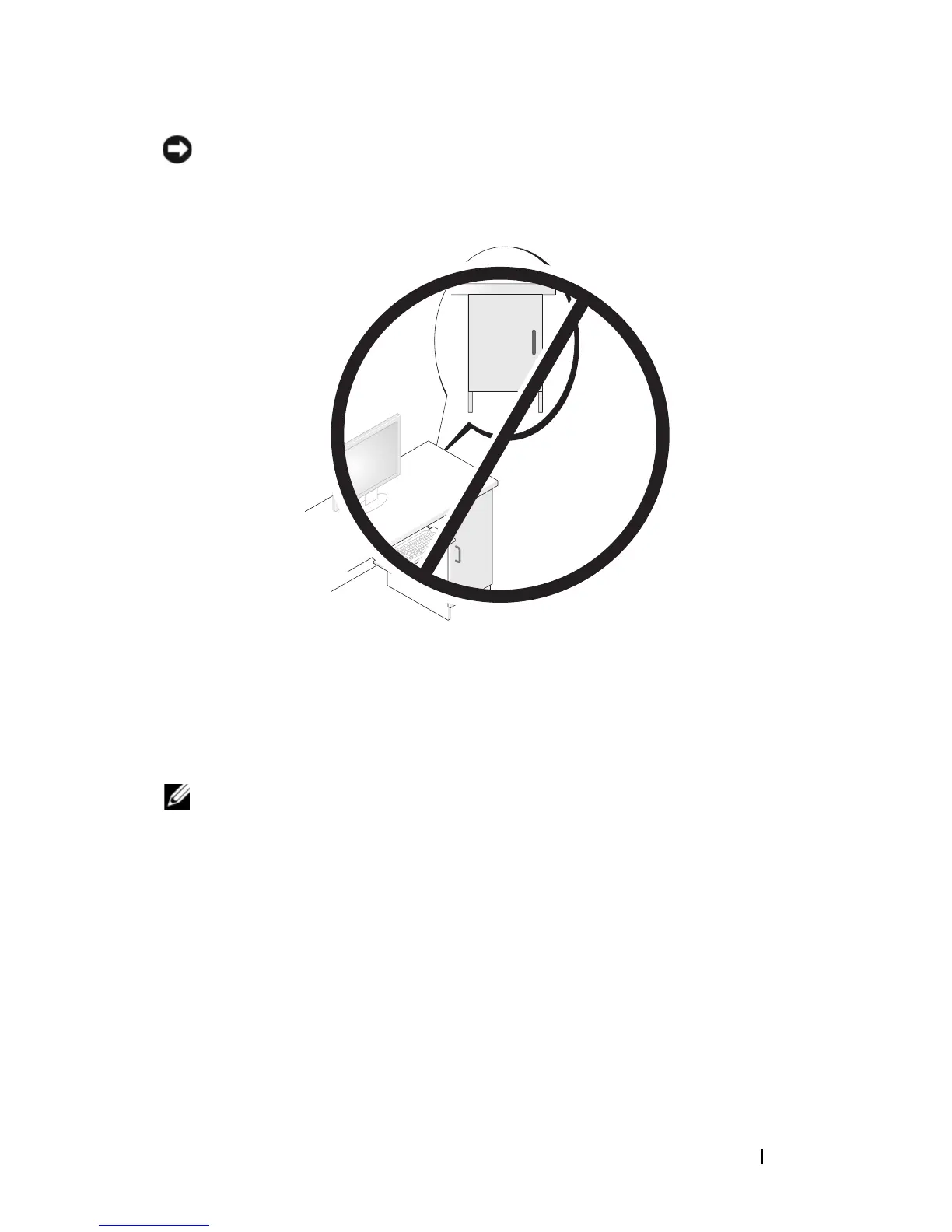
NOTICE: Do not install your computer in an enclosure that does not allow airflow.
Restricting the airflow impacts your computer’s performance, possibly causing it to
overheat.
Setting Up a Home and Office Network
Connecting to a Network Adapter
To connect a network cable:
NOTE: Plug the network cable into the network adapter connector on the
computer. Do not plug the network cable into the modem connector on the
computer. Do not plug a network cable into a telephone wall jack.
1
Connect the network cable to the network adapter connector on the back
of your computer.
Insert the cable until it clicks into place, and then gently pull it to ensure
that it is secure.
2
Connect the other end of the network cable to a network device.














 To Next Page