204 Mini Tower Computer Parts
Installing the I/O Panel
1
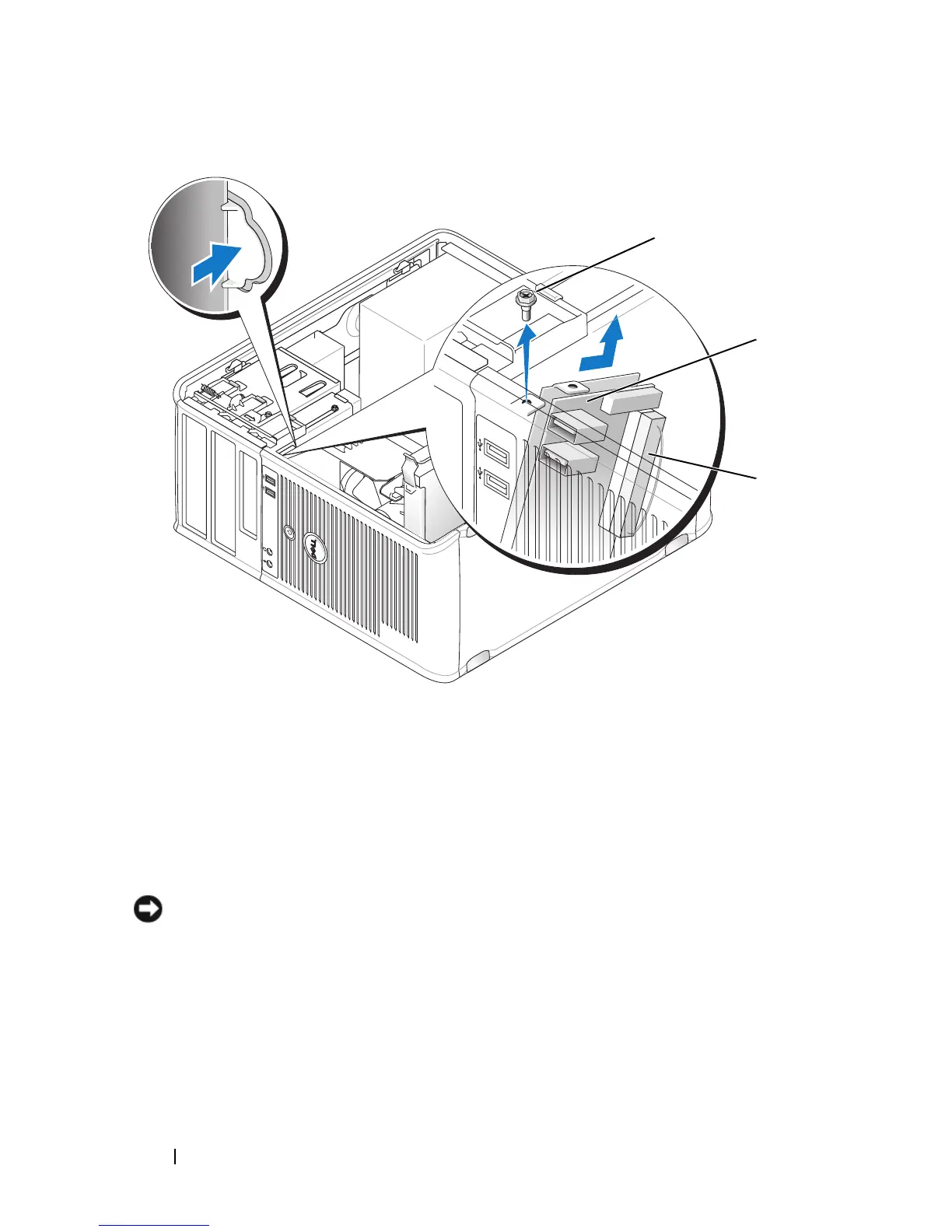
Place the I/O panel into the slot.
NOTICE: Take care not to damage the cable connectors and the cable routing clips
when sliding the I/O panel into the computer.
2
Align and slide the I/O panel clamp in the I/O panel clamp slot.
3
Replace and tighten the screw that secures the I/O panel.
4
Reconnect the cables to the system board.
5
Replace the bezel (see "Replacing the Bezel" on page 166).
1 securing screw 2 I/O panel
3 I/O cable connector
2
3
1














 To Next Page