Advanced Features 71
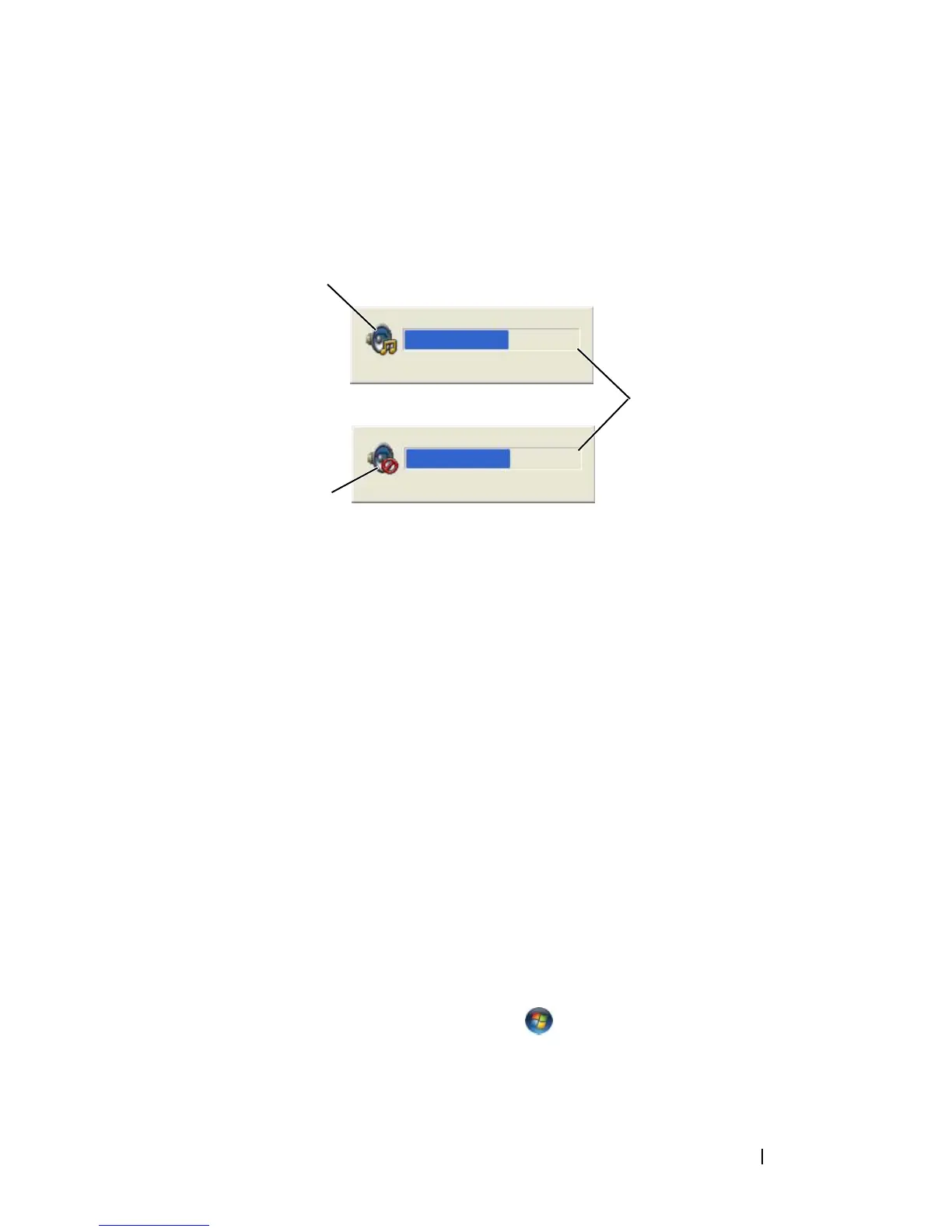
The Volume Meter displays the current volume level, including mute, on your
computer. Either click the QuickSet icon in the taskbar and select or deselect
Disable On Screen Volume Meter, or press the volume control buttons to
enable or disable the Volume Meter on the screen.
Adjusting the Picture
If an error message notifies you that the current resolution and color depth
are using too much memory and preventing DVD playback, adjust the display
properties.
Microsoft Windows XP
1
Click
Start
→
Control Panel
→
Appearance and Themes
.
2
Under
Pick a task...
, click
Change the screen resolution
.
3
Under
Screen resolution
, click and drag the bar to reduce the resolution
setting.
4
In the drop-down menu under
Color quality
, click
Medium (16 bit)
and
click
OK
.
Microsoft Windows Vista™ Operating System
1
Click the Windows Vista Start button
,
click
Control Panel
, and then
click
Appearance and Personalization
.
2
Under
Personalization
, click
Adjust Screen Resolution
.
1 volume icon 2 Volume Meter
3 mute icon
1
3
2














 To Next Page