Desktop Computer Parts 227
Recommended Drive Cable Connections
• Connect the serial ATA hard drive to connectors labeled "SATA0"on the
system board.
• Connect the serial ATA CD or DVD drive to connectors labeled "SATA1".
Connecting Drive Cables
When you install a drive, you connect two cables—a DC power cable and a
data cable—to the back of the drive.
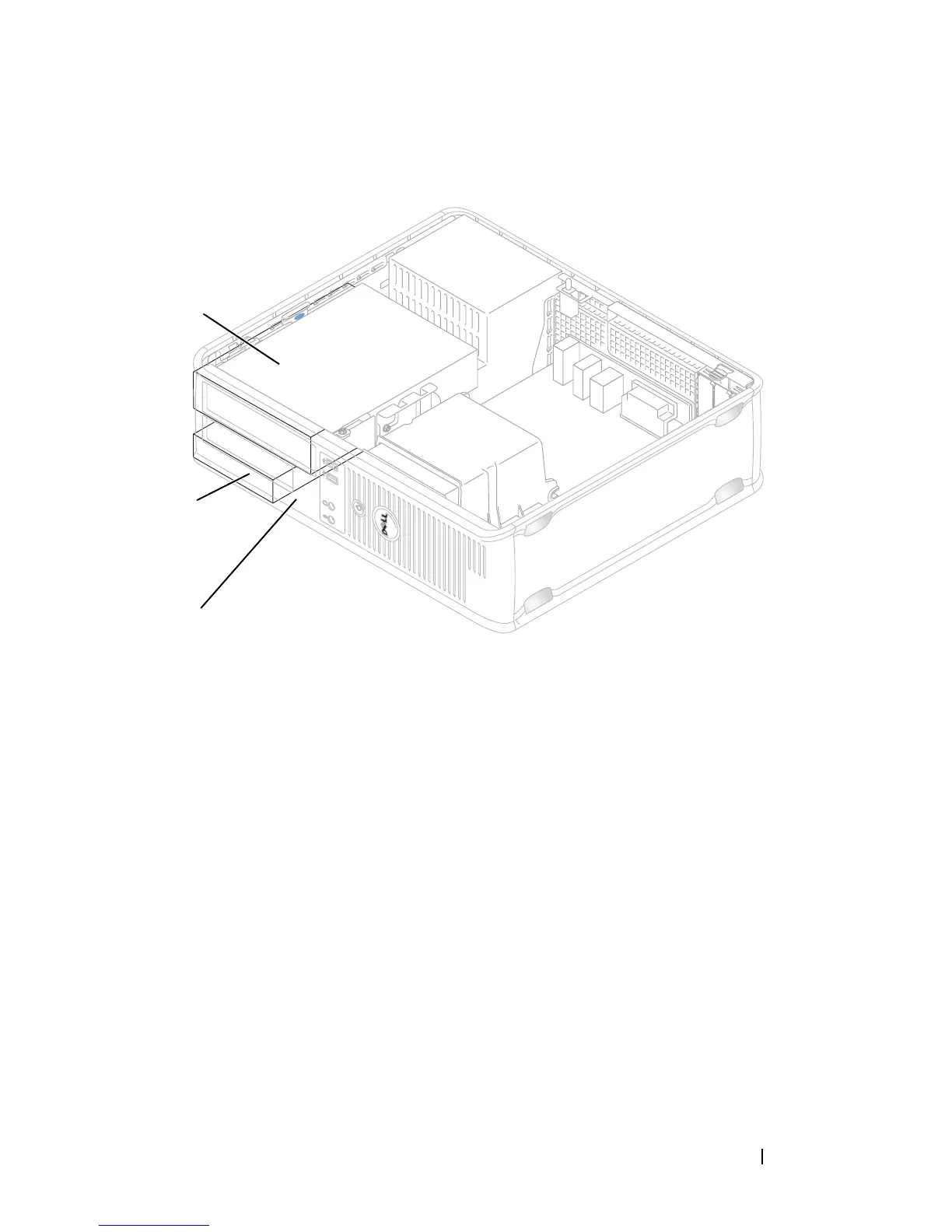
1 optical drive 2 hard drive
3 floppy drive
1
2
3














 To Next Page