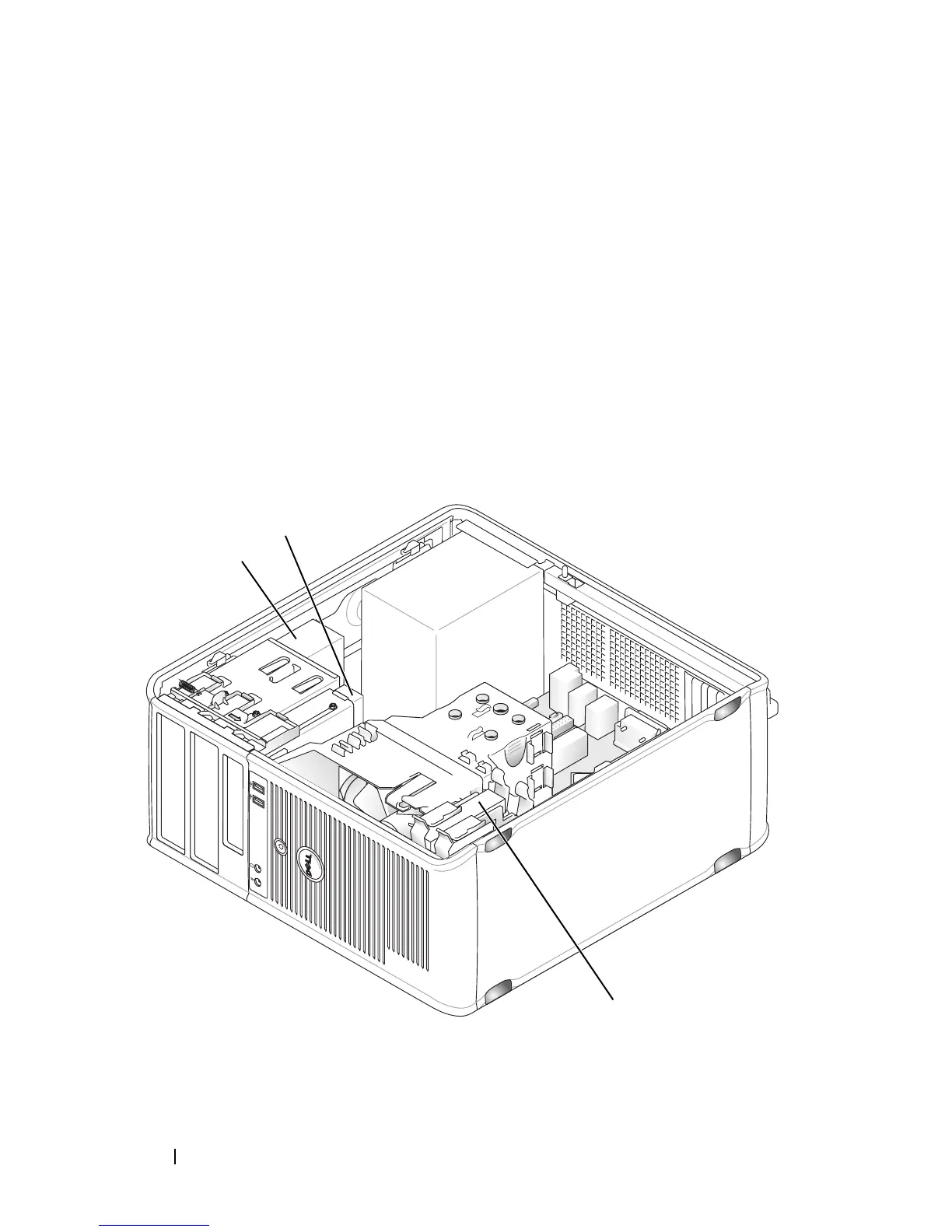
166 Mini Tower Computer Parts
Replacing the Bezel
1
Align and insert the bezel clamps in the bezel clamp slots.
2
Rotate the bezel toward the computer until it snaps into place on the front
panel.
Drives
Your computer supports a combination of these devices:
• Up to two serial ATA hard drives
• One optional floppy drive
• Up to two optical drives
1
3
2














 To Next Page