178 Mini Tower Computer Parts
13
Check the system setup for drive configuration changes (see "Entering
System Setup" on page 79).
Drive-Panel Inserts
1
Follow the procedures in "Before You Begin" on page 143.
2
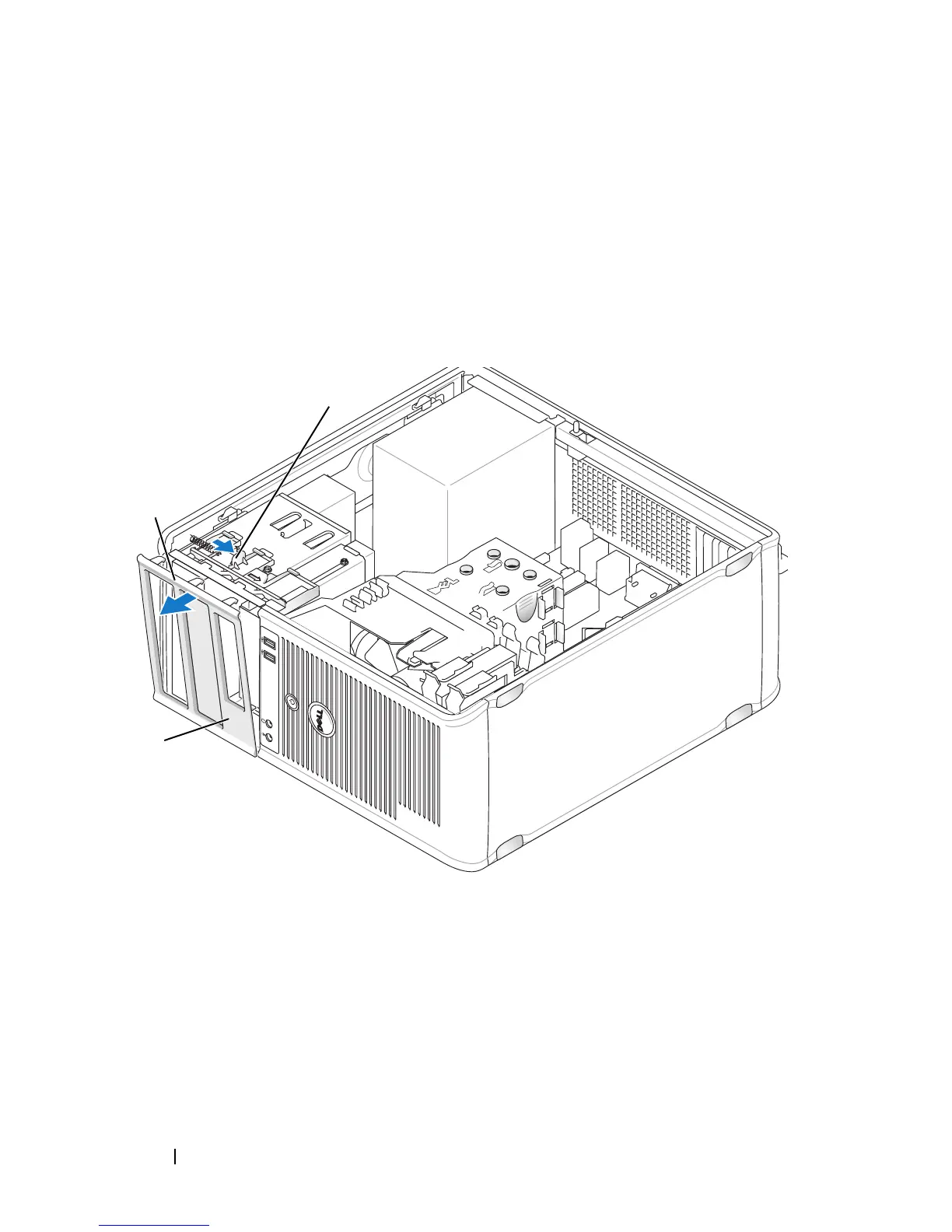
Remove the drive panel by sliding the drive release latch downward to
open the panel. Then, remove the drive panel from the hinges.
3
Find the drive-panel insert in front of the drive bay that you want to use.
4
Gently press the release tab of the insert to remove it from the drive panel.
1 drive panel 2 release tab
3 drive-panel insert
1
2
3














 To Next Page