228 Desktop Computer Parts
Drive Interface Connectors
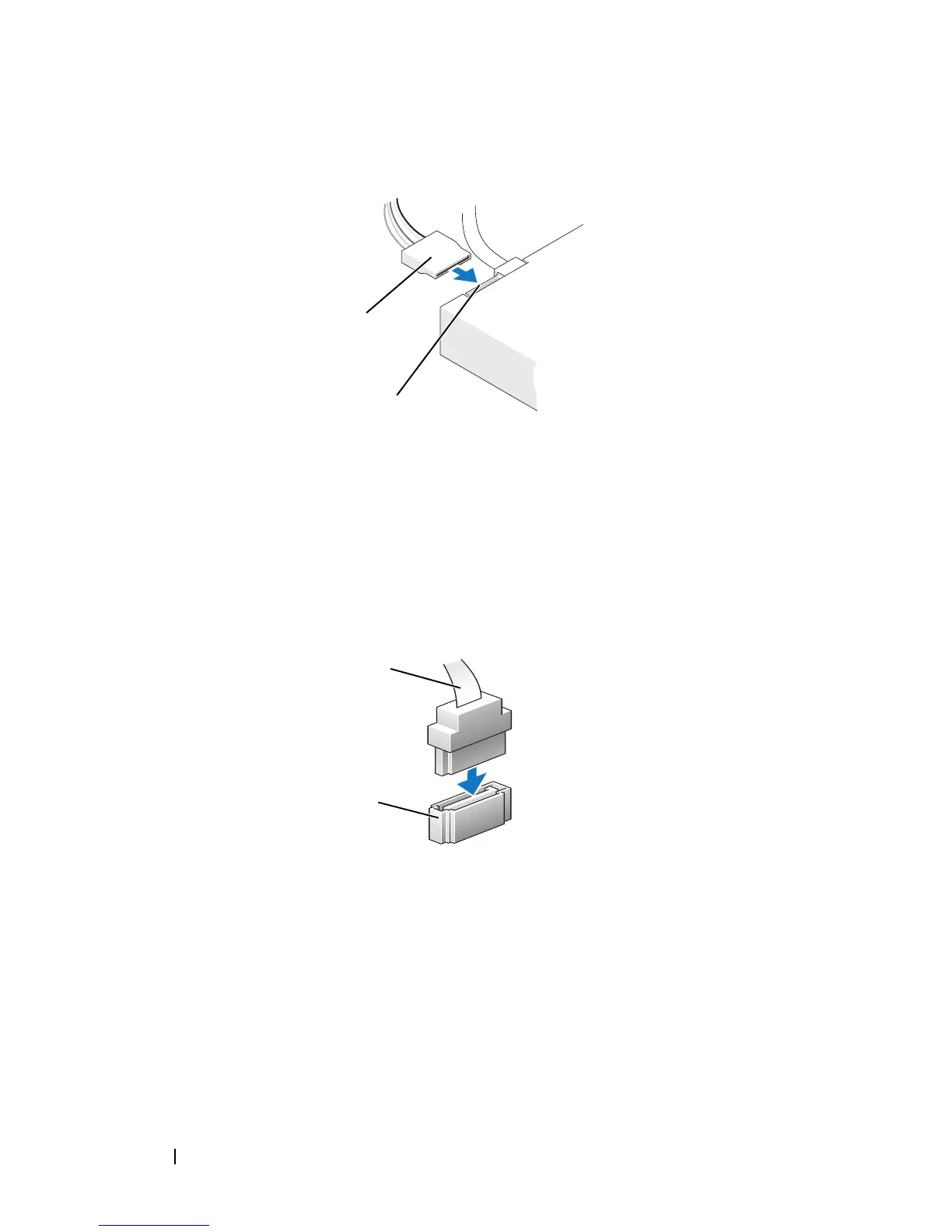
The drive cable connectors are keyed for correct insertion. Properly align the
cable connector key on the cable and the drive before connecting.
Connecting and Disconnecting Drive Cables
When connecting and disconnecting a serial ATA data cable, disconnect the
cable using the pull-tab.
The serial ATA interface connectors are keyed for correct insertion; that is, a
notch or a missing pin on one connector matches a tab or a filled-in hole on
the other connector.
1 power cable 2 power input connector
1 interface cable 2 interface connector
1
2
Power Connector
Serial ATA Connector
1
2














 To Next Page