Desktop Computer Parts 217
Memory
You can increase your computer memory by installing memory modules on
the system board. Your computer supports DDR2 memory. For information
on the type of memory supported by your computer, see the "Memory"
section of the specifications for your computer:
• Mini Tower — "Mini Tower Specifications" on page 27
• Desktop — "Desktop Computer Specifications" on page 39
NOTICE: Do not install ECC or buffered memory modules. Only unbuffered, non-ECC
memory is supported.
Installation Guidelines
• If a single DIMM is installed, you must install it in connector DIMM_1.
• For best performance, memory modules should be installed in
pairs of
matched memory size, speed, and technology
. If the memory modules are not
installed in matched pairs, the computer will operate, but with a slight
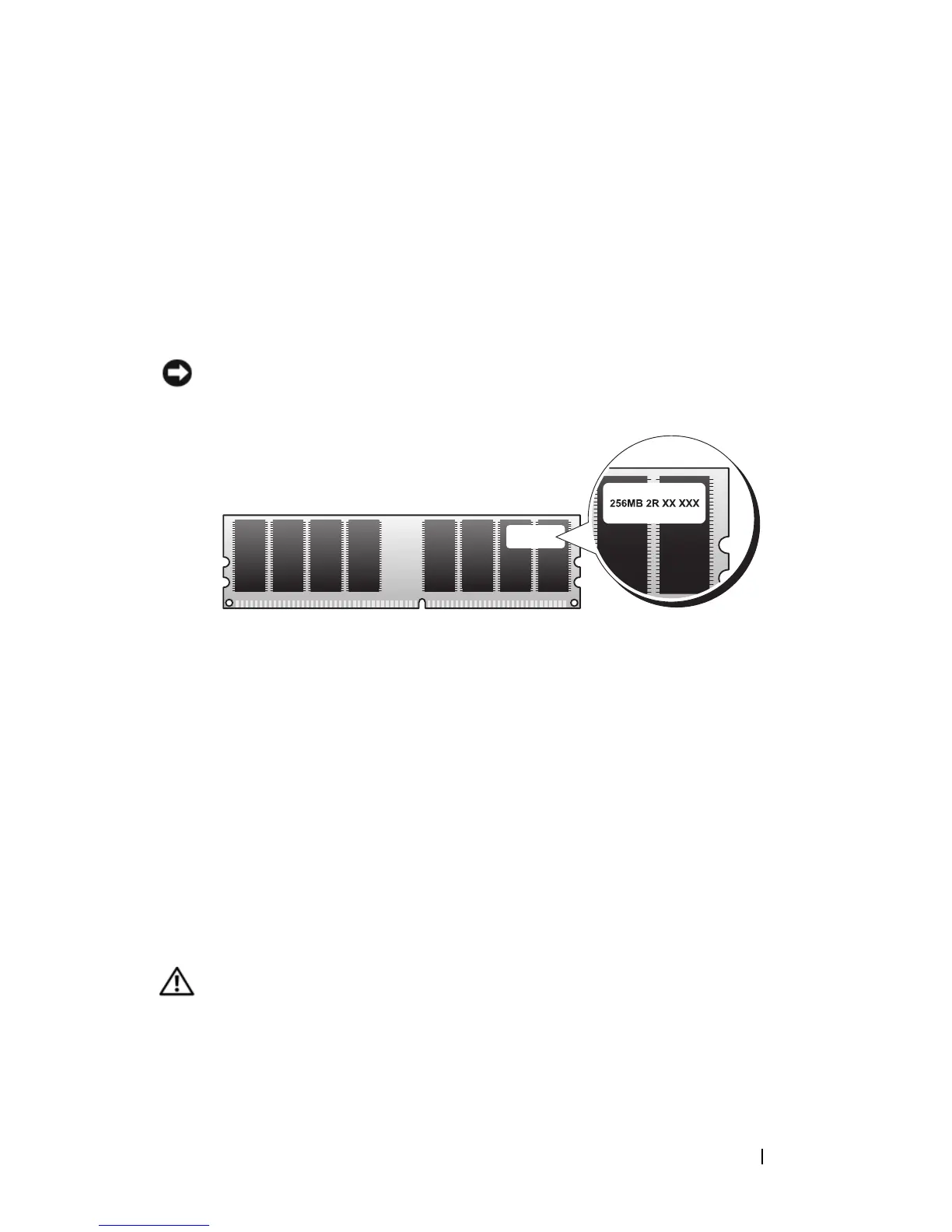
reduction in performance (see the label on the module to determine the
module’s capacity). For example, if you install a mixed pair of DDR2 667-
MHz and DDR2 800-MHz memory, the modules function at the slowest
speed installed.
Installing Memory
CAUTION: Before you begin any of the procedures in this section, follow the
safety instructions in the Product Information Guide.














 To Next Page