Mini Tower Computer Parts 169
2
Remove the computer cover (see "Removing the Computer Cover" on
page 147).
3
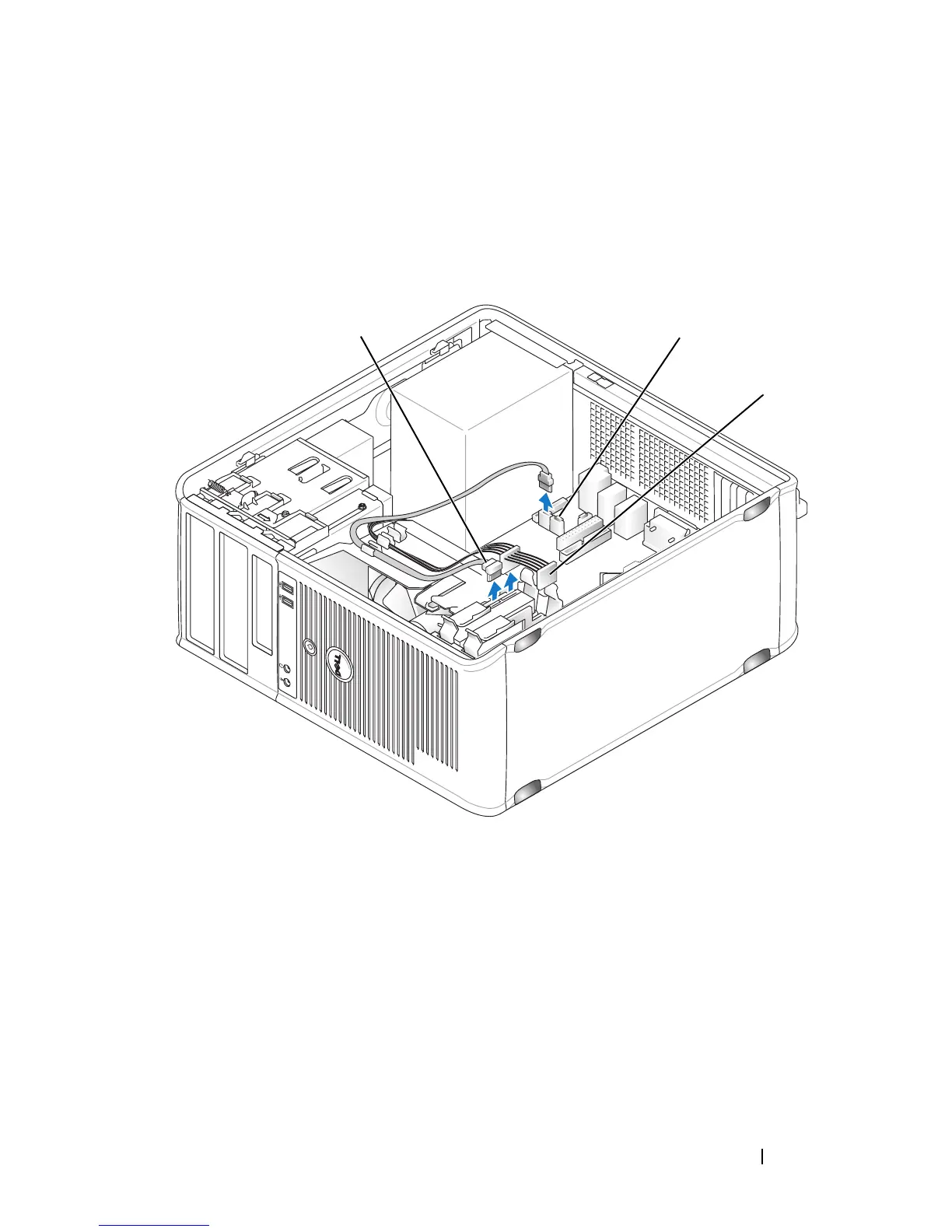
Disconnect the power and data cables from the drive.
4
Disconnect the data cable from the system board.
5
Remove the four screws securing the hard drive.
6
Slide the drive out away from the front of the computer.
1 hard-drive data cable 2 hard-drive data connector on system
board
3 power cable
3
2
1














 To Next Page