Mini Tower Computer Parts 175
5
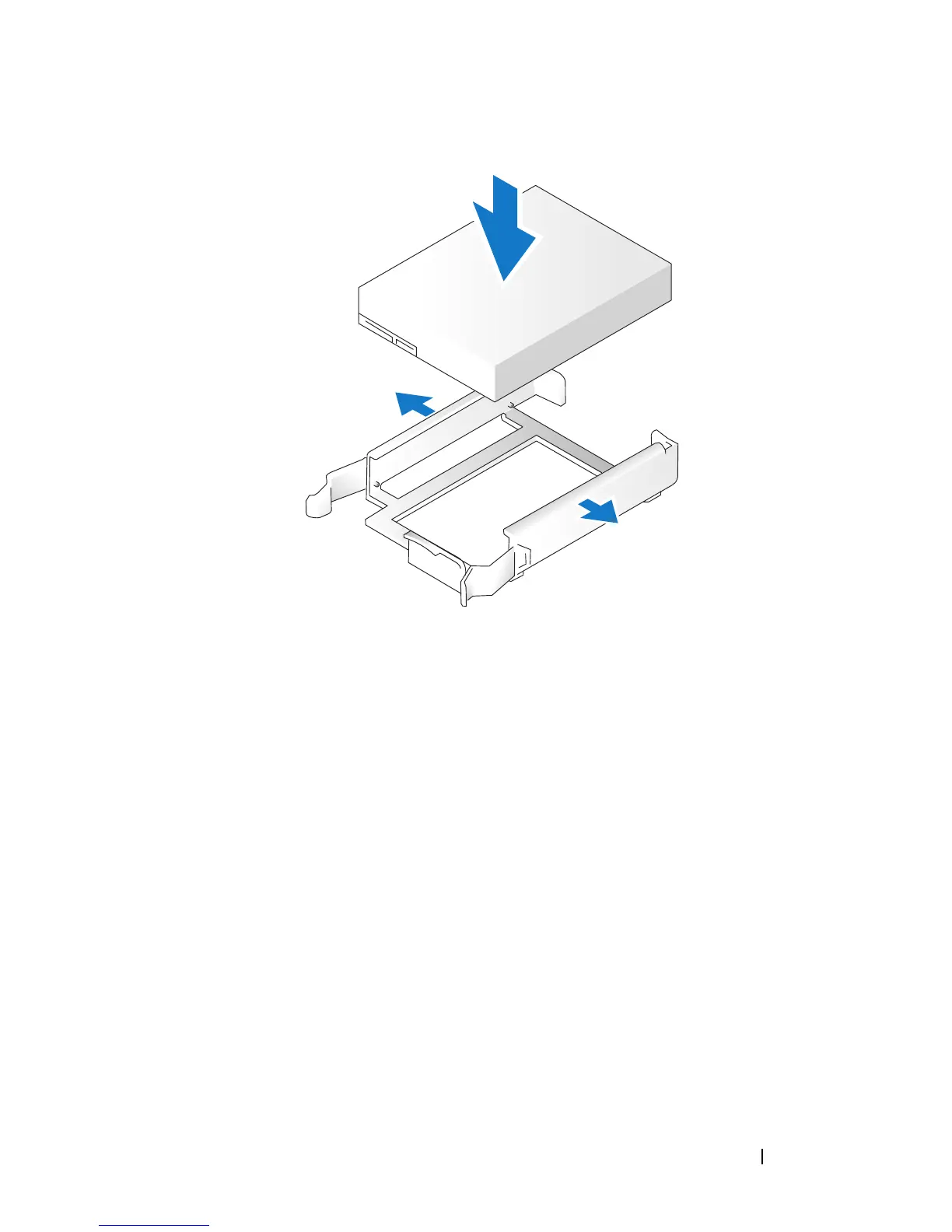
Move the first hard drive from the upper bay to the lower bay:
a
Disconnect the power and the data cables from the back of the first
hard drive.
b
Press in on the blue release tabs on each side of the drive and slide the
first hard drive up and out of the upper bay.
c
Gently slide the first hard drive into the lower bay until it clicks into
place.
6
Gently slide the new hard drive into the upper bay until it clicks into place.
7
Connect a power cable to each drive.














 To Next Page