18 Finding Information
• How to use Windows Vista™
• How to work with programs and files
• How to personalize my desktop
Windows Help and Support Center
1
Click the Windows Vista
s
tart button
→
Help and Support
.
2
Type a word or phrase that describes
your problem and click the arrow icon.
3
Click the topic that describes your
problem.
4
Follow the instructions on the screen.
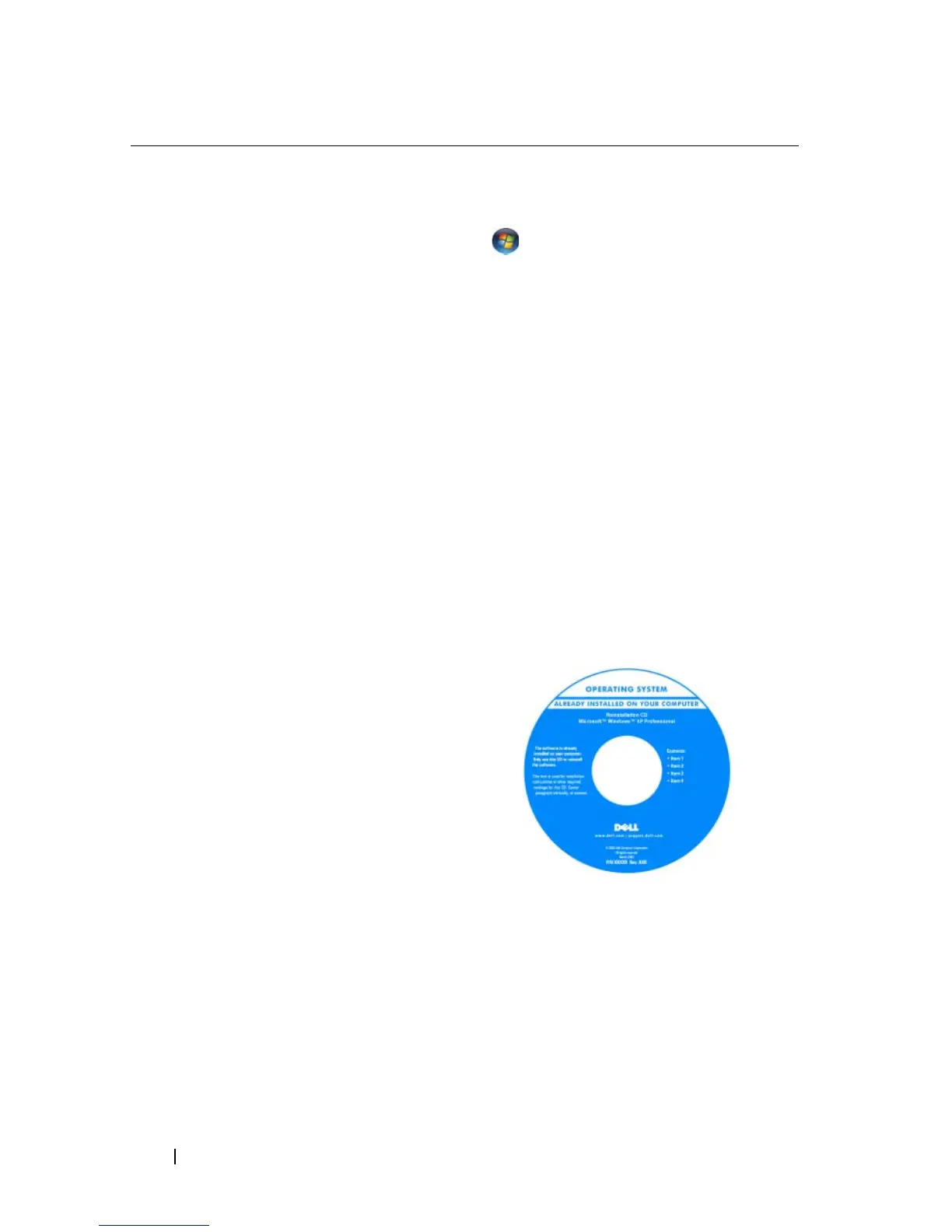
• How to reinstall my operating system
Operating System Media
NOTE: The Operating System media may be
optional and may not ship with your
computer.
The operating system is already installed
on your computer. To reinstall your
operating system, use the Operating
System disc. See "Restoring Your
Operating System" on page 137.
What Are You Looking For? Find It Here














 To Next Page